
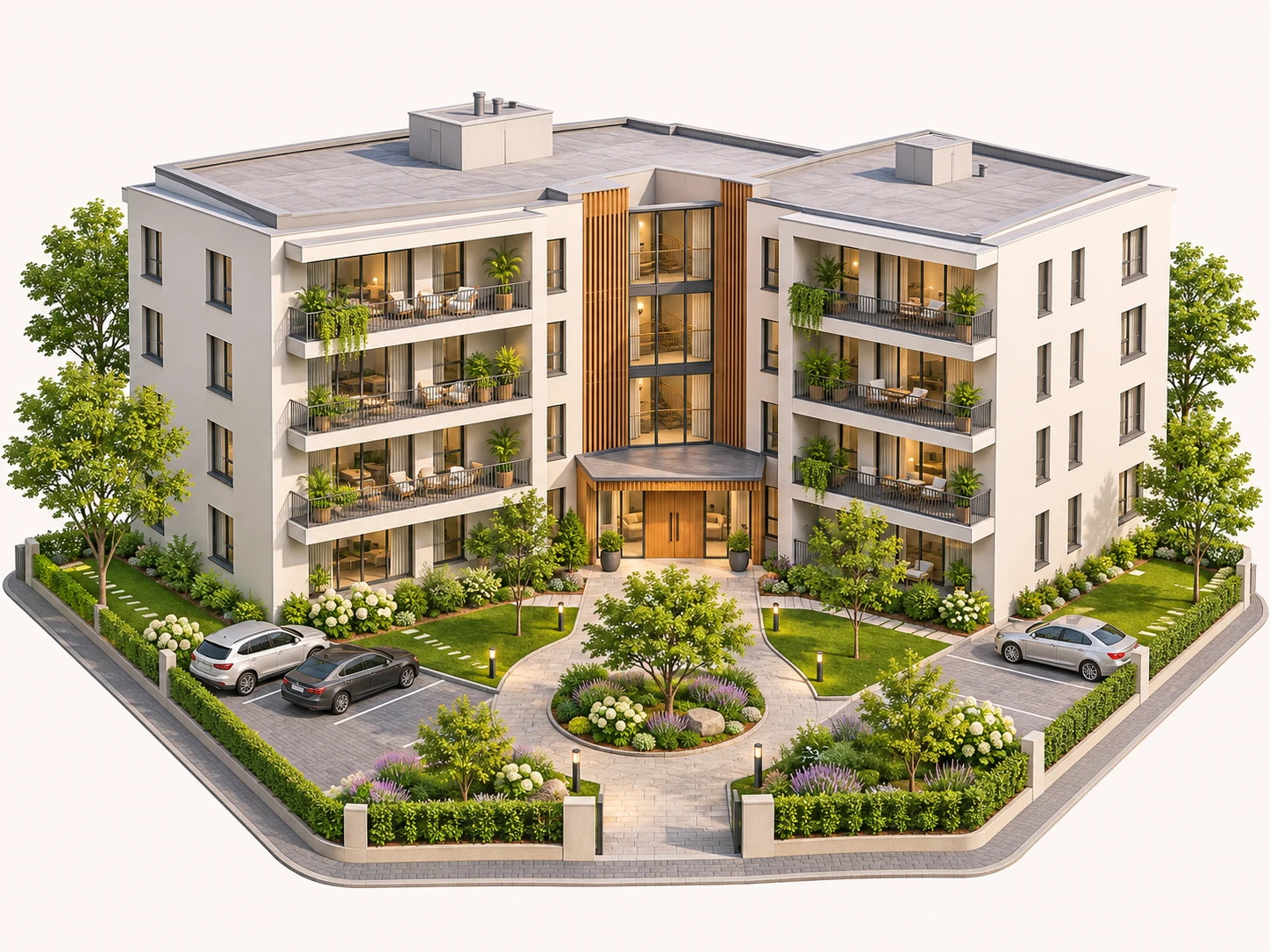
Apartment
Room-level control for selected applications.
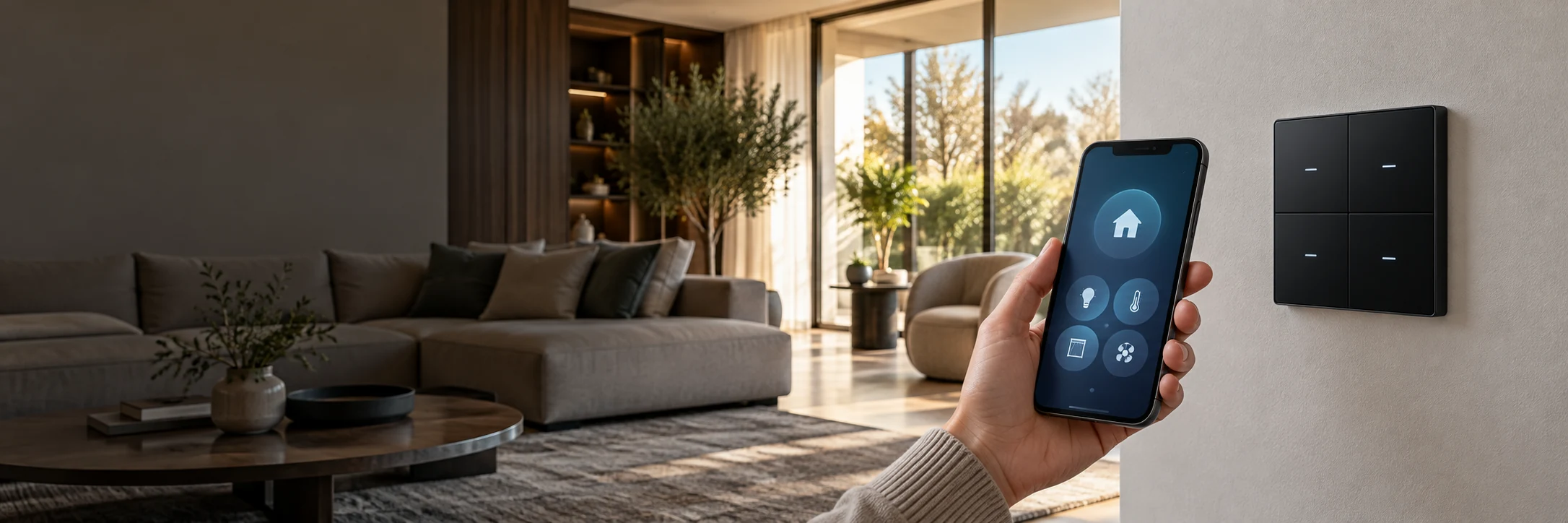
Discuss Bluetooth control around the use of each space.
Room-level control for selected applications.

Manual and supported area control.
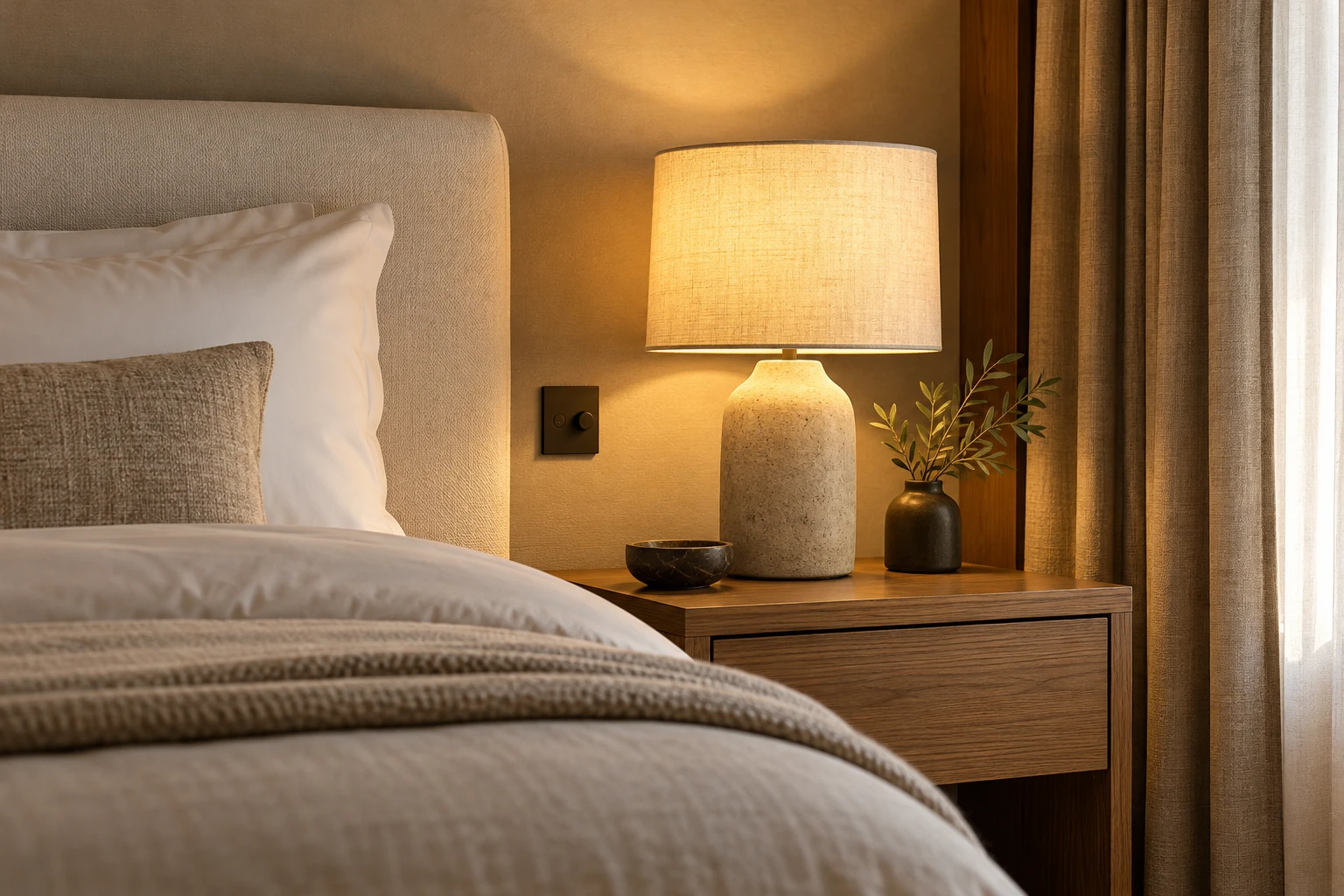
Clear room controls for daily use.
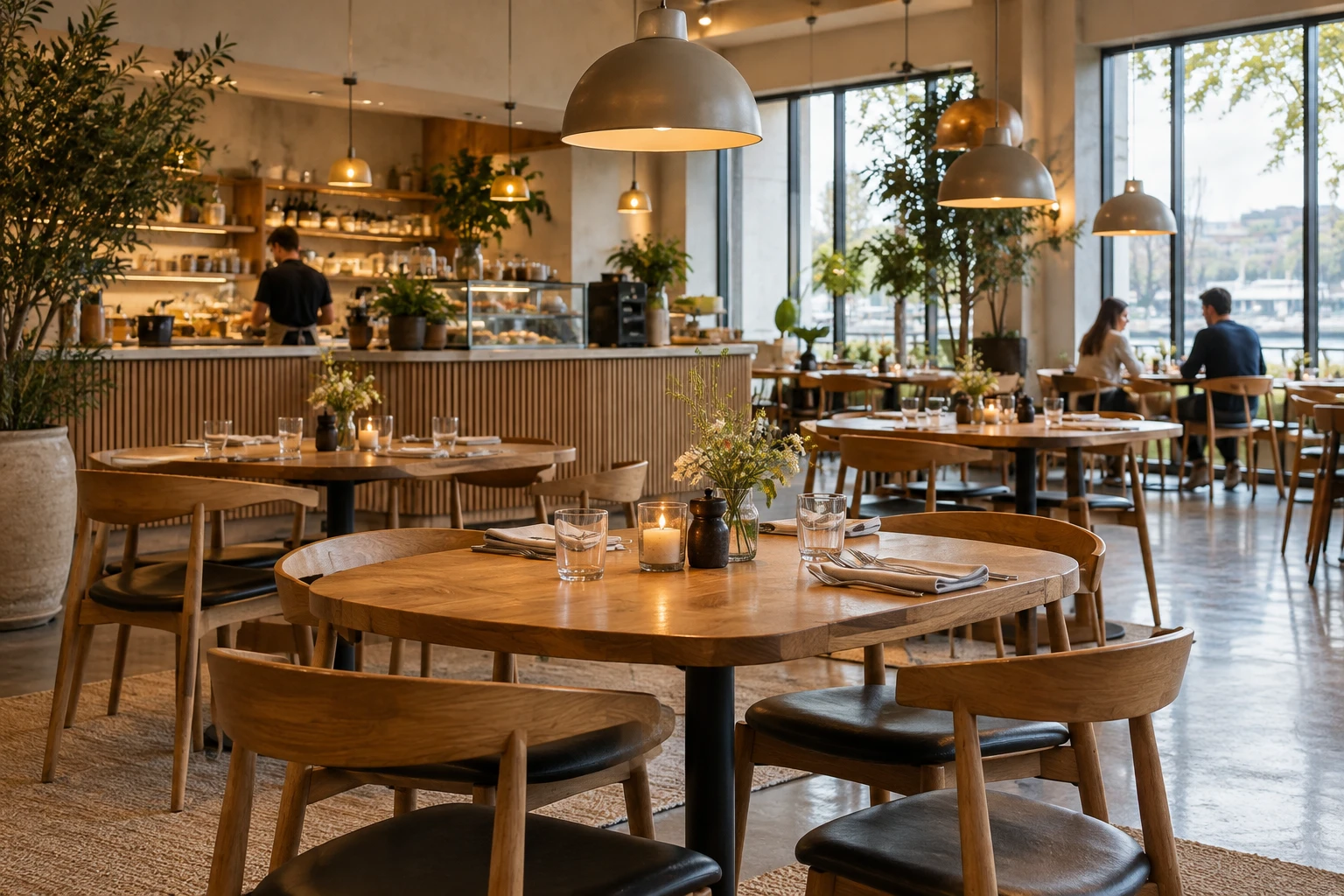
Selected controls for trading spaces.
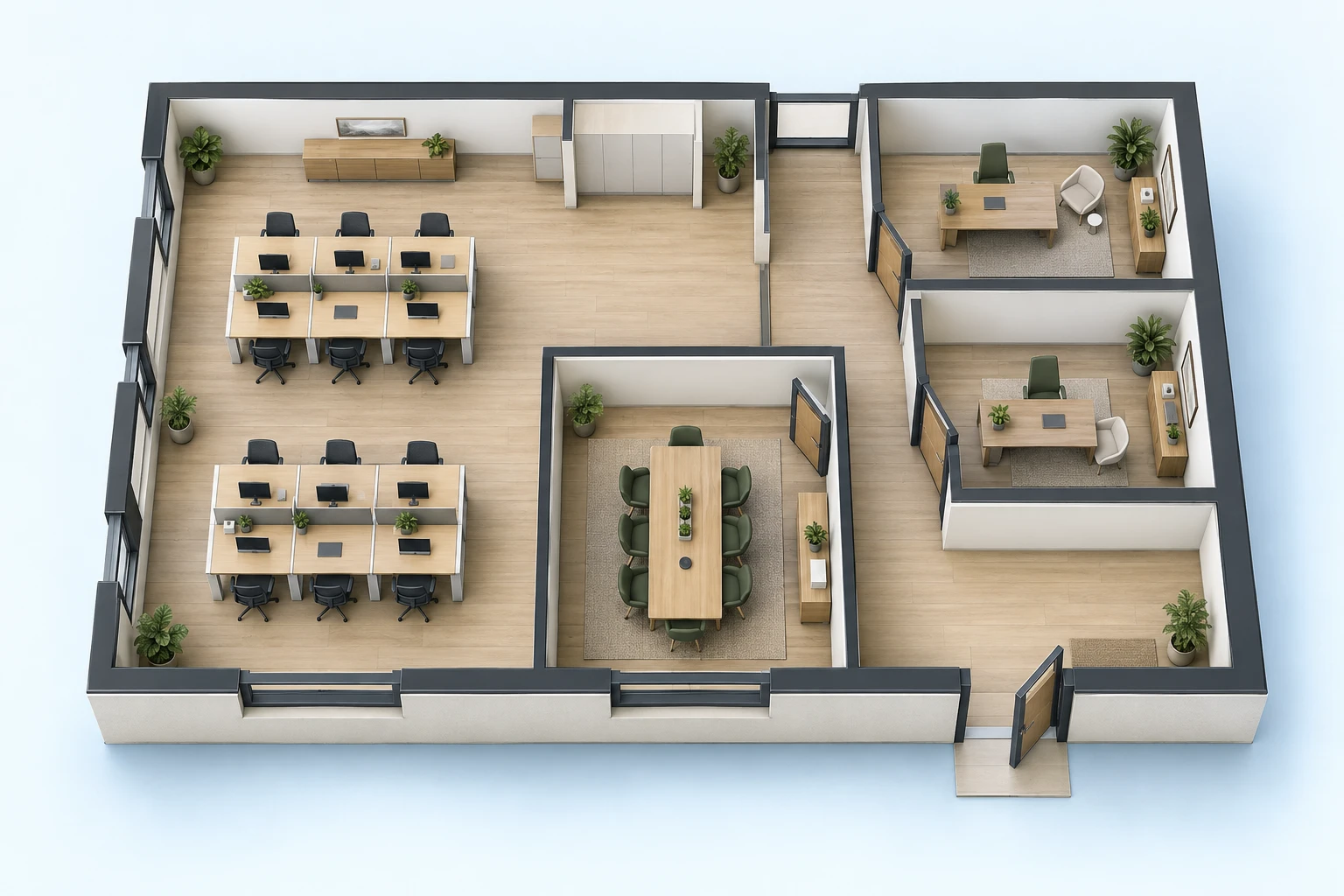
Place the device roles in the context of the building.
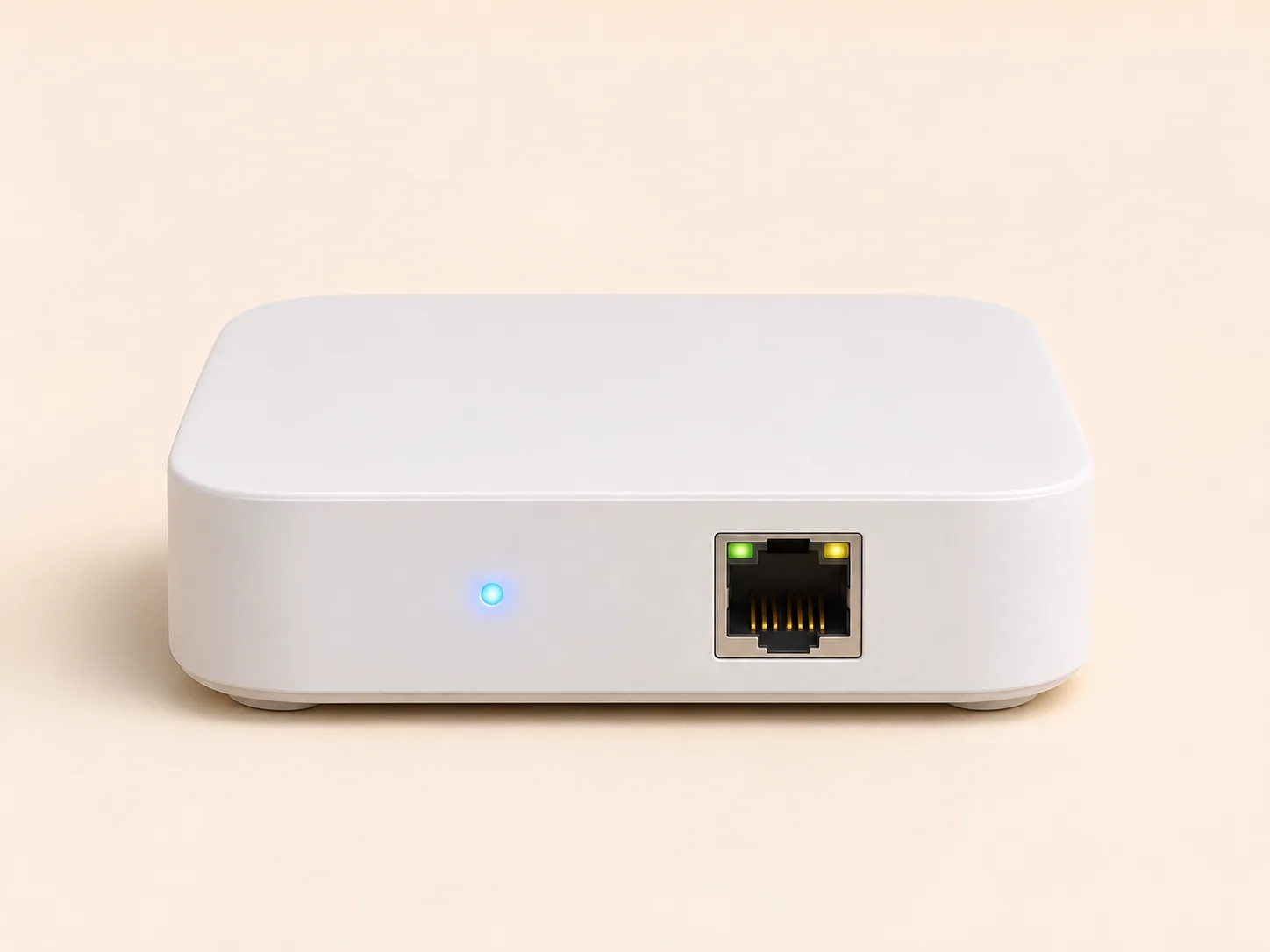 Optional Gateway
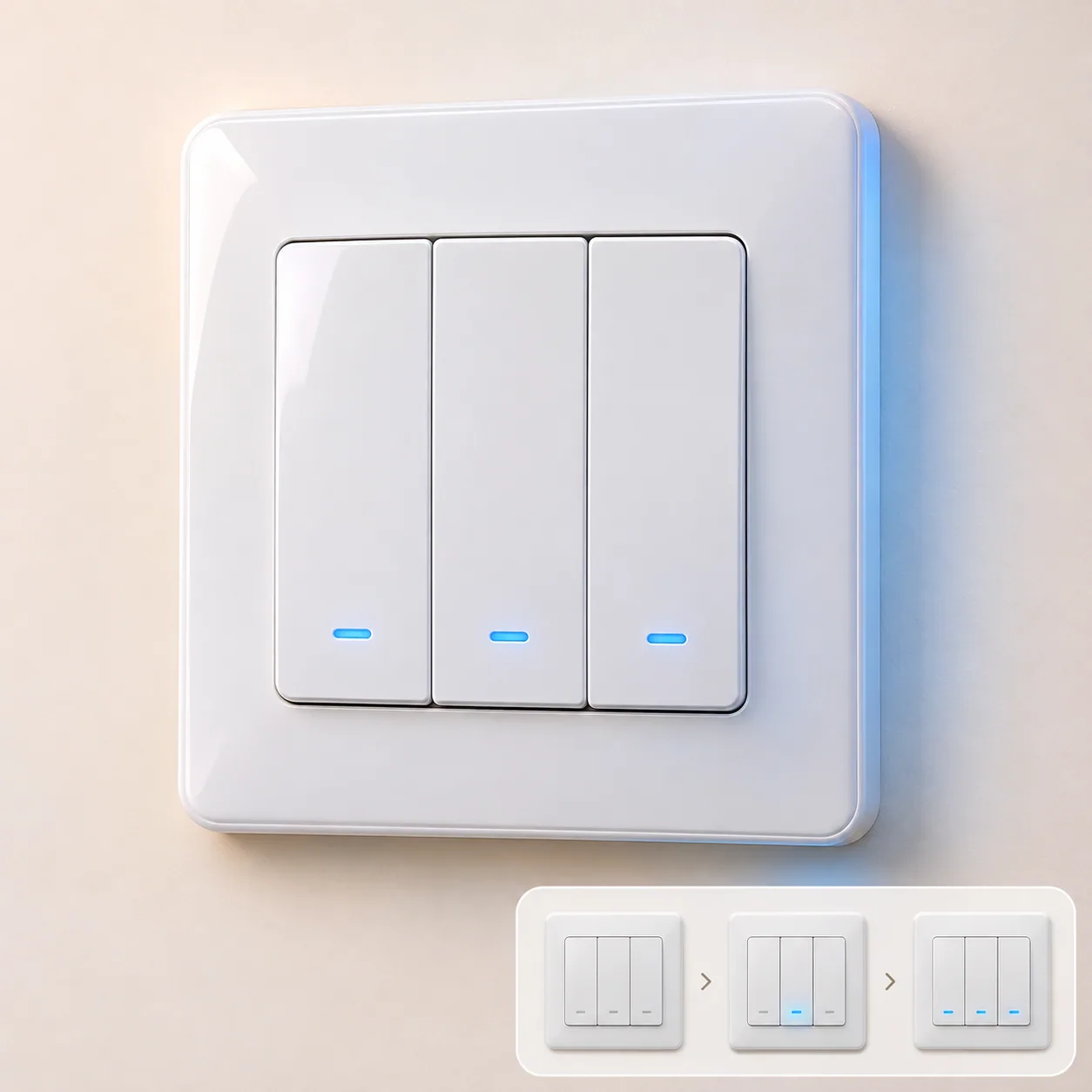 Room Control
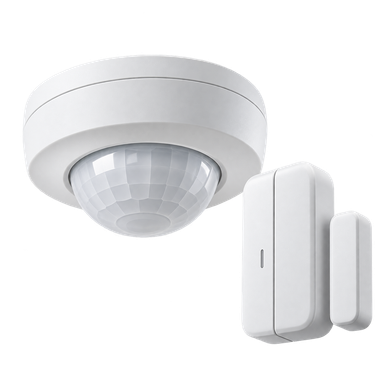 Optional SensorRoom Control
Illustrative placement and coverage areas. Actual positions and coverage require an onsite check.
Communication and load control are different jobs.
User input for supported controls.
An input where required by the design.
An onsite access role when included.
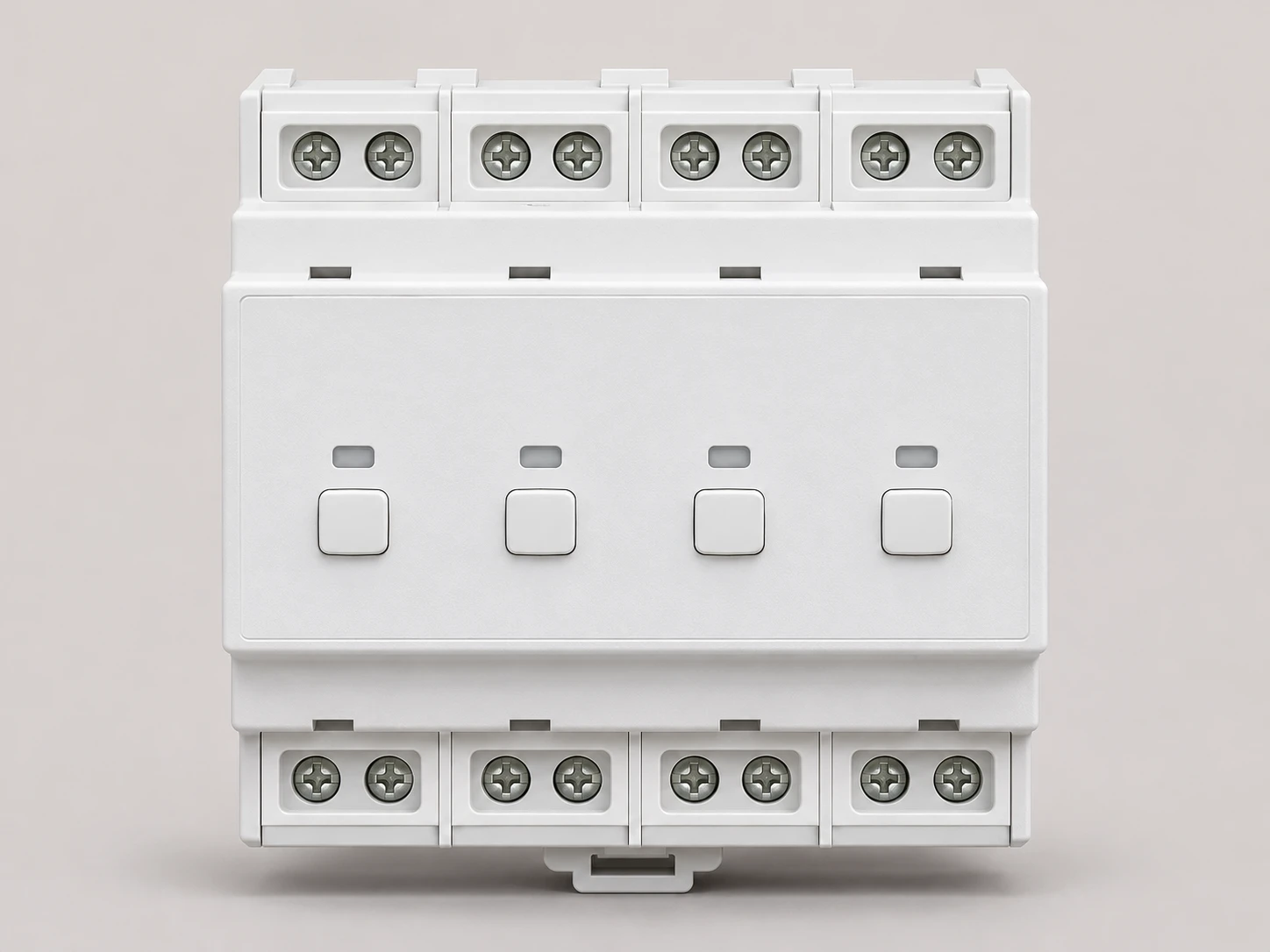
Controls the selected electrical load.
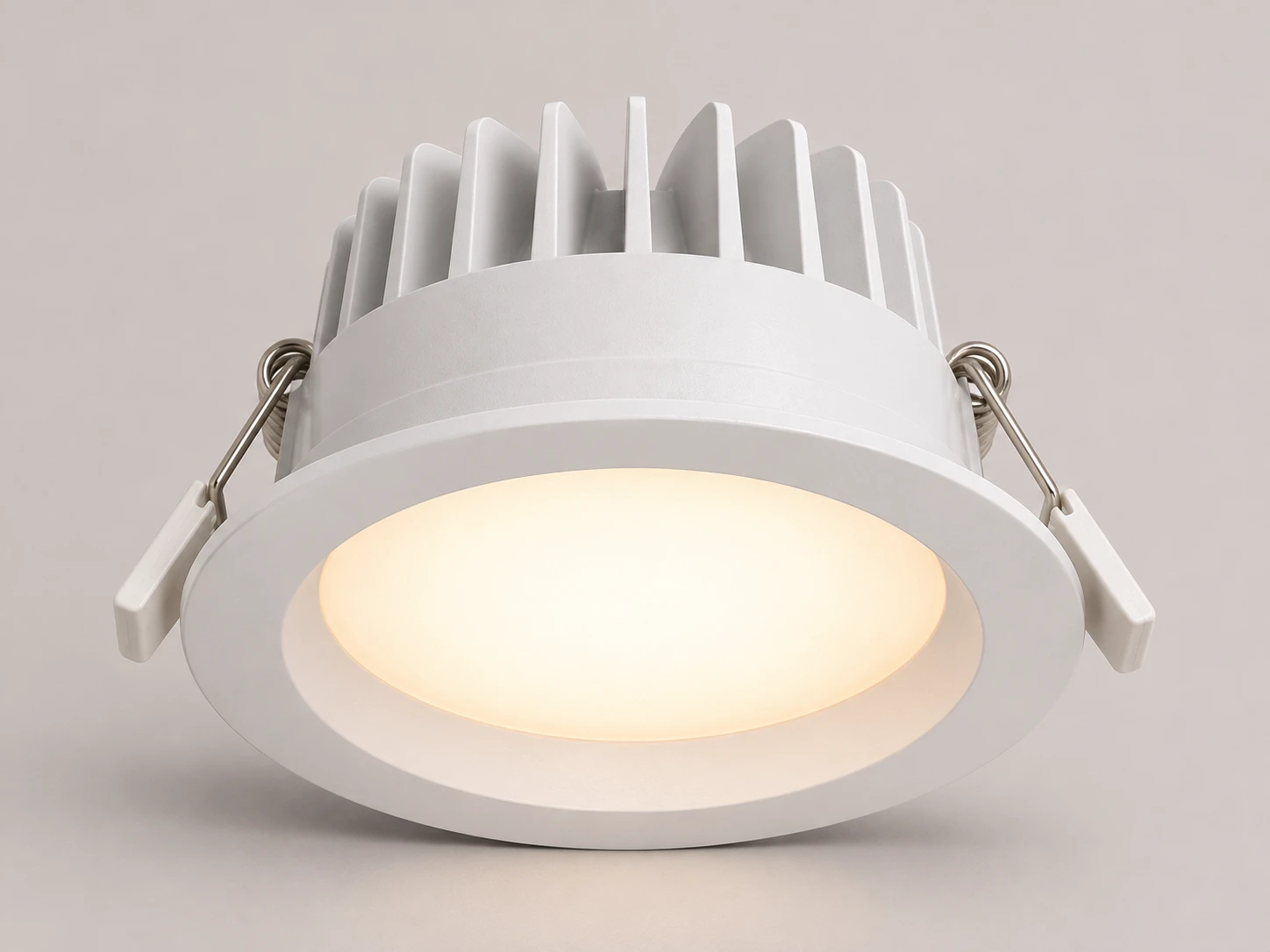
The light or other equipment being controlled.
Direct BLE control, remote access and Bluetooth Mesh have different requirements.
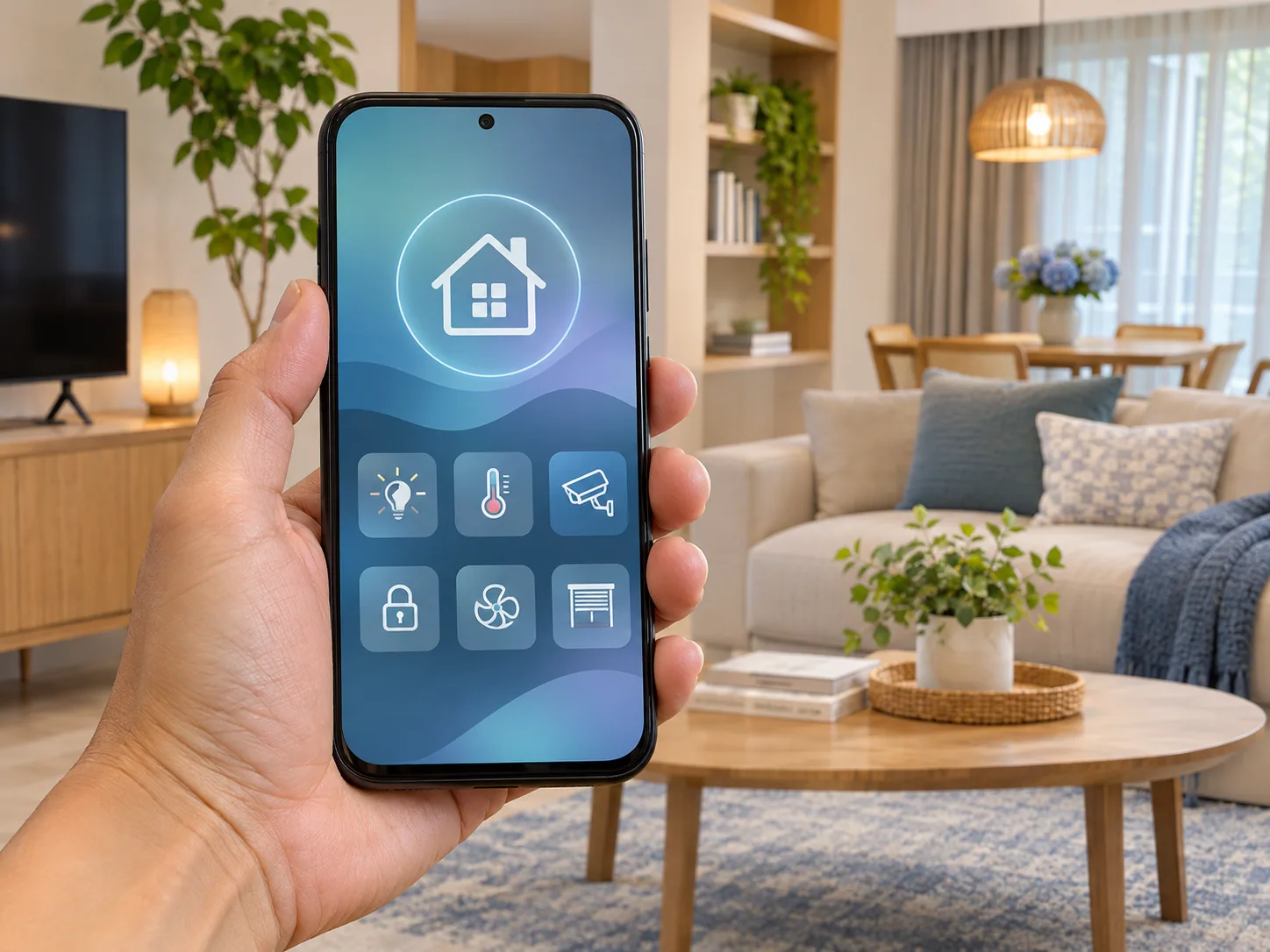
Control within onsite BLE range where supported.
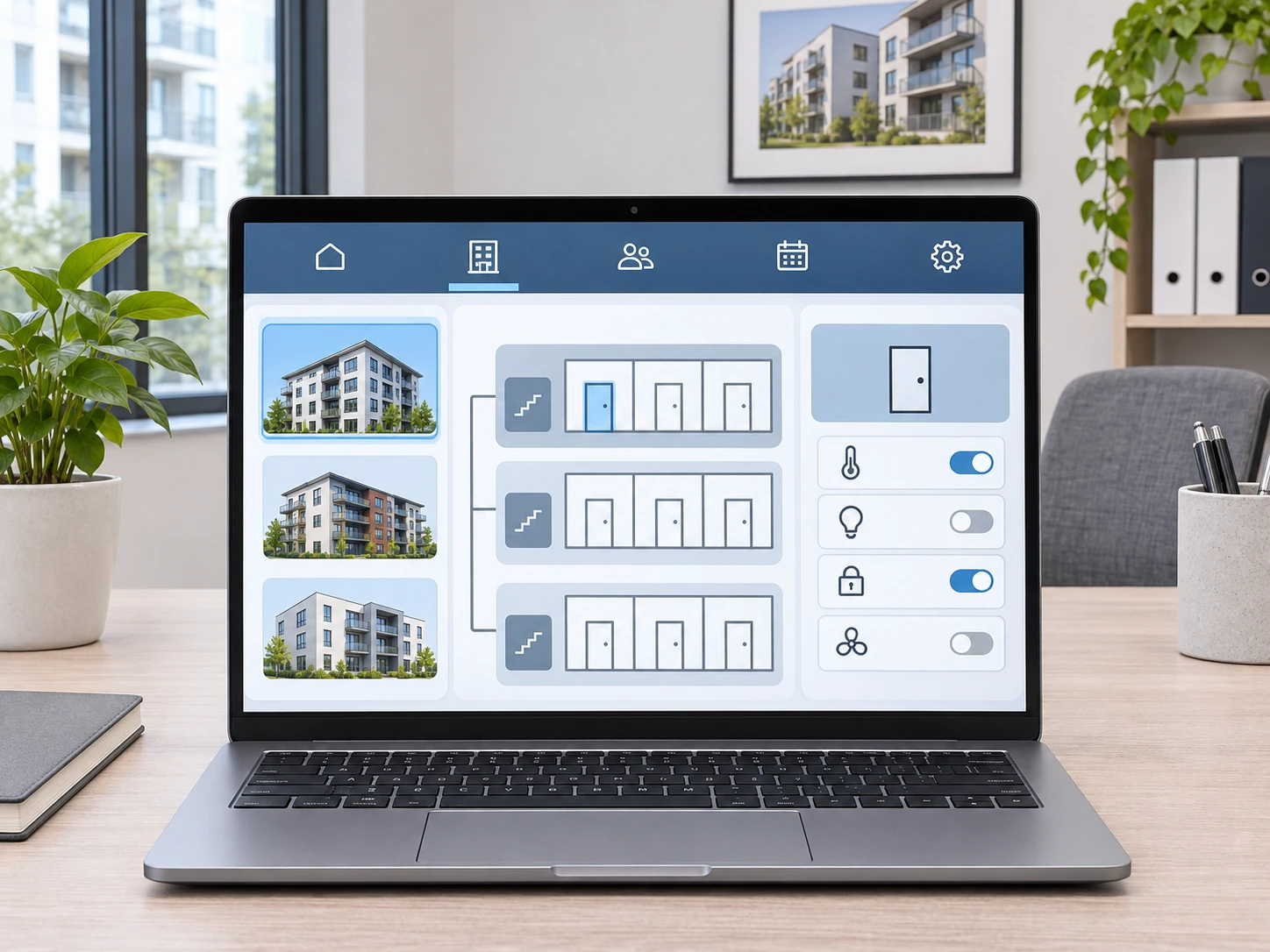
Requires a suitable onsite gateway and the configured service.
Direct communication between compatible devices for the supported task.
A separately implemented networking option. Not automatic for all BLE devices.
Combine only the functions supported by the chosen devices and setup.
The selected scene input.
A configured sensing input.
Suitable load-control equipment.
Lighting for the selected area.
Check the operating task in the intended environment.
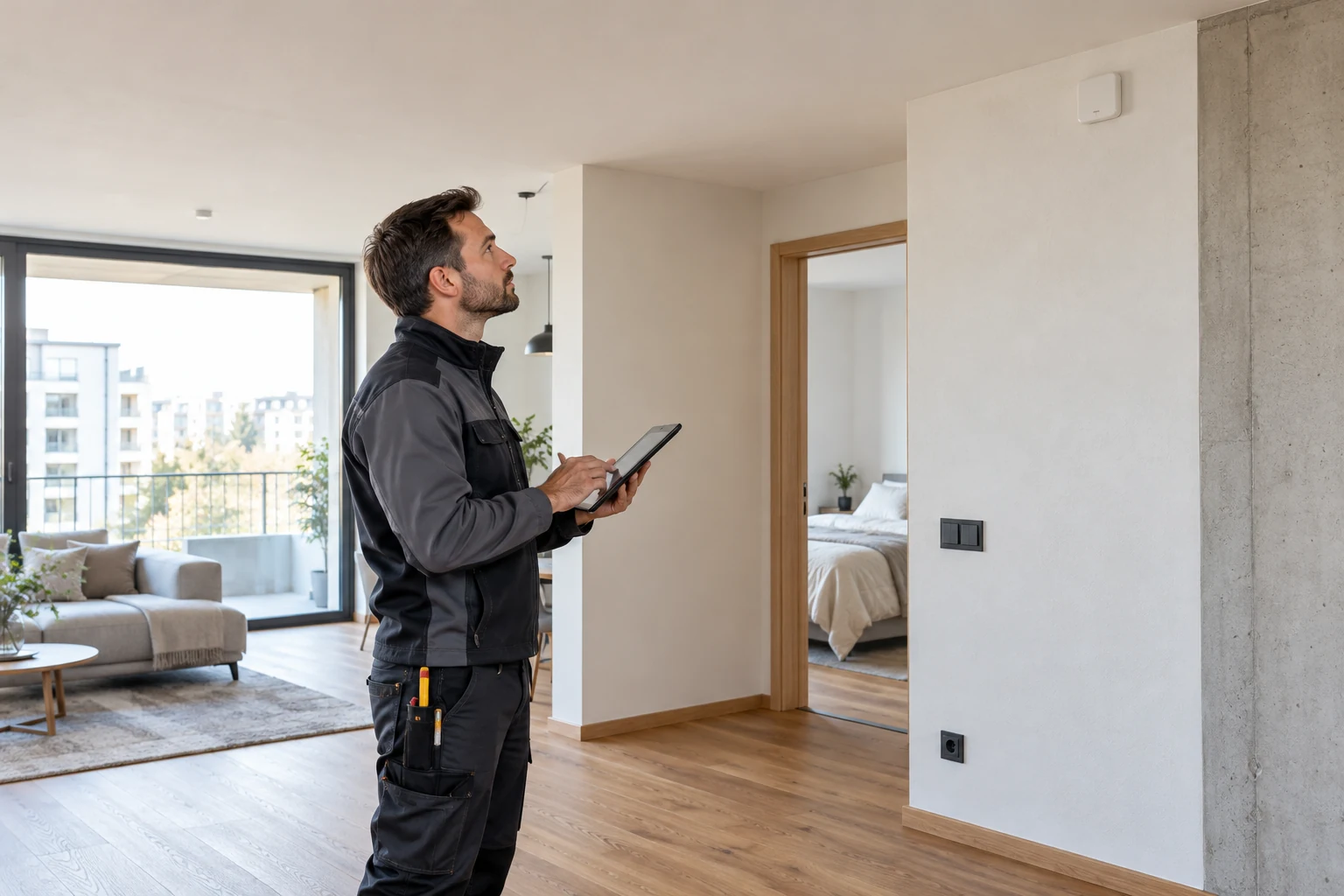
Review layout, use positions and coverage needs.
Consider walls, materials and obstructions.
Authorise devices and configure the supported functions.
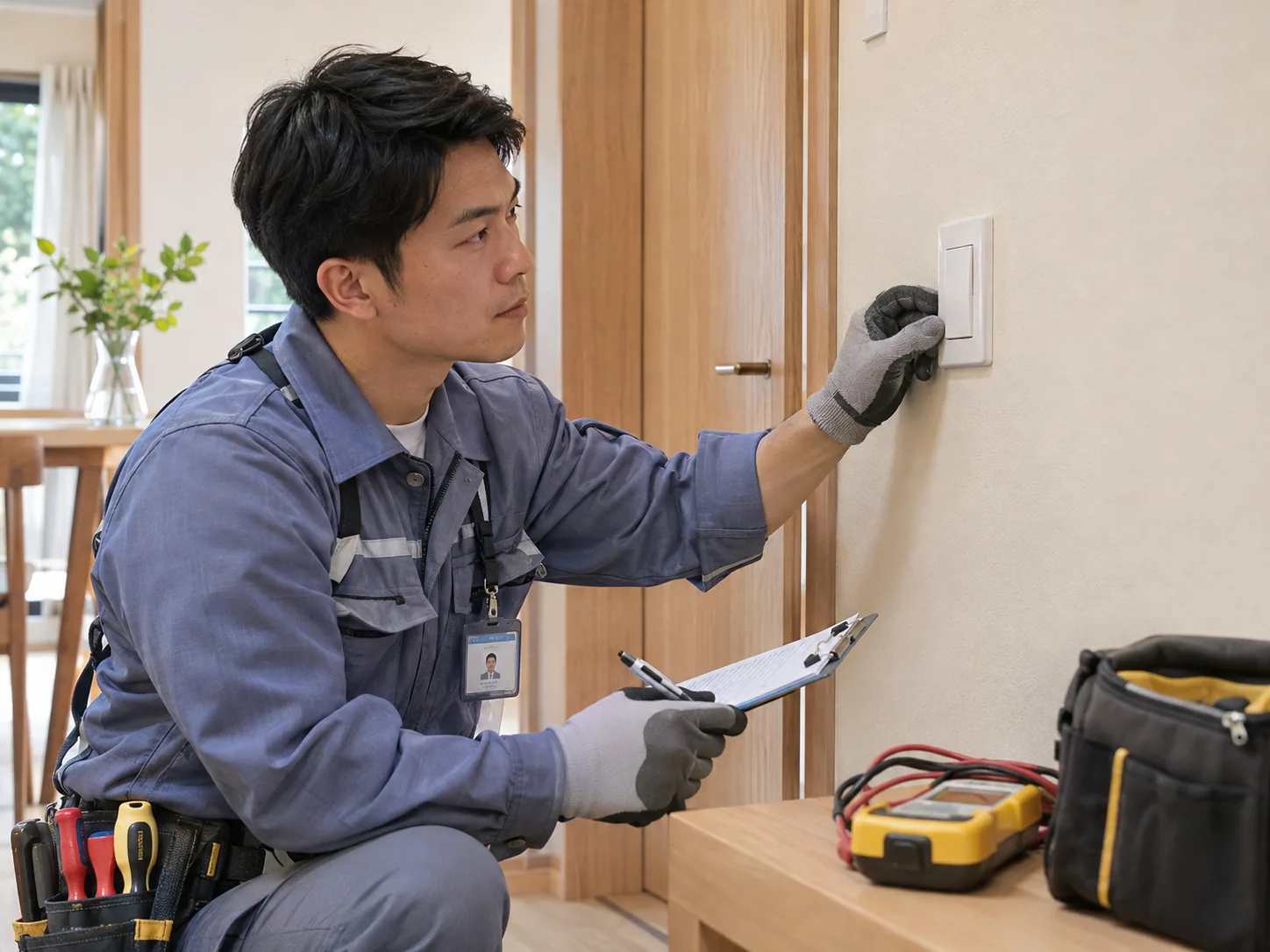
Check the required actions onsite.
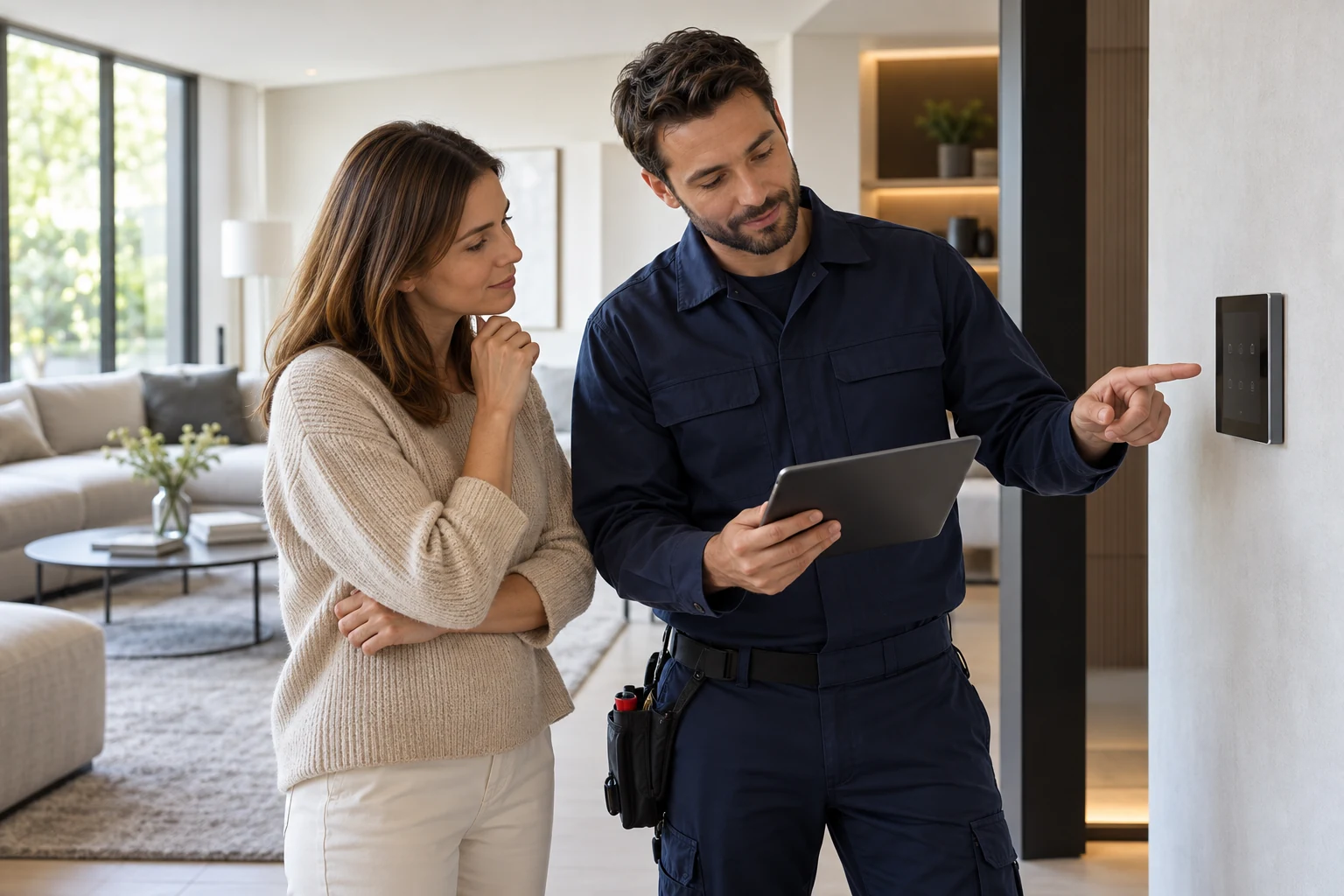
Explain the controls, limitations and service route.
Discuss the actual devices, installation and operating functions.
Select devices for the intended Bluetooth functions.
Check physical fit and any wiring requirements.
Match the actuator to the actual equipment.
Confirm scenes, permissions and optional remote access.
Verify the intended controls and area behaviour onsite.
Share your building spaces and the Bluetooth task you want to support.
Discuss Your Project