

Lighting Control
General, task and ambience lighting.
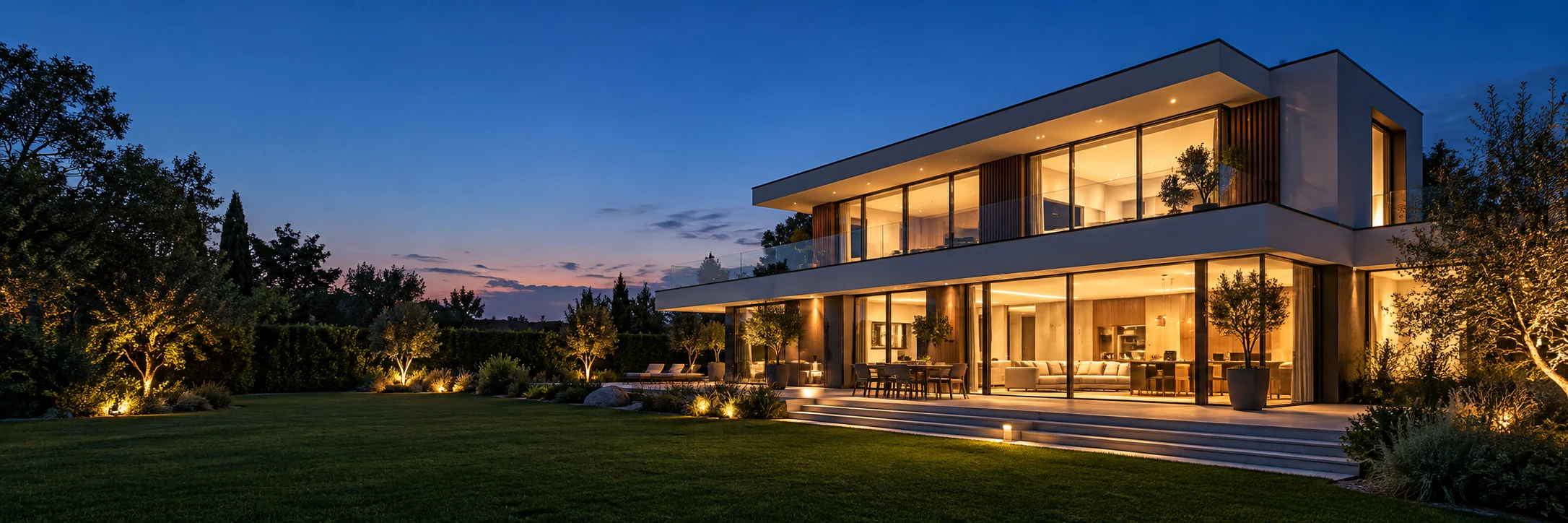
Discuss controls for office, hospitality, residential and other project spaces.
General, task and ambience lighting.

Selected lighting scenes for different activities.
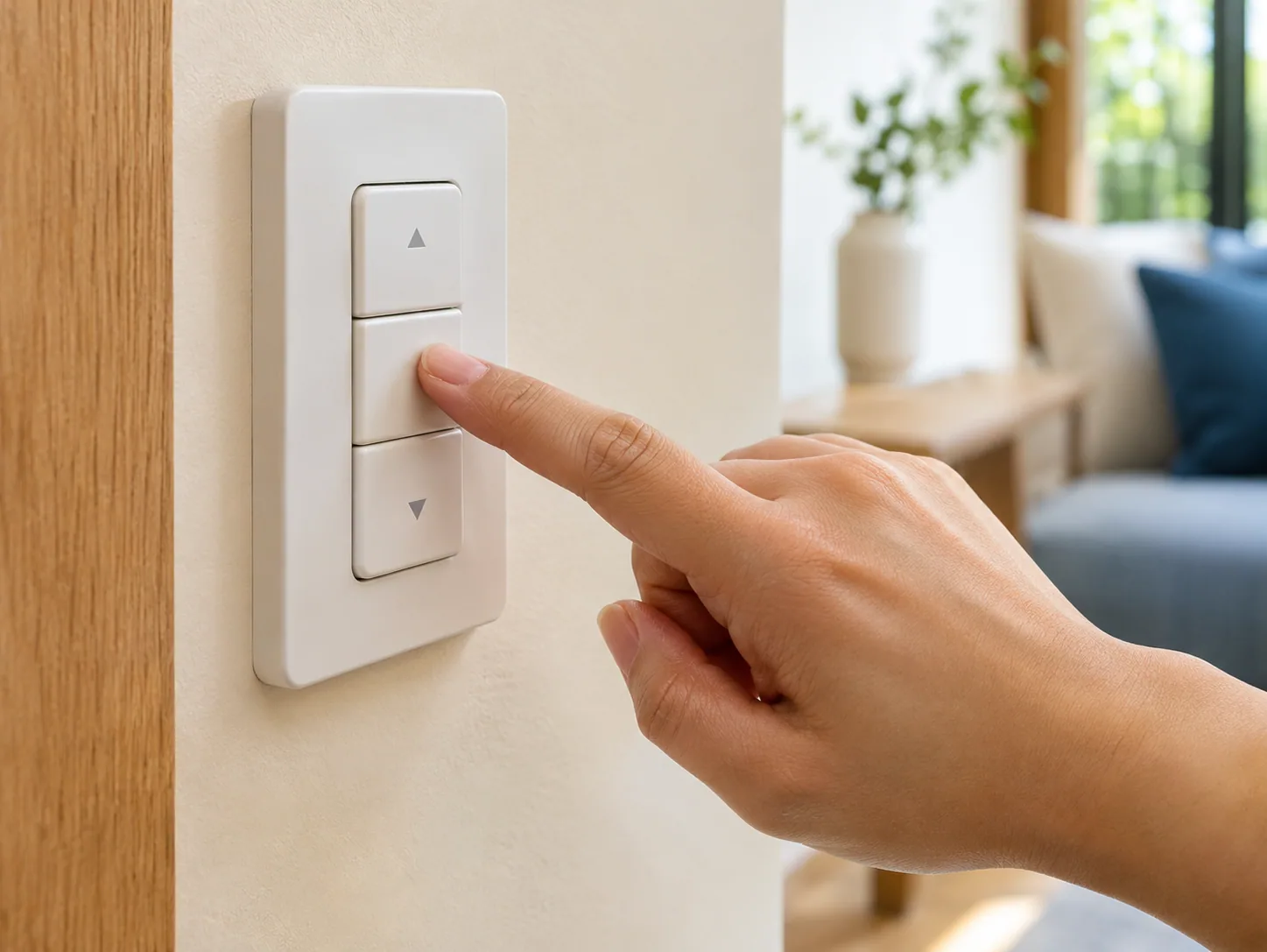
Designated loads within the chosen device rating.

Project-specific controls for different building types.
Keep network communication and the physical power circuit clearly separate.
Data, commands and configuration
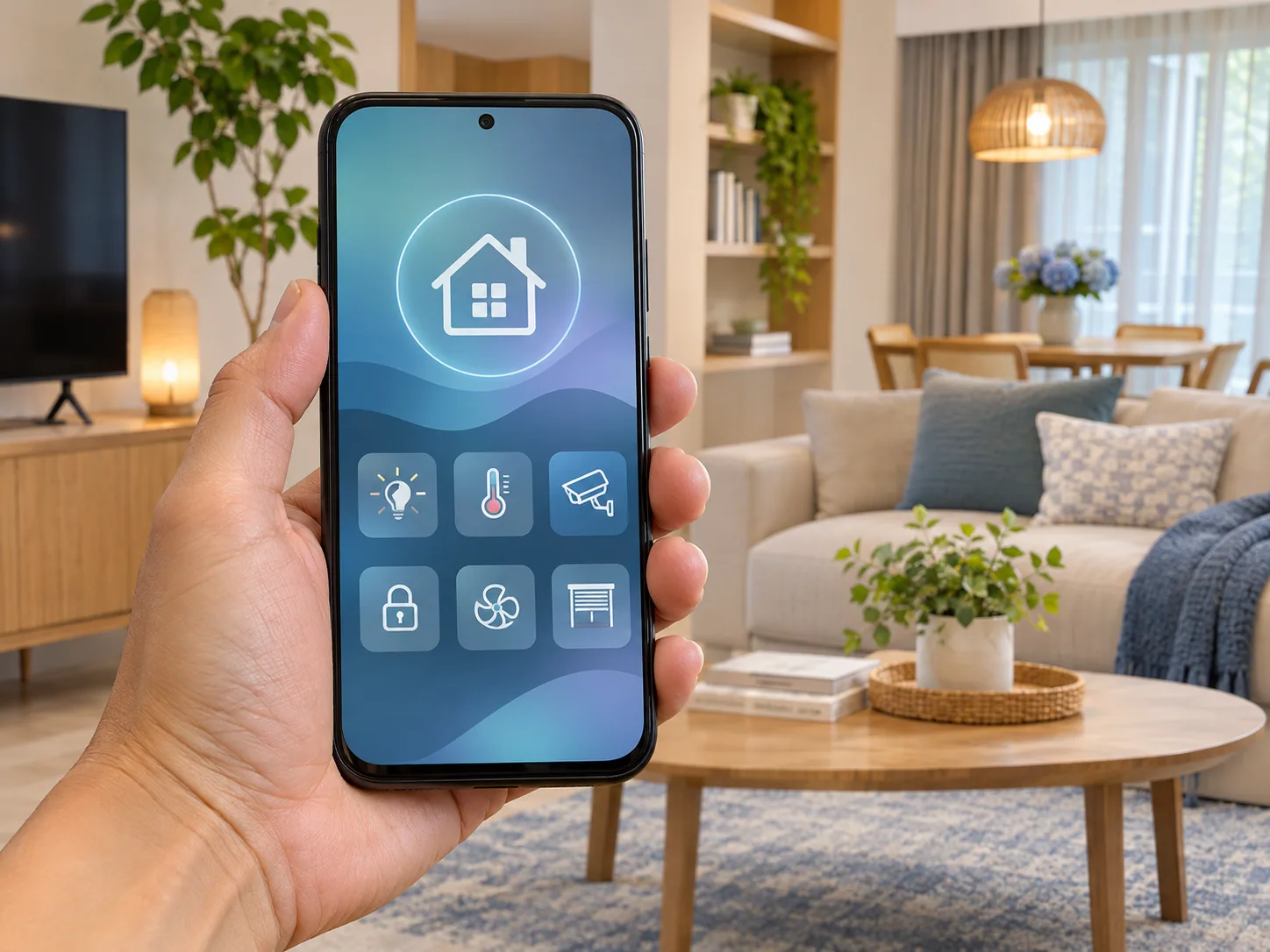
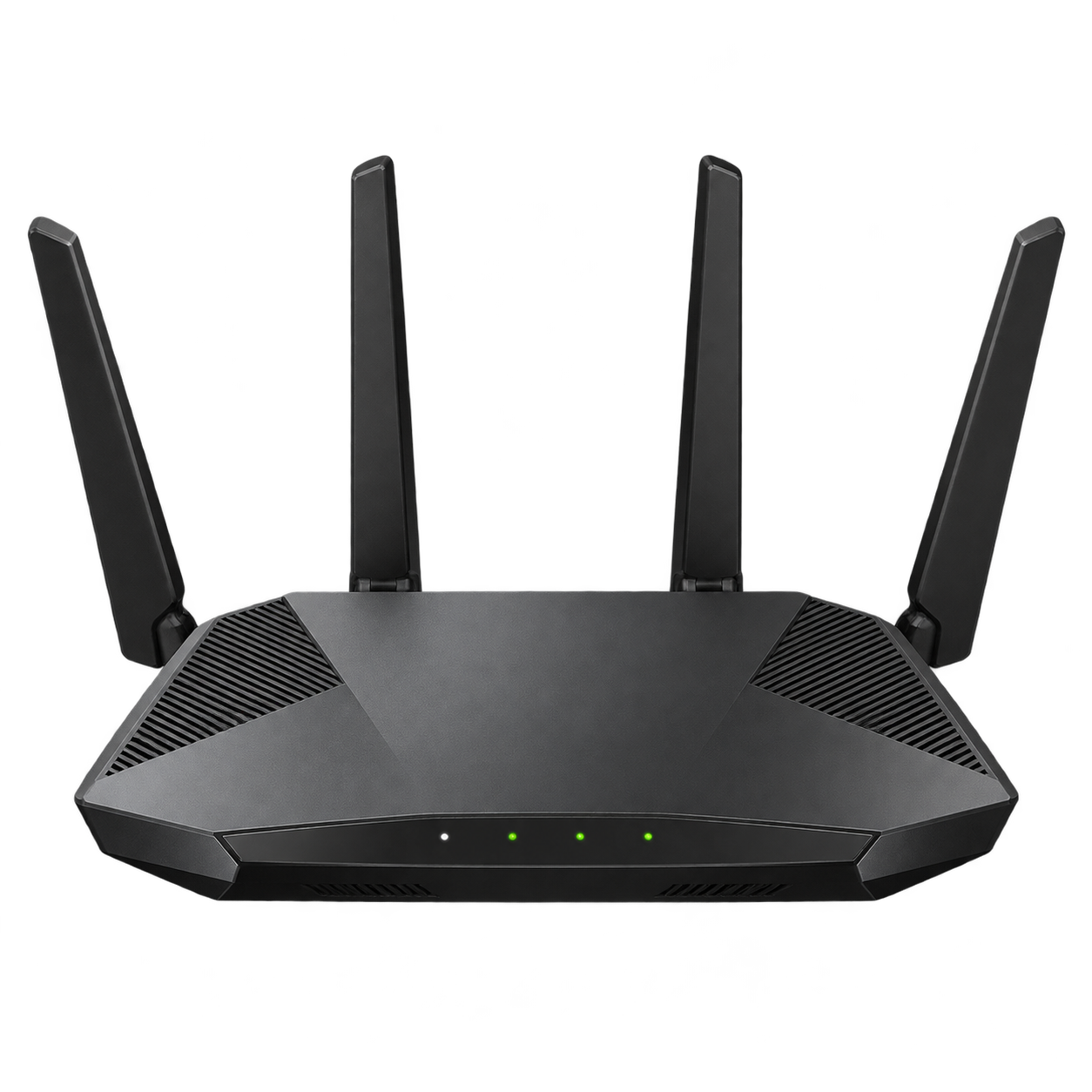
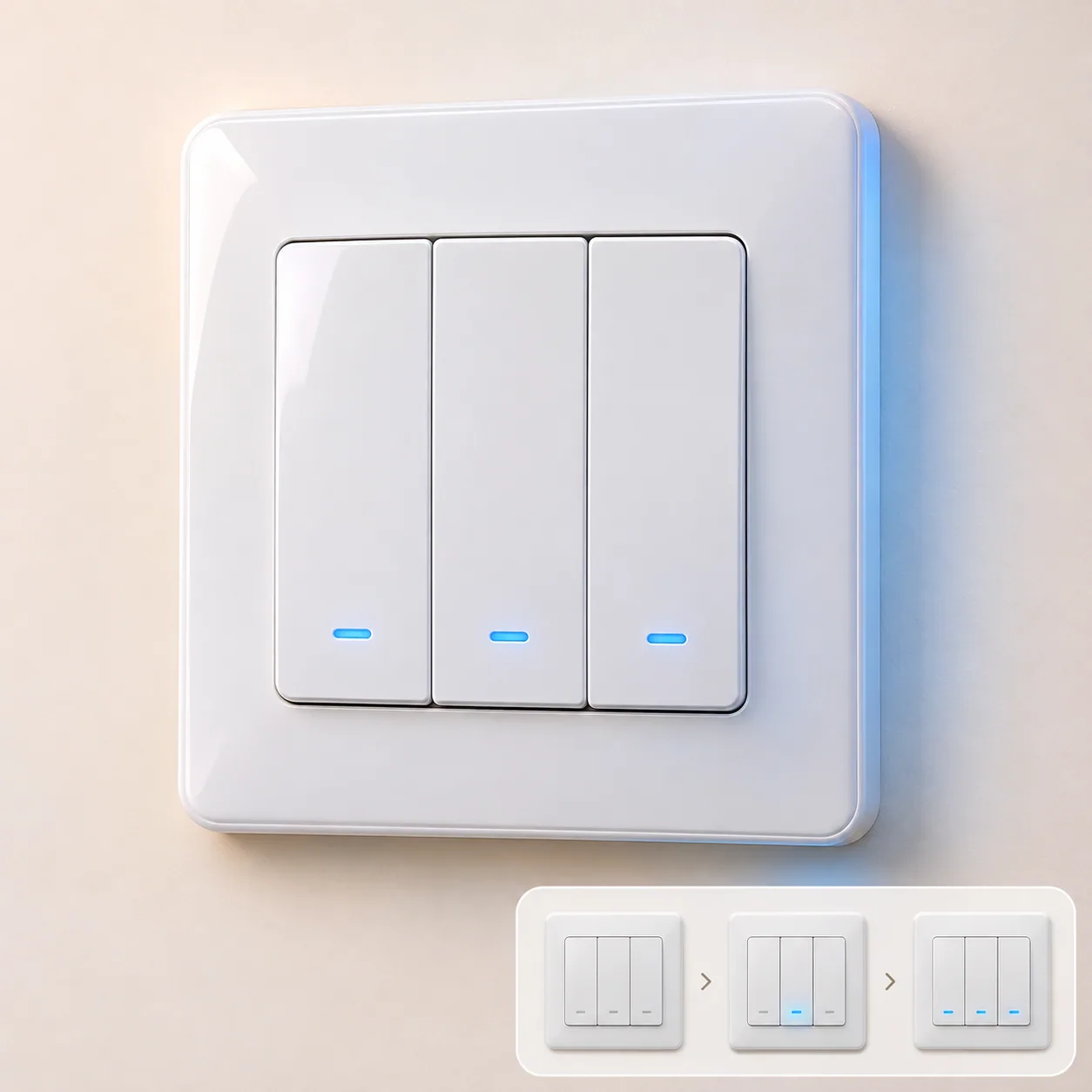
The supported device communicates through the configured network.
Electrical supply and actual load
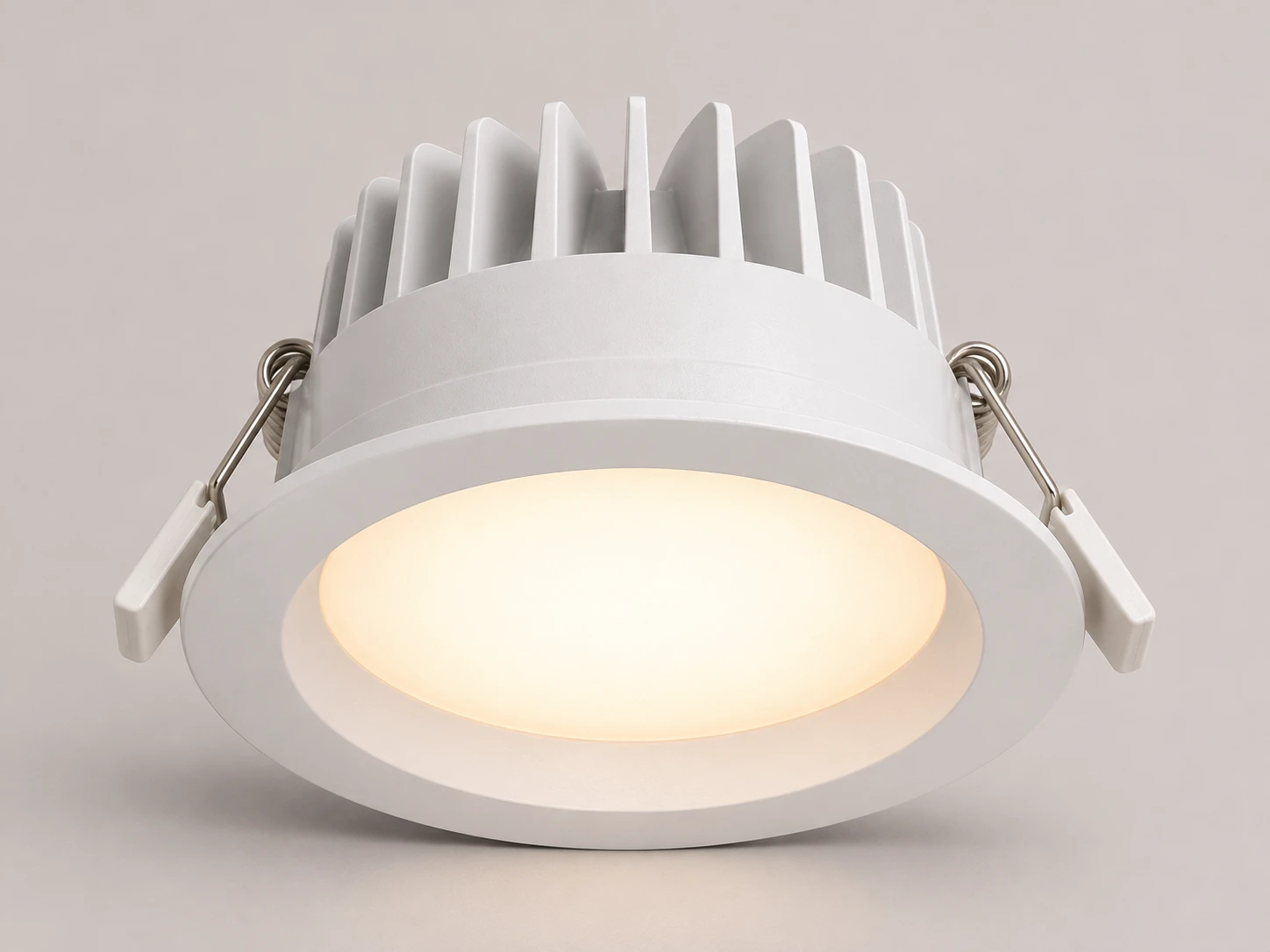
A separate electrical circuit supplies the load; the selected device controls it.
Functional roles only. This is not a wiring diagram or installation instruction.
Choose the network and equipment as a suitable combination.
Provides network access for the supported device.
Controls the connected load as supported by the model.
Lighting or another suitable load within rated limits.
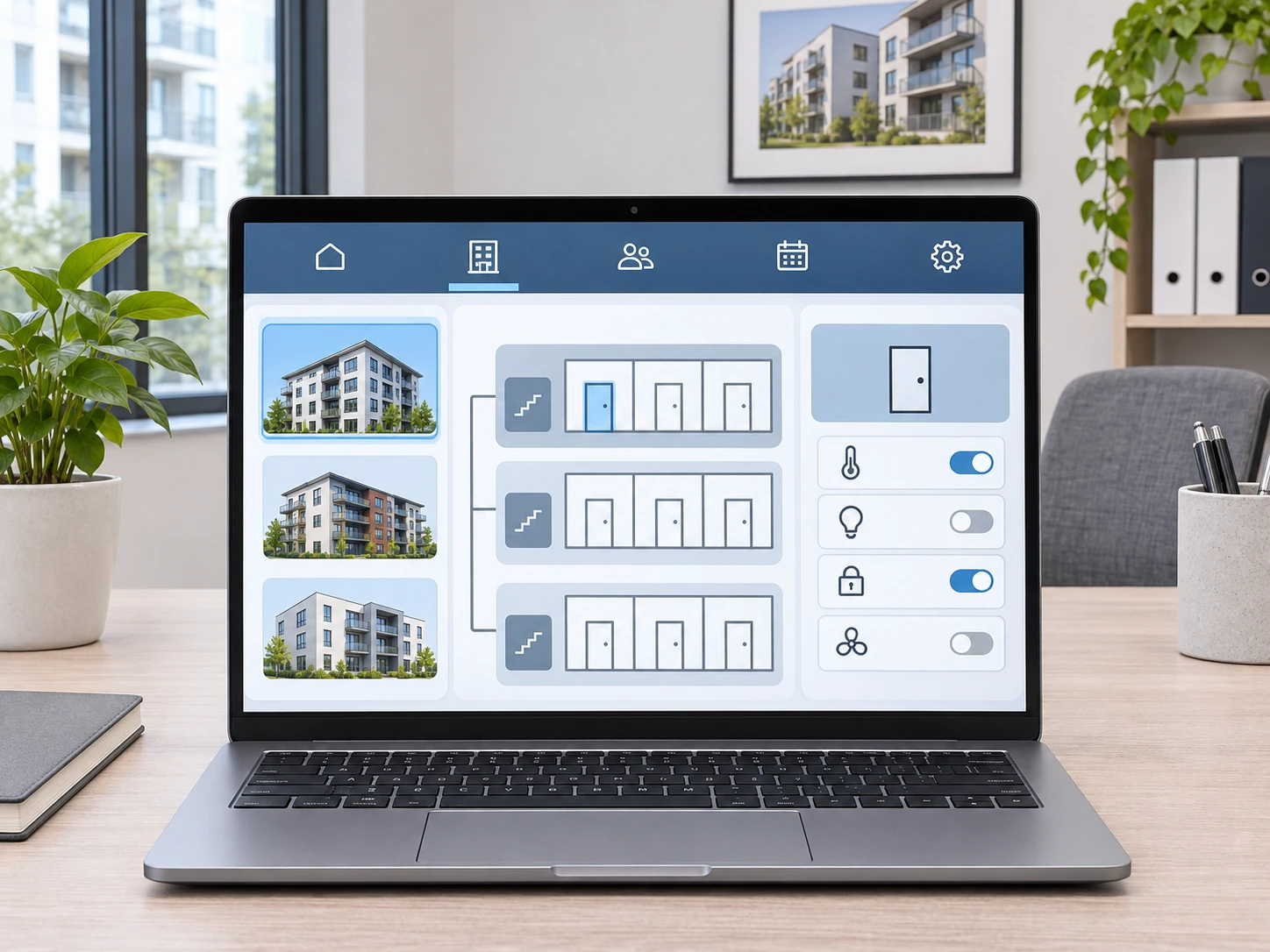
Remote access and management where included and supported.
Availability depends on the device, app, network and configuration.
Operate within the site network where the selected system supports it.
Access the project from elsewhere through the supported service.
Plan coverage around the building and its everyday use.
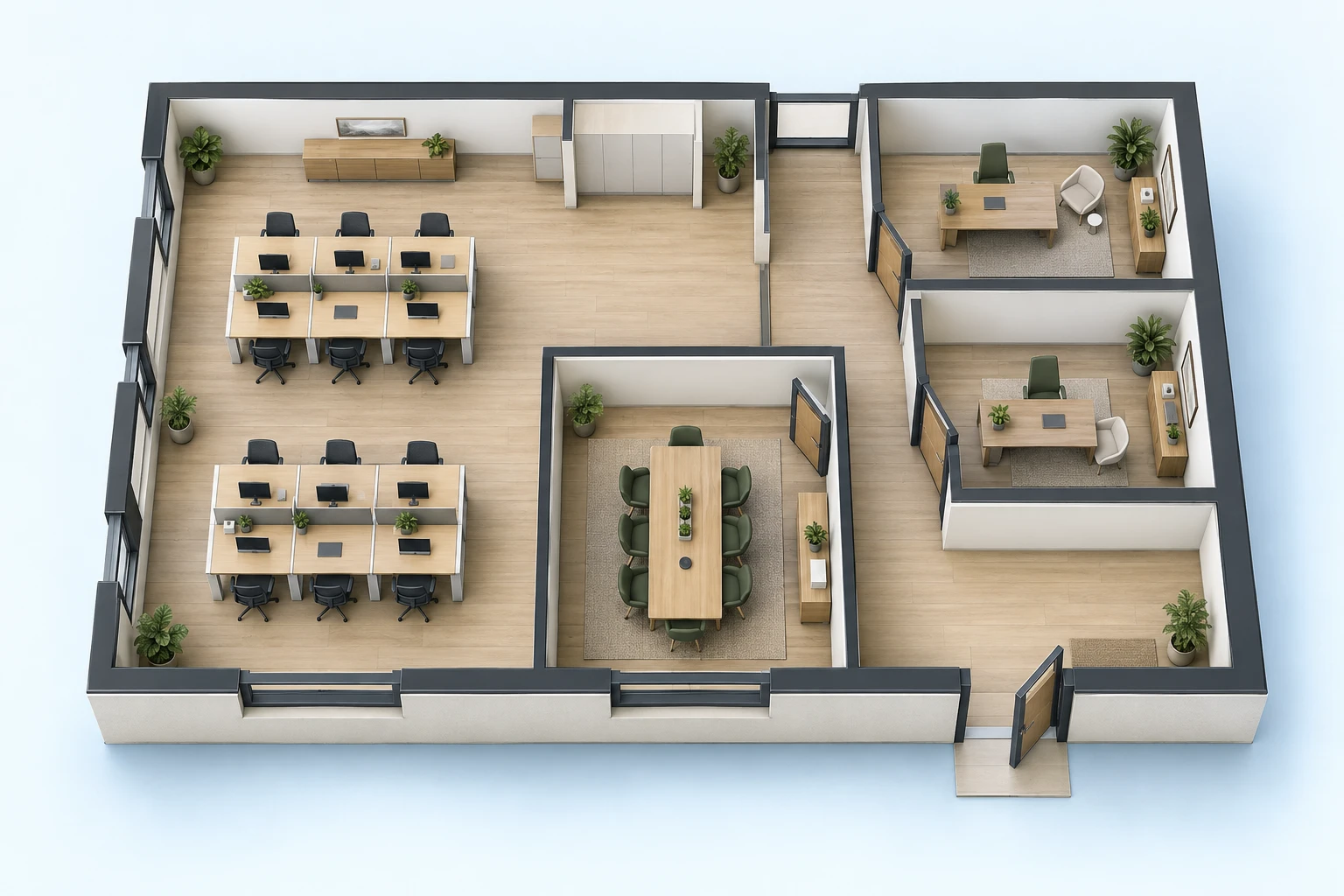 Access Point AAccess Point B
Illustrative placement and coverage areas. Actual positions and coverage require an onsite check.
Match the network, load and installation to the selected devices.
Define appropriate users and credentials.
Use suitable account and network protection.
Confirm the network features required by the actual device.
Plan SSID, access and security settings for the project.
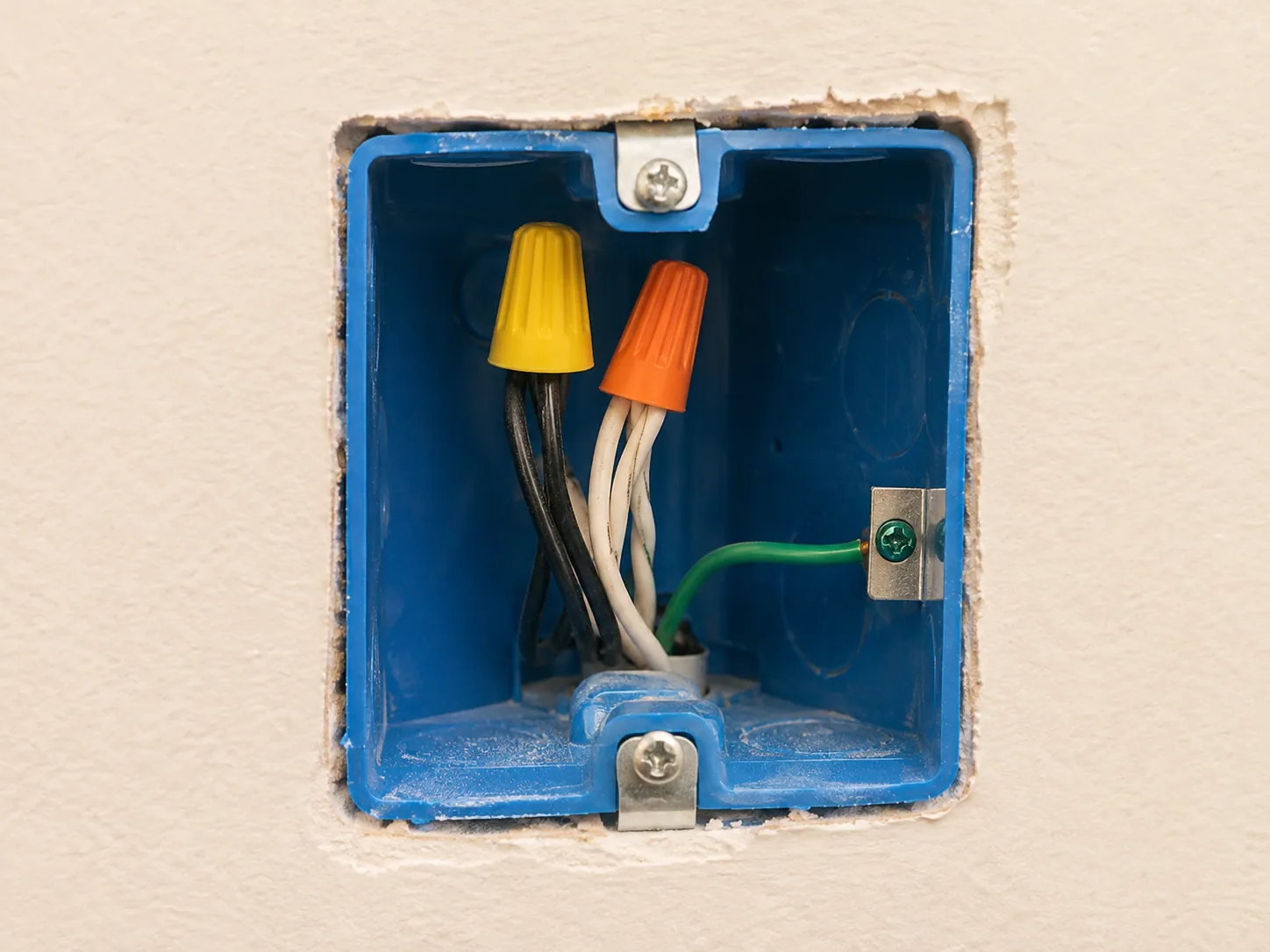
Confirm depth, mounting and available space.
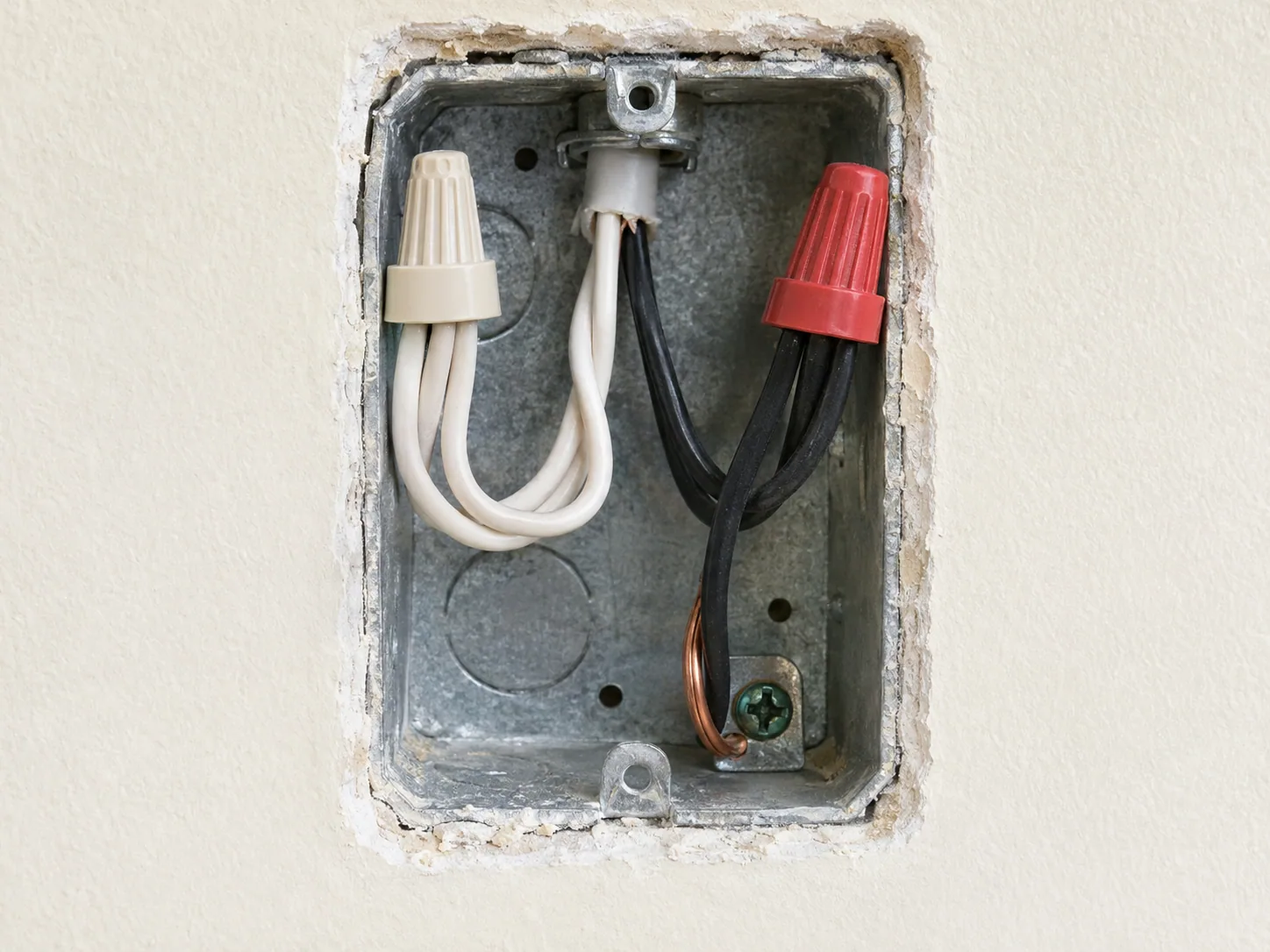
Check the selected device requirements.
Match the actual load type and device rating.
Coordinate scenes, areas and any external interfaces.
Bring installation, network setup and operation together.
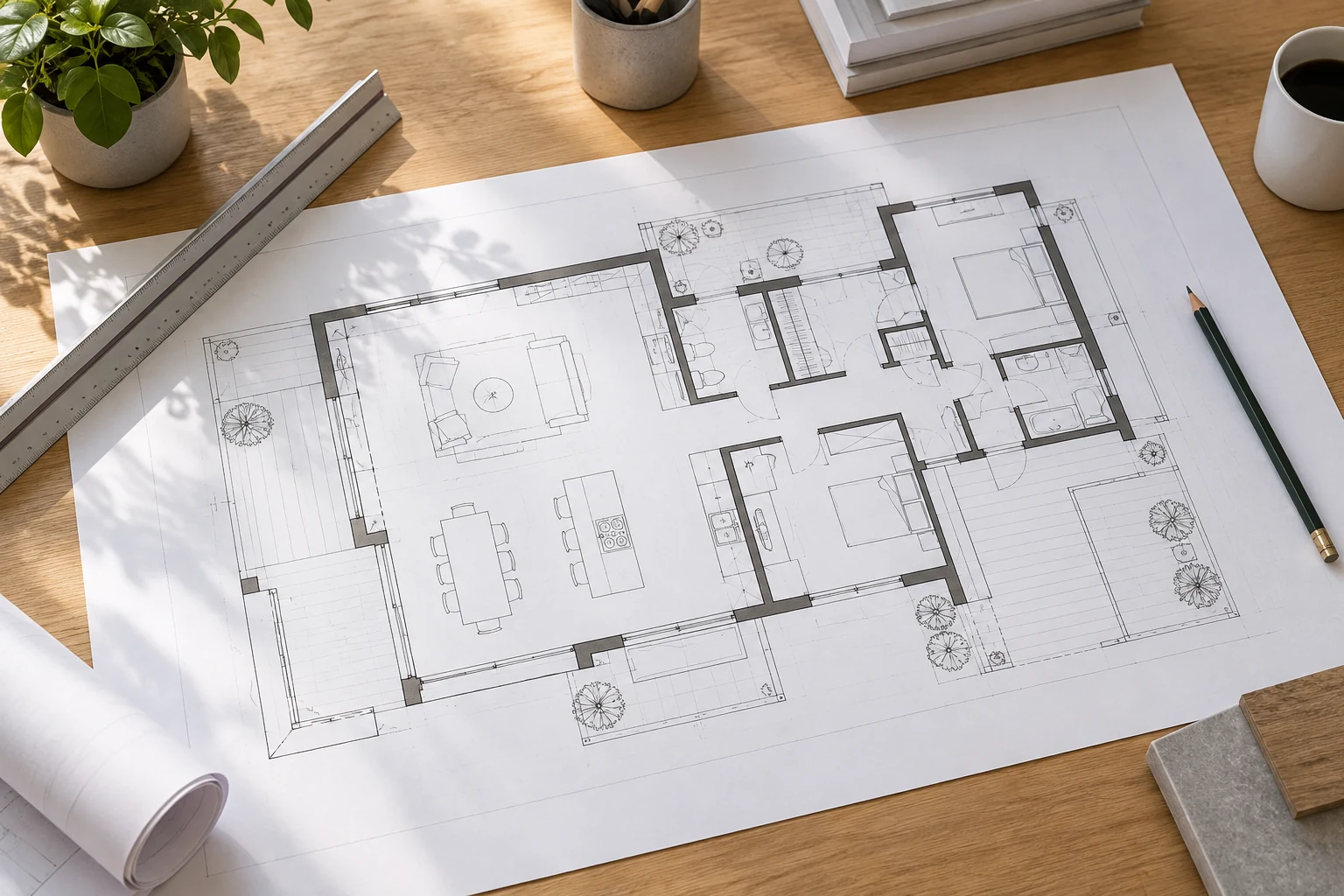
Confirm the controls, devices and network.
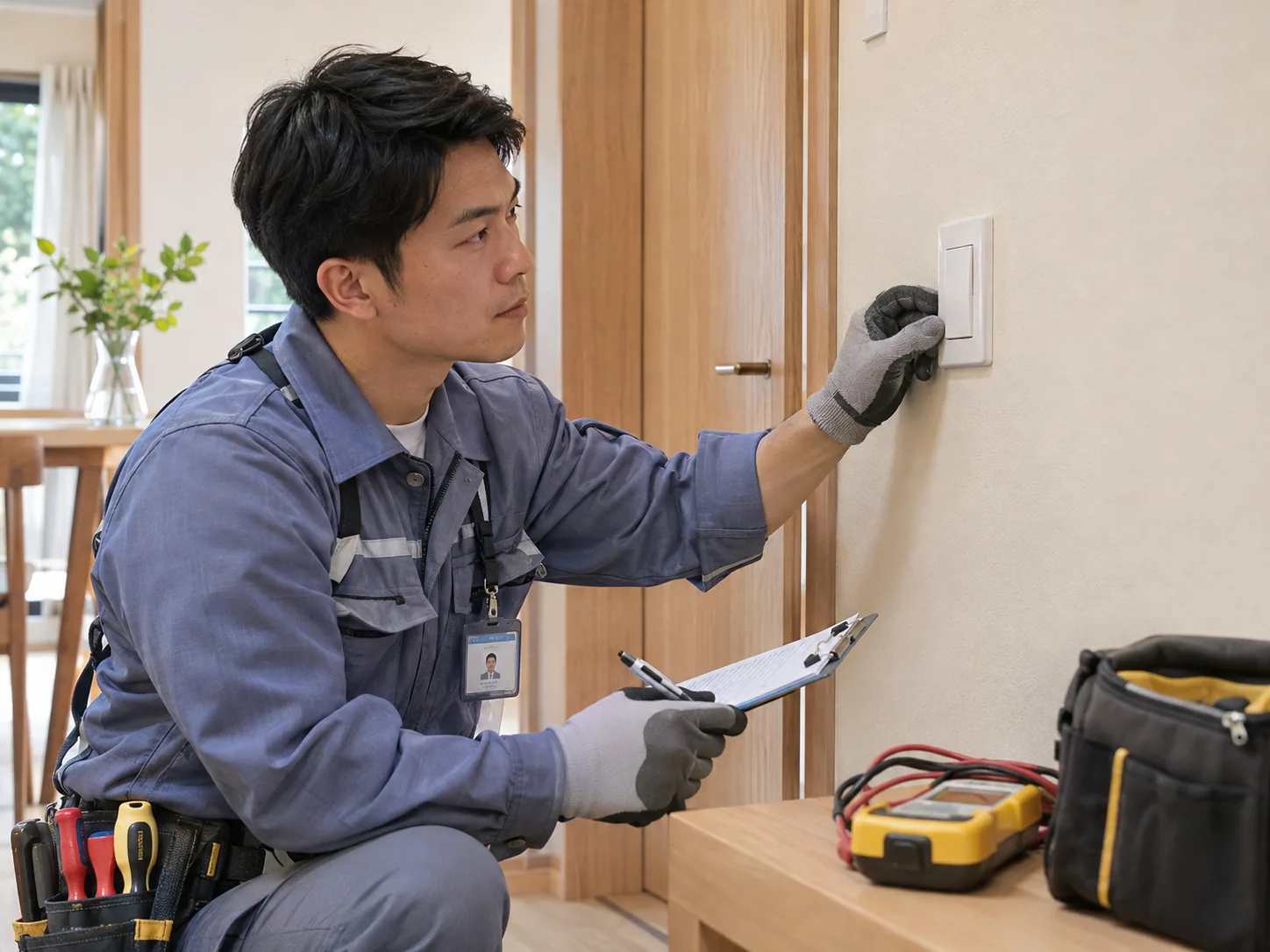
Install equipment and configure the supported connection.
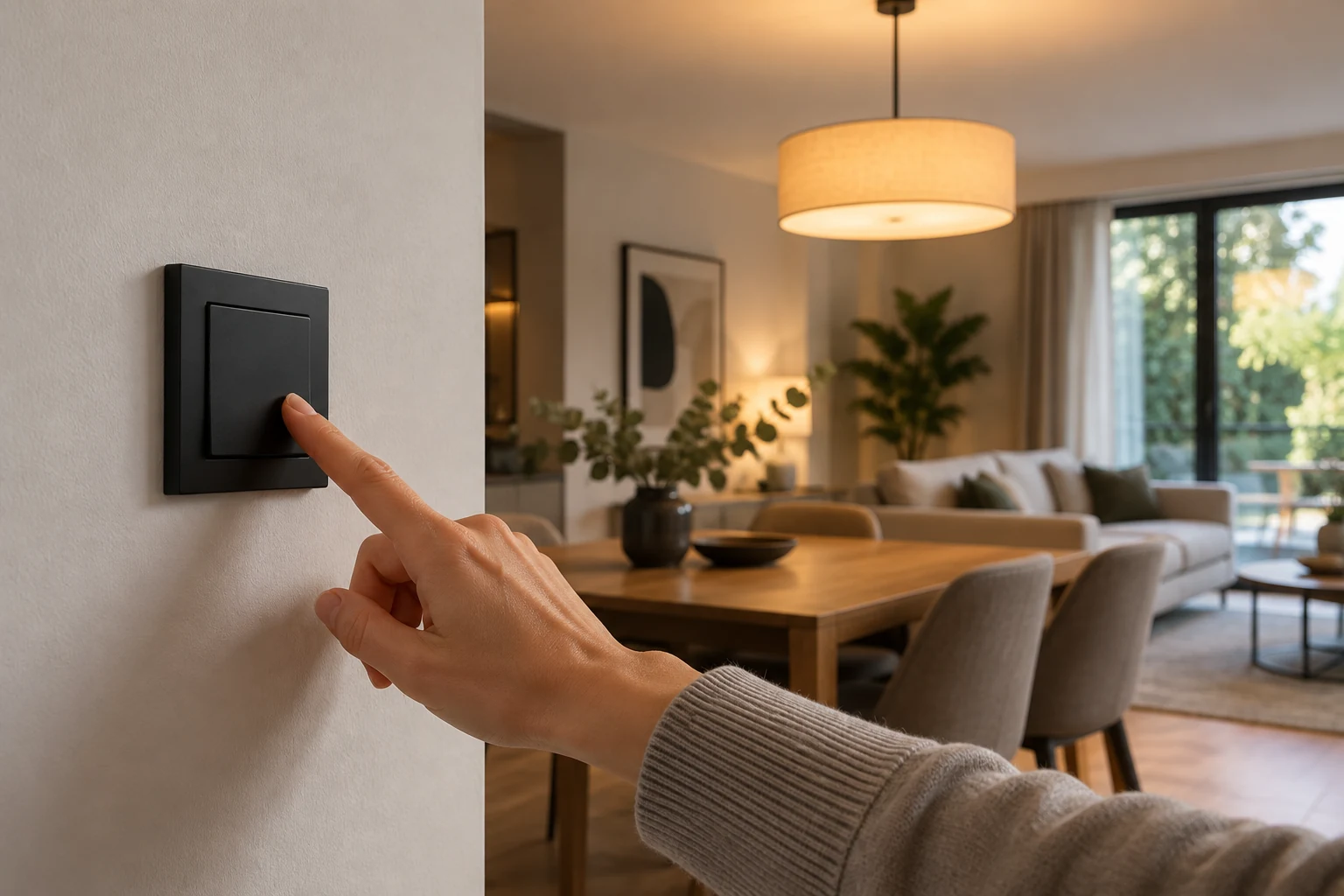
Check commands, responses and operating conditions.

Explain use and plan future changes.
Share your spaces, network conditions and control requirements.
Discuss Your Project