Skip to content
Hauslysmart
Concept illustration for Aging & Production Test

MANUFACTURING & QUALITY

Aging & Production Test

Explore functional checks and aging tests for smart home products.

Prepare the Product and Test Setup

Check product identity, prepare test fixtures, configure settings and confirm the test instructions.

Concept illustration: Product identity

Product identity

Confirm product model, version, appearance and key features.
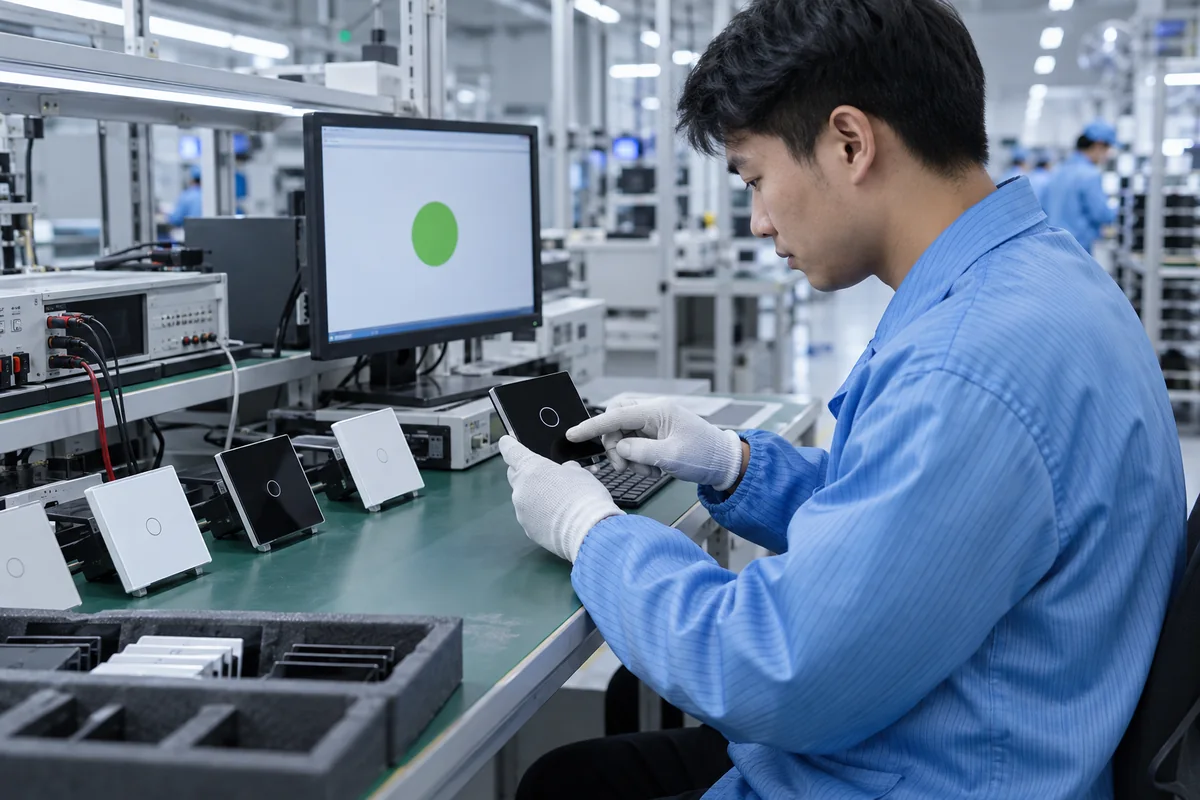
Concept illustration: Test fixture

Test fixture

Prepare the test fixture and mechanical condition.
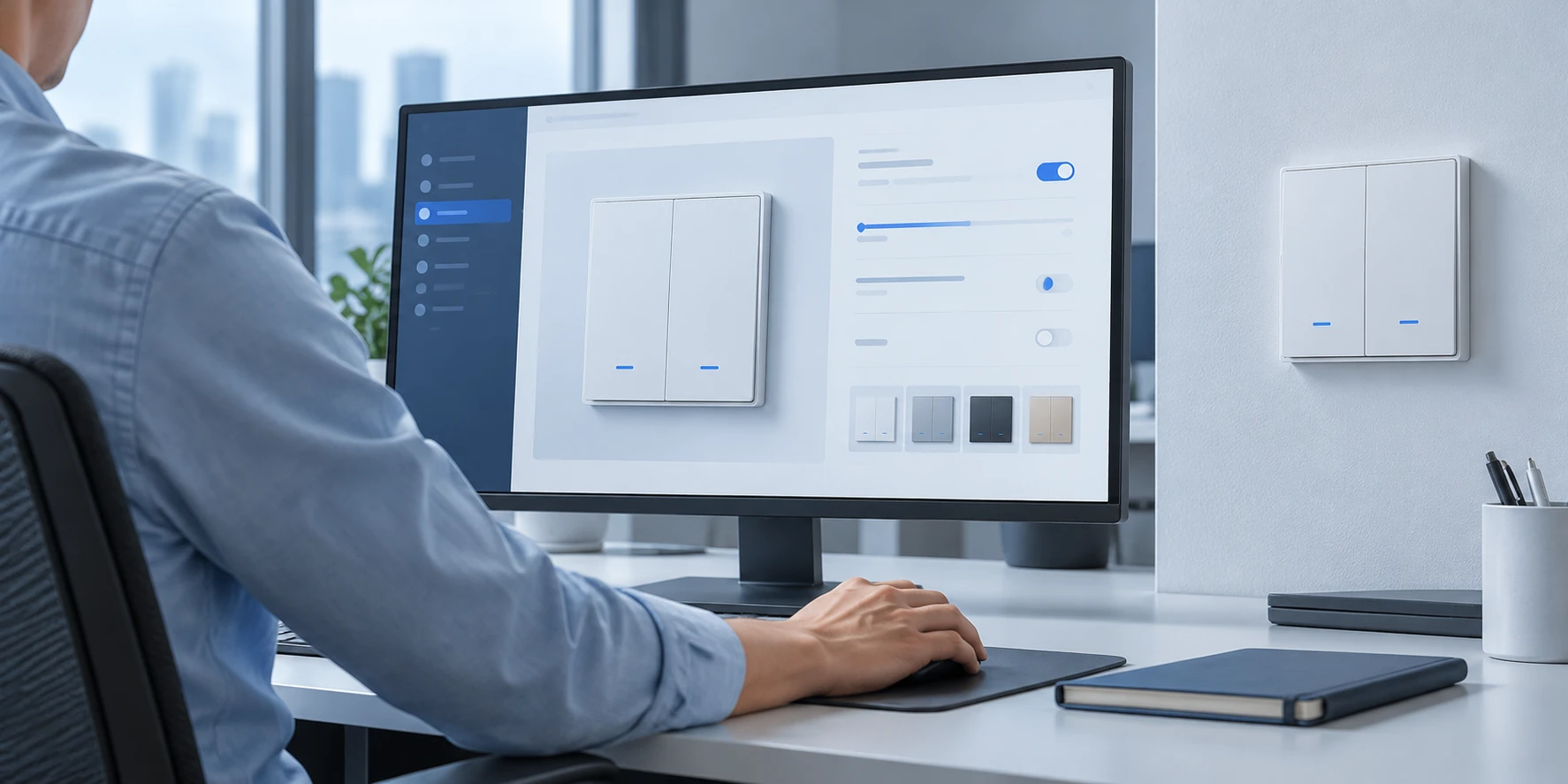
Concept illustration: Configuration

Configuration

Set up product configuration and test parameters.
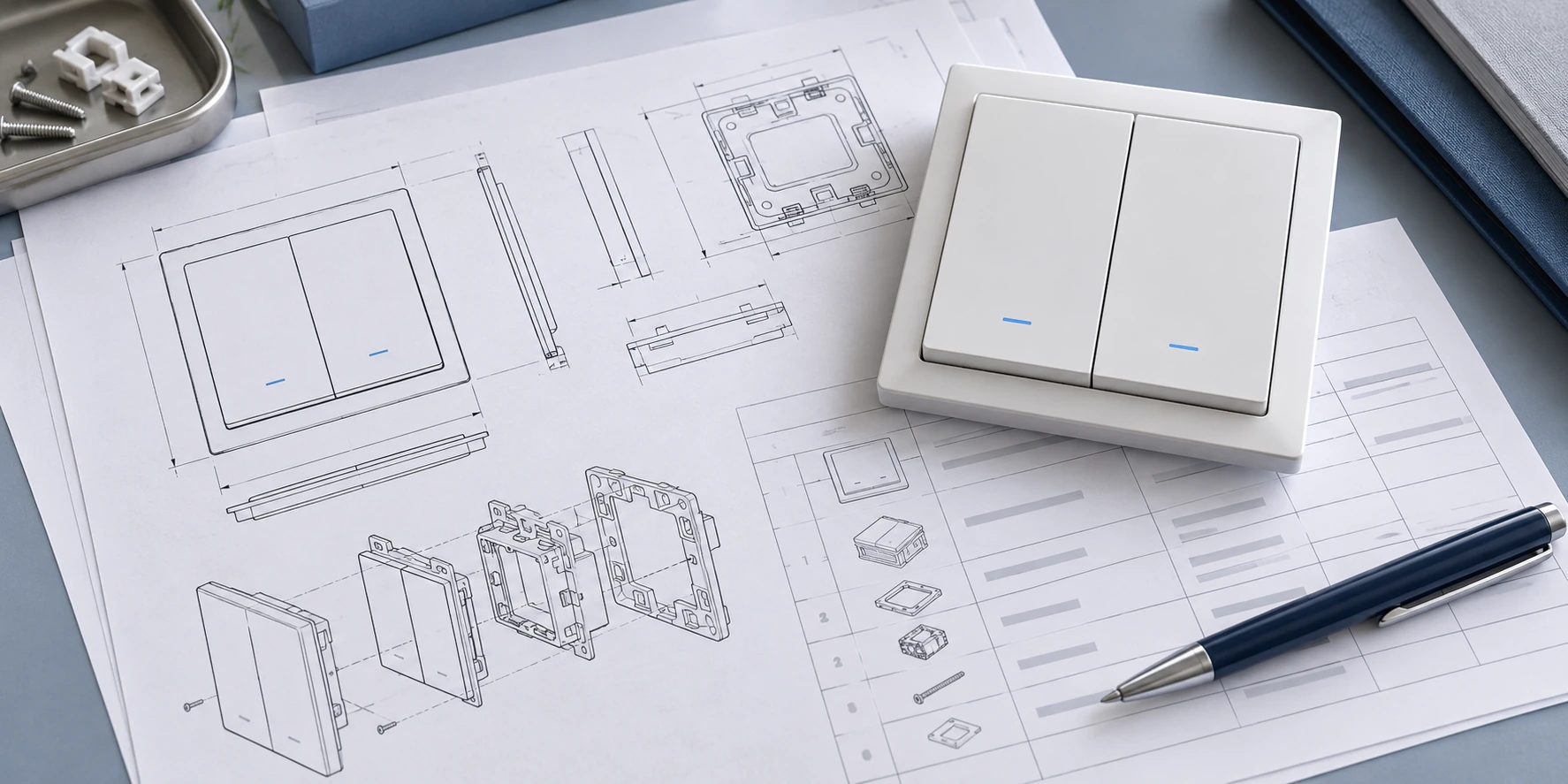
Concept illustration: Test instructions

Test instructions

Review the test sequence, operating steps and checkpoints.

Product revisionModel, version and applicable variants.
Test planApplicable plan and test scope.
Fixture statusInstallation and function check.
Record requirementsFields, format and storage method.

Follow a Defined Production Test Sequence

Run the production test in a clear sequence and record the results for each stage.
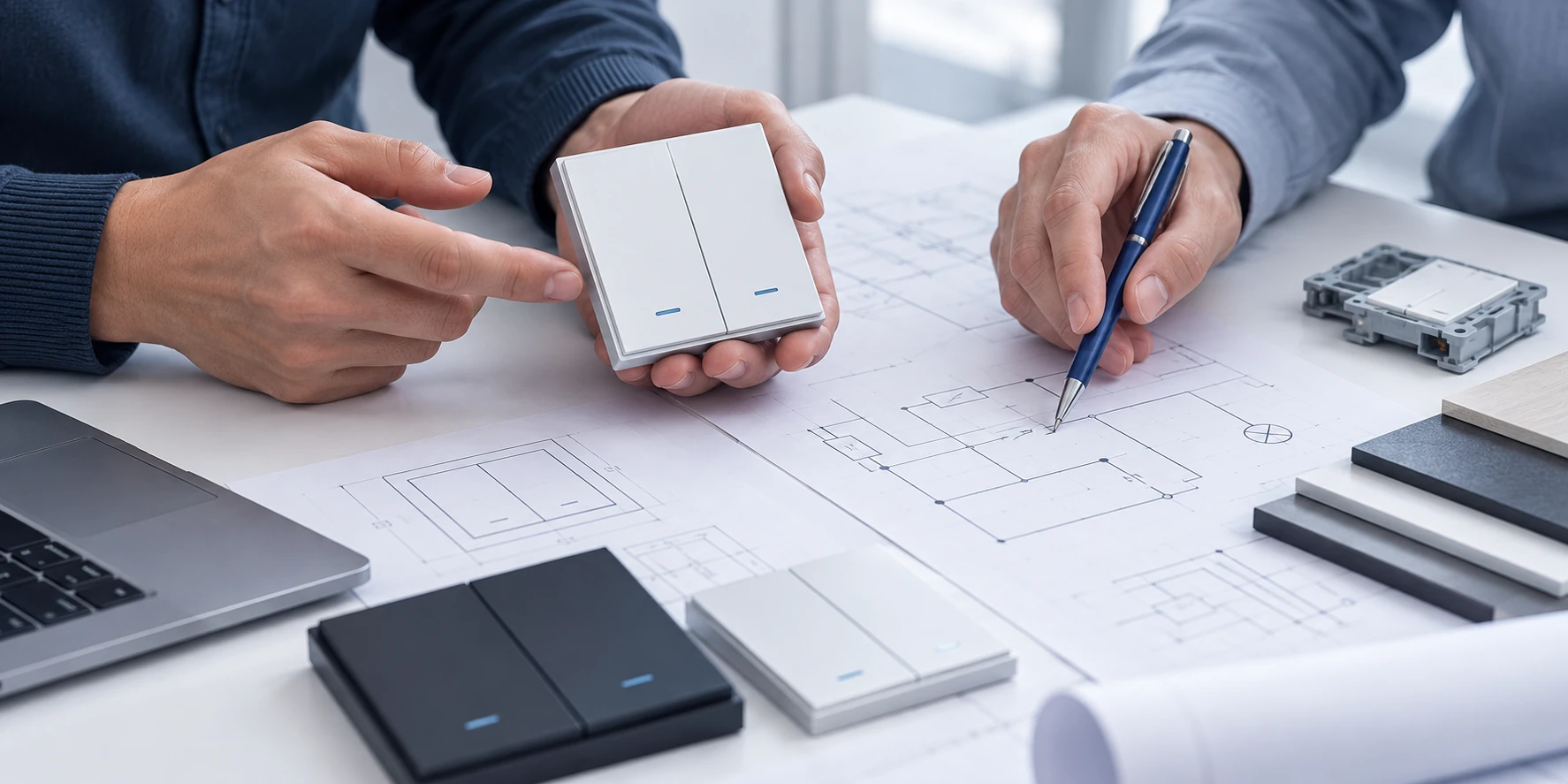
  1. Concept illustration: Setup confirmation1

    Setup confirmation

    Check product, fixture and configuration.
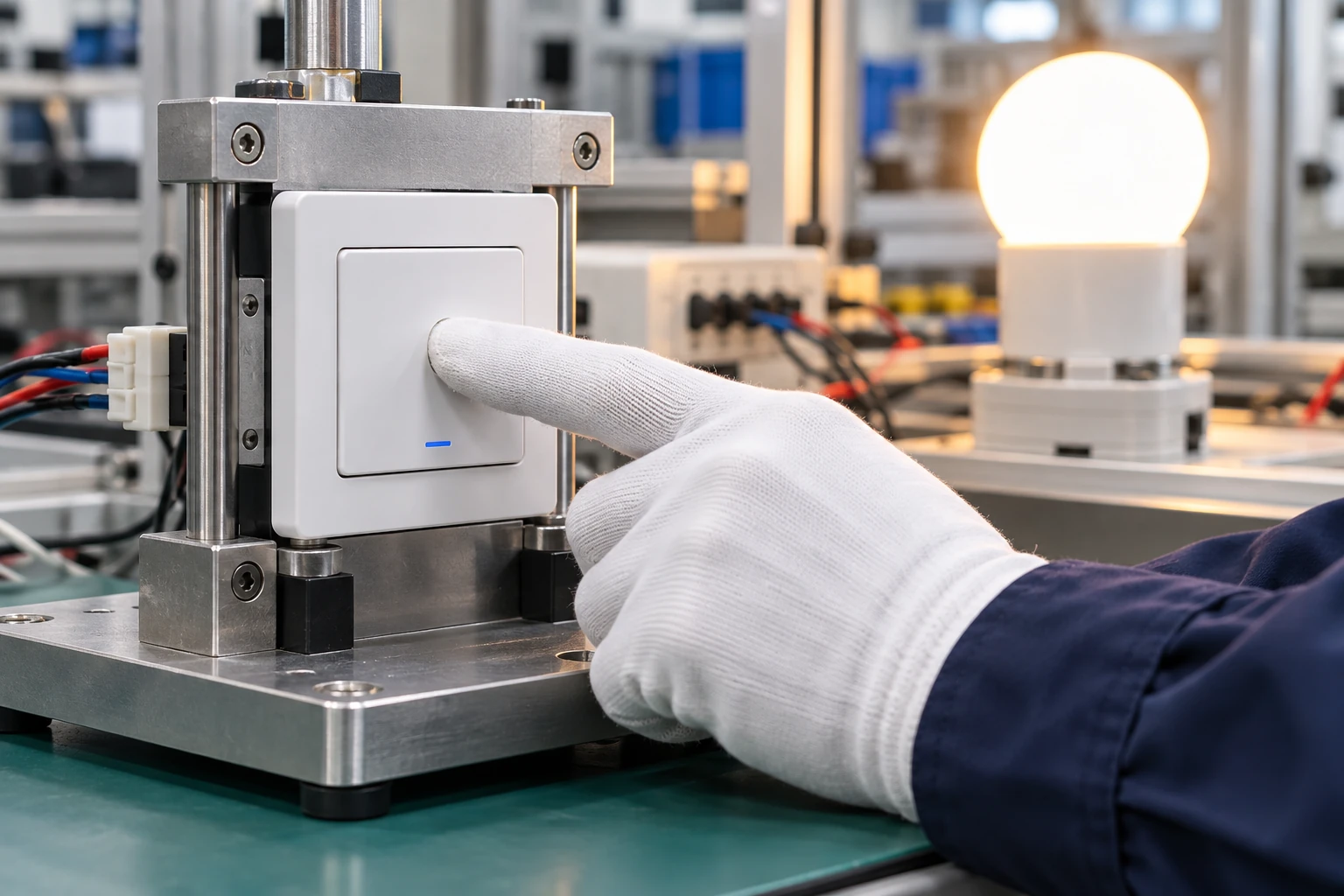
  2. Concept illustration: Initial functional check2

    Initial functional check

    Verify basic functions at the workstation.
  3. Concept illustration: Aging cycle3

    Aging cycle

    Run the aging test according to the applicable plan.
  4. Concept illustration: Post-cycle check4

    Post-cycle check

    Recheck product functions after the cycle.

  5. Concept illustration: Findings review5

    Findings review

    Review test records and identify any issues.

  6. Concept illustration: Release record6

    Release record

    Confirm disposition and complete the record.

Applicable to Production Testing

Follow the defined plan and process for consistent and traceable production testing.

Applicable test plan

Use the current product and production test plan.

Controlled operating conditions

Run tests under defined and stable conditions.

Defined checkpoints

Check key functions at each stage.

Recorded disposition

Record test results and follow up as required.

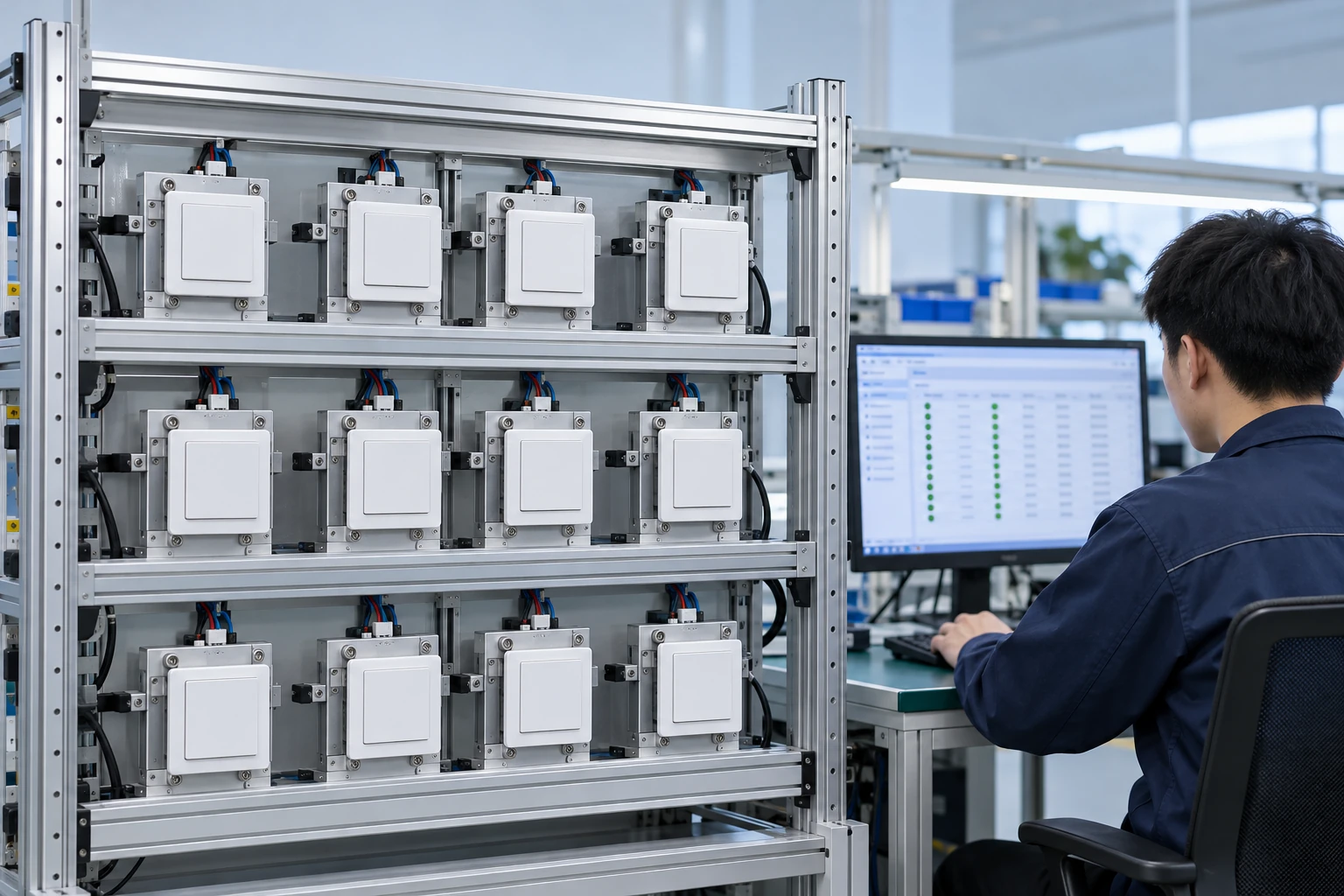
Operate Aging Stations with Clear Controls

Use dedicated fixtures and monitoring systems to run aging tests in a controlled manner.

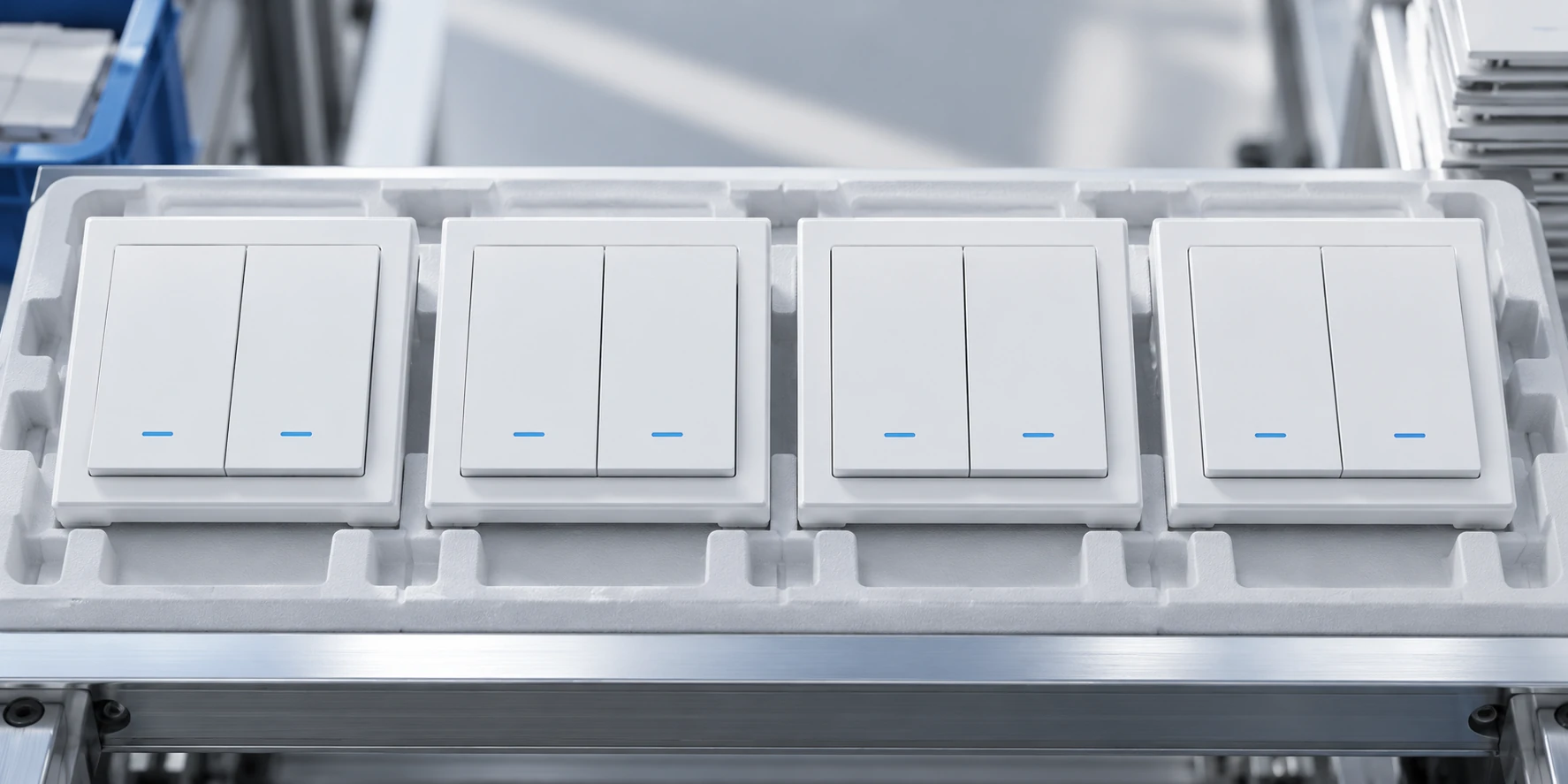
Concept aging rack with twelve white wall switches and a monitoring station
Fixture positionIdentify station and product position.
Product identityLink each product to its fixture record.
Monitoring stationView station status and test progress.

Stable Operation and Easy Monitoring

Follow the defined tests with clear access and monitoring.

Product grouping

Organize products by model and revision.

Fixture connection checks

Confirm secure and correct fixture connections.

Monitoring and access

Use the monitoring system to track test status.

Controlled handling

Follow work instructions for safe operation.

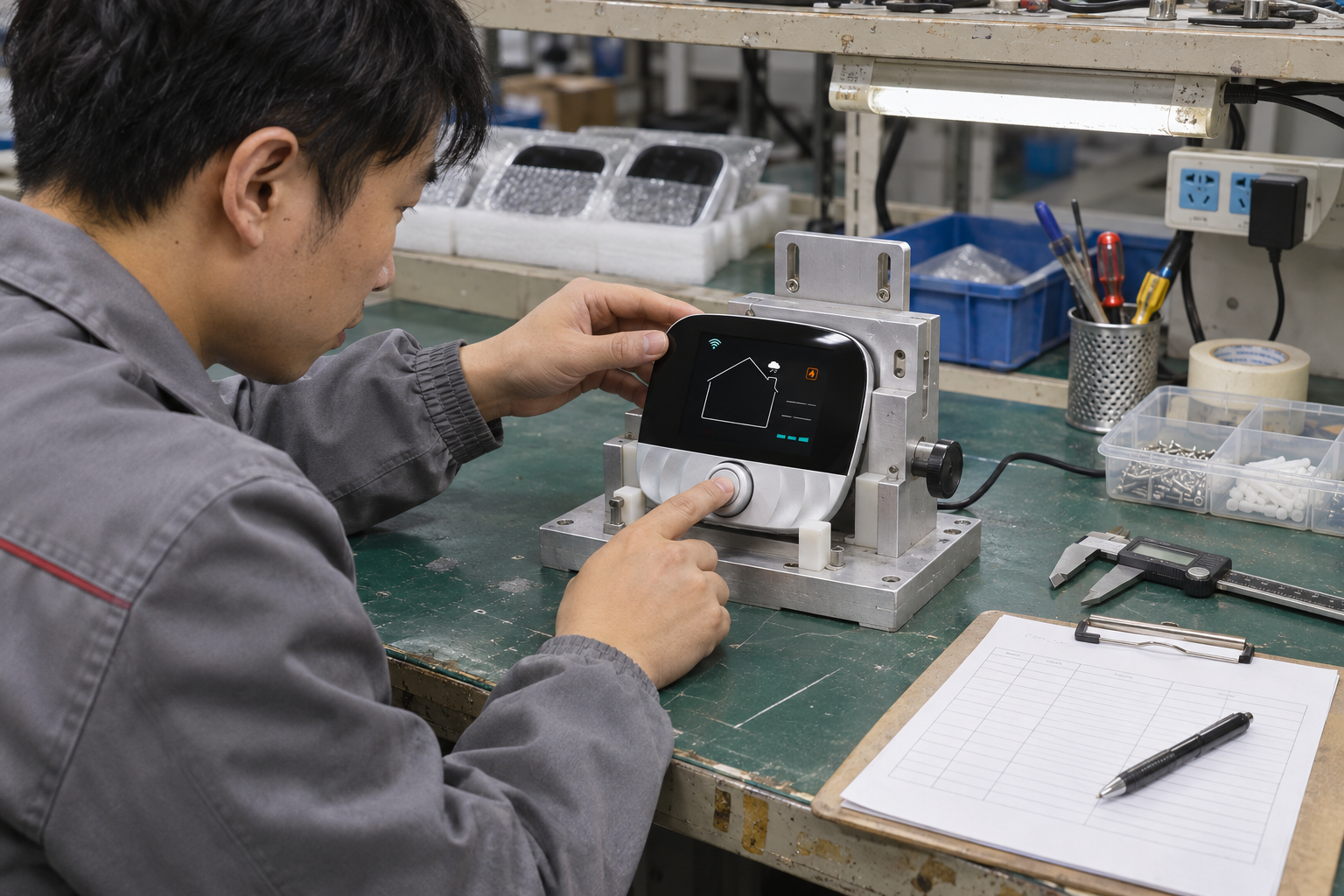
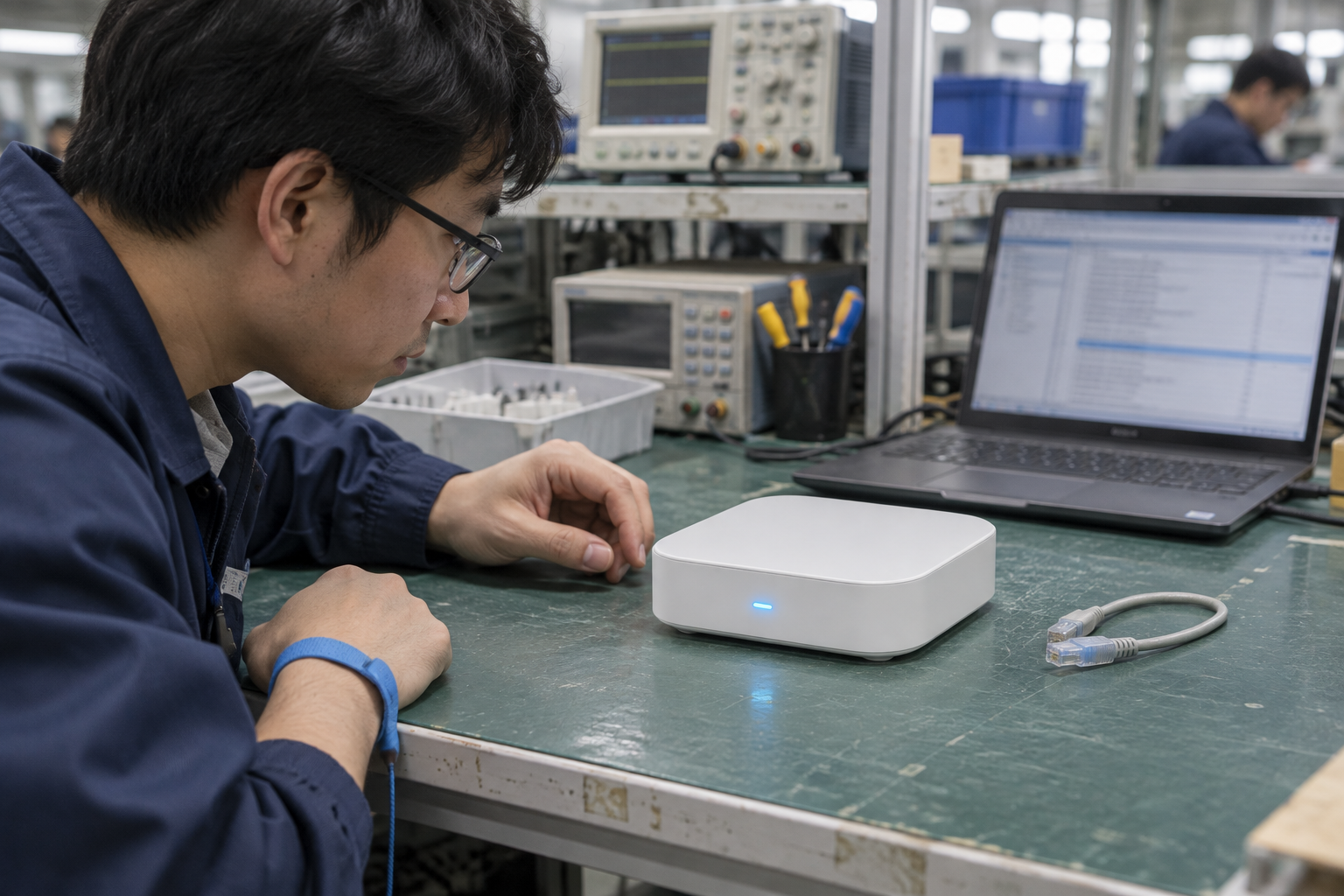
Concept technician reviewing a gateway test station

Aging conditions follow the applicable product and test plan.

Review Functional Behaviour at the Workstation

Check product functions, responses and appearance after testing.

Concept illustration: Controls and indicators

Controls and indicators

Operate buttons and check indicator response.
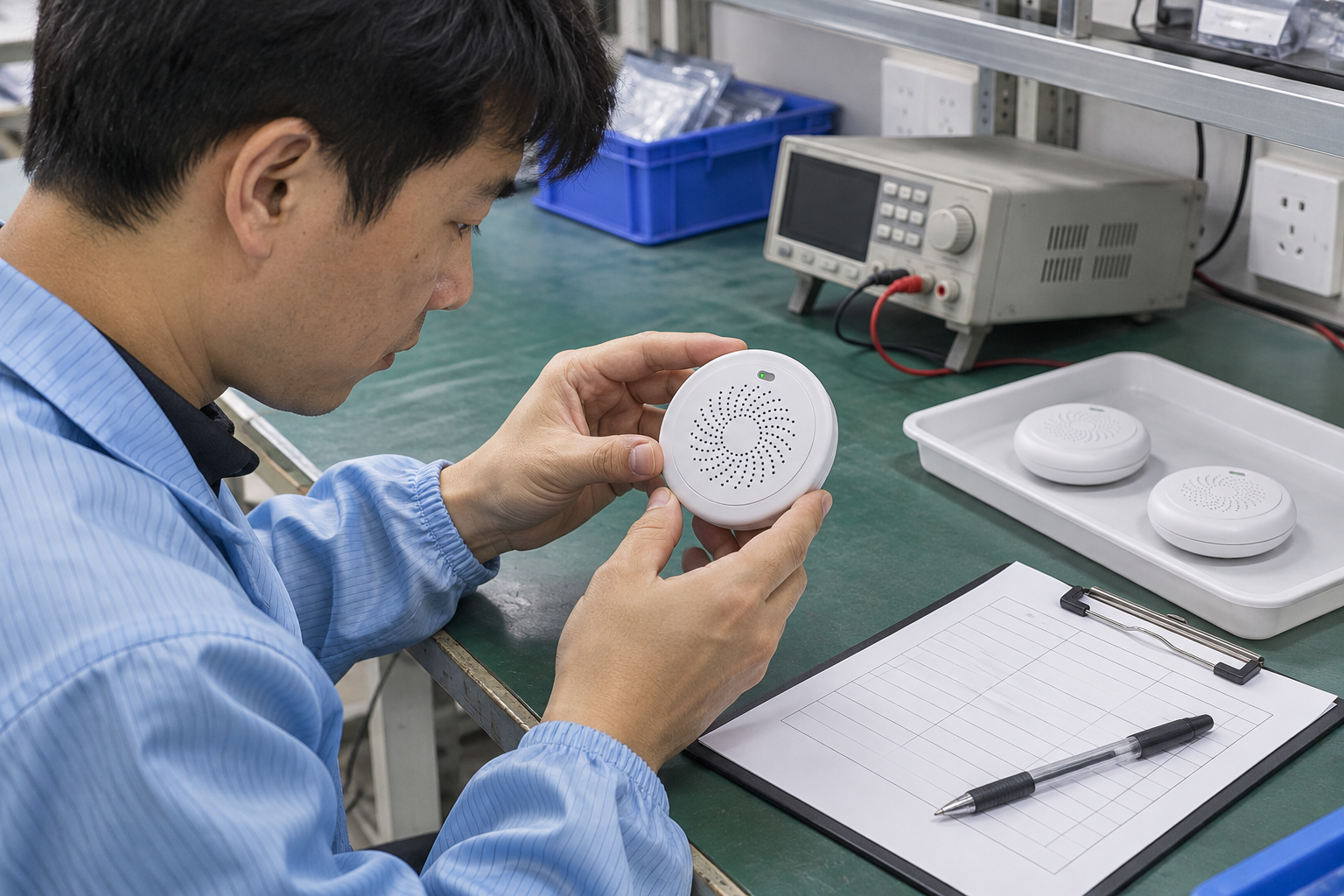
Observation recordDocument operating observations.
Concept illustration: Output response

Output response

Verify output control and device response.
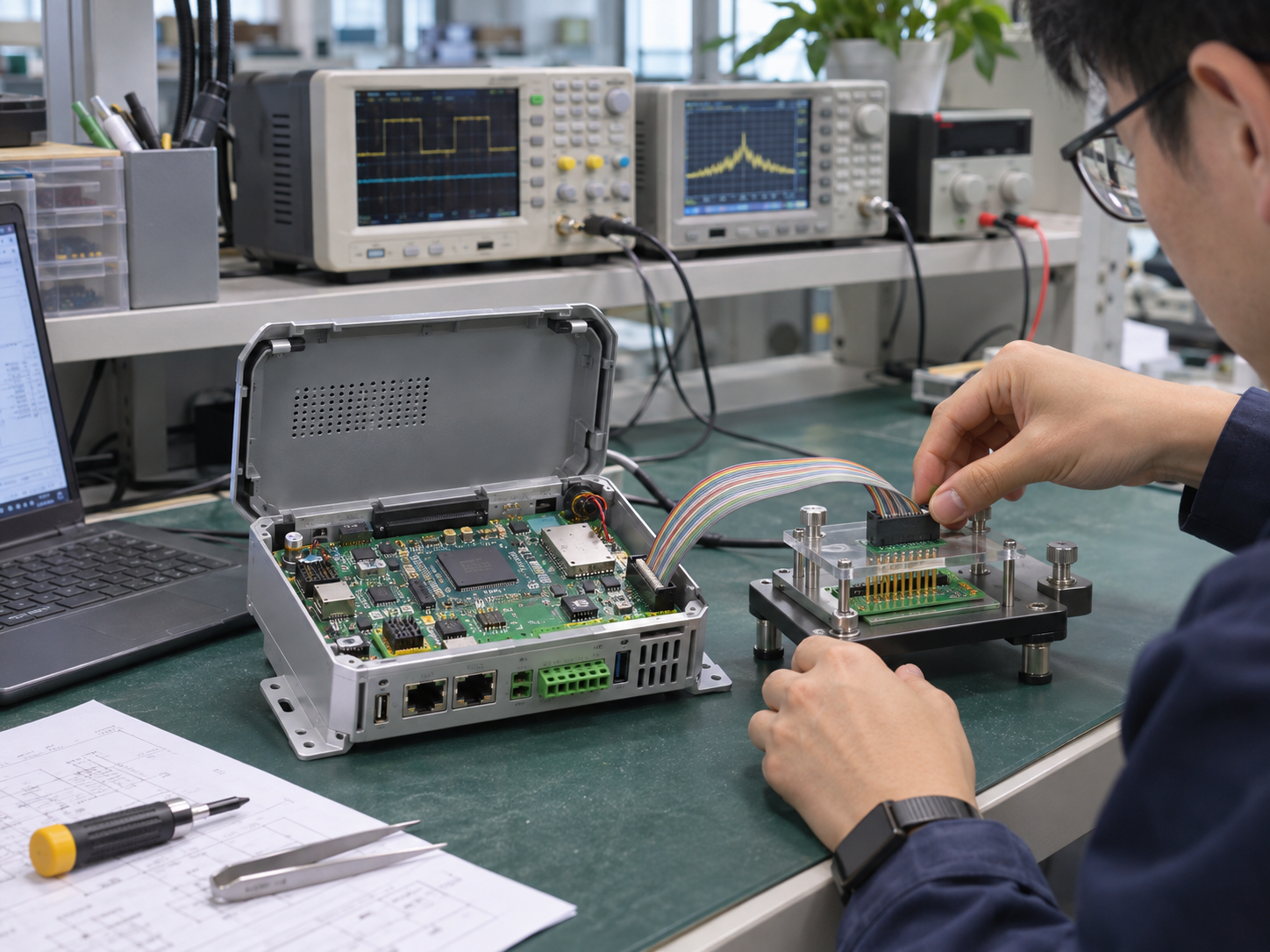
Response recordRecord function and output behaviour.
Concept illustration: Configuration identity

Configuration identity

Confirm product configuration and version.
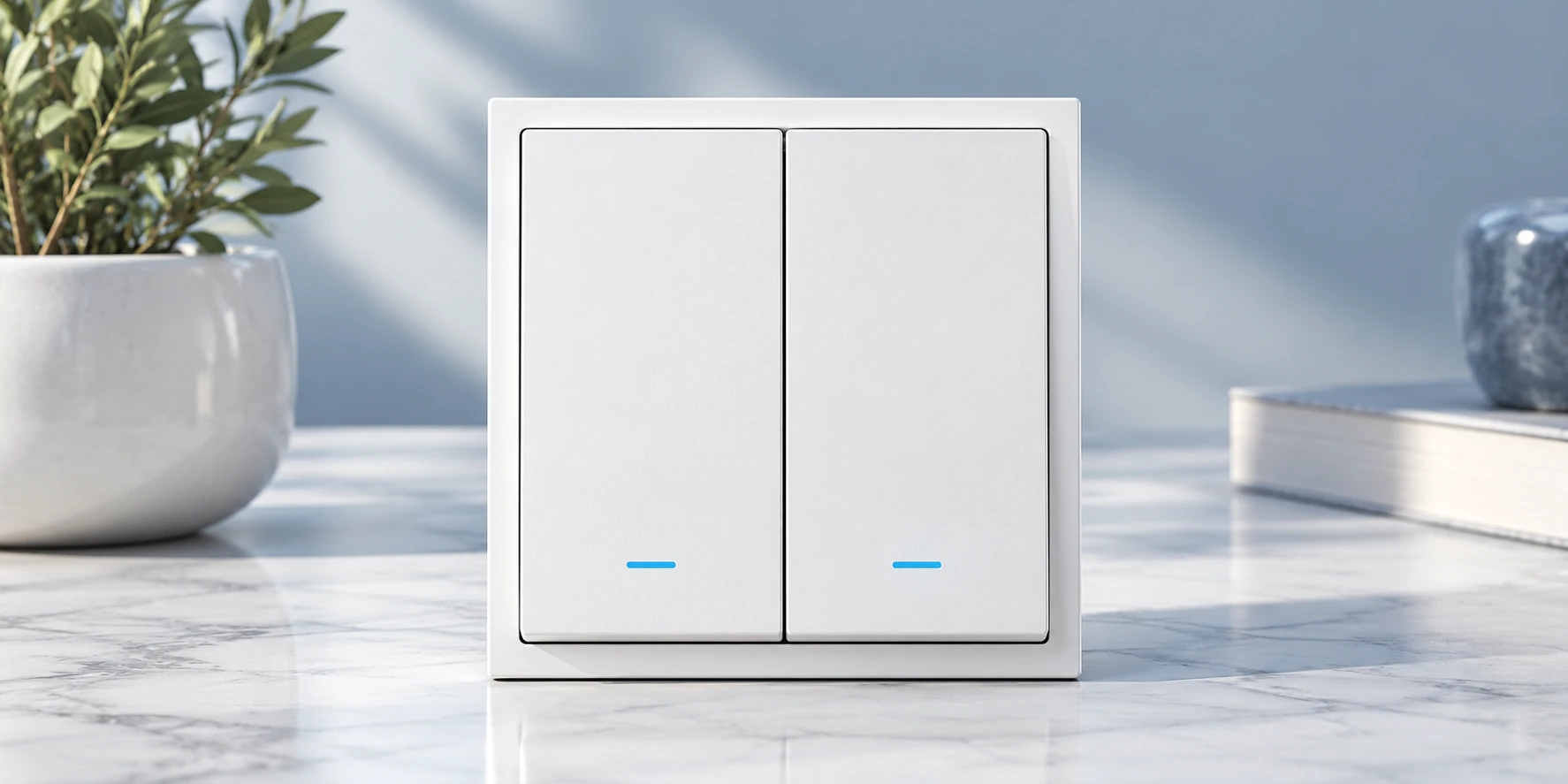
Configuration recordRecord configuration information.
Concept illustration: Post-cycle appearance

Post-cycle appearance

Check appearance, fit and surface condition.

Inspection recordDocument inspection results.

Separate Findings from Released Products

Review test results, separate products with findings, and follow up with rework and recheck.
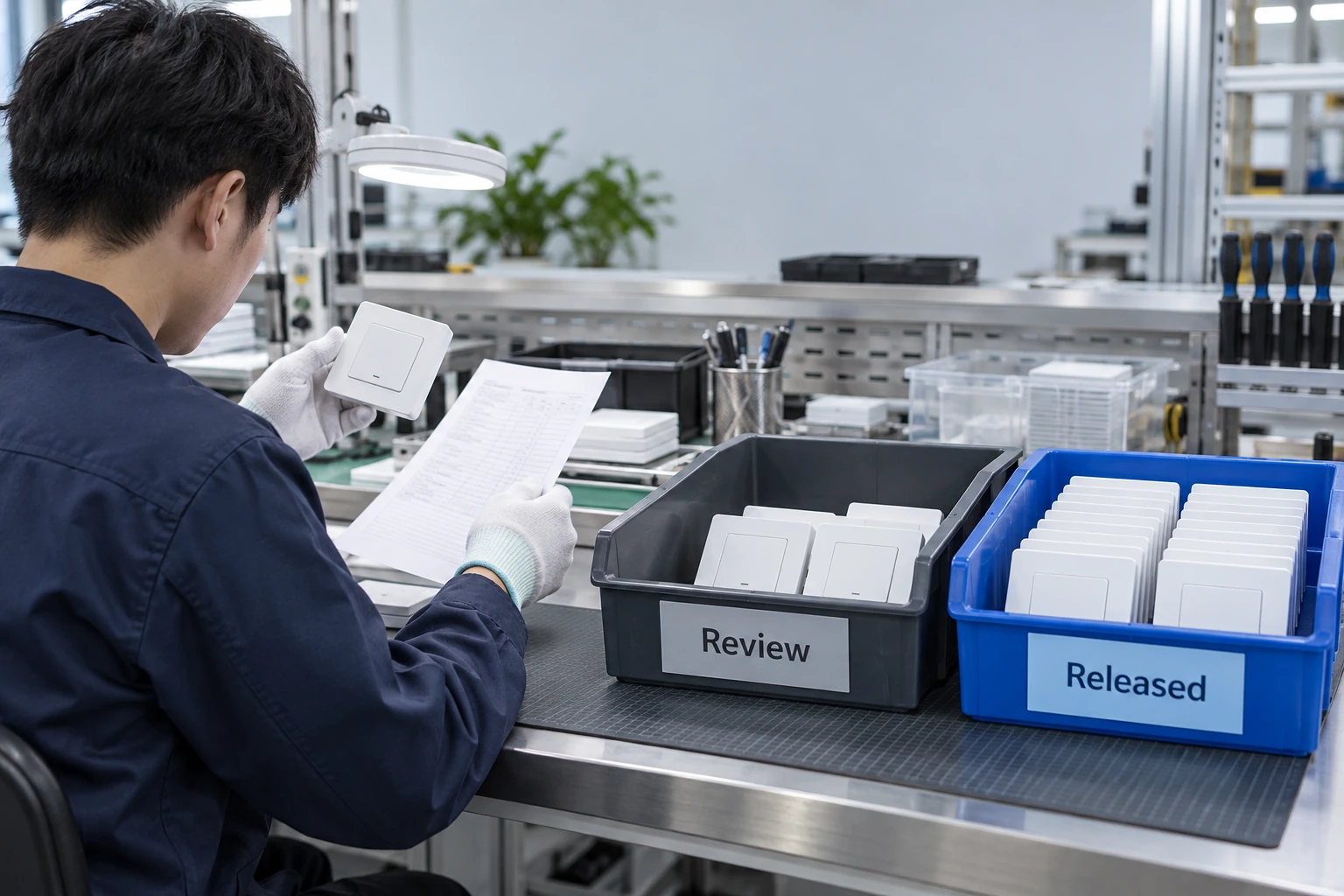
Concept technician reviewing switches with separate Review and Released product bins
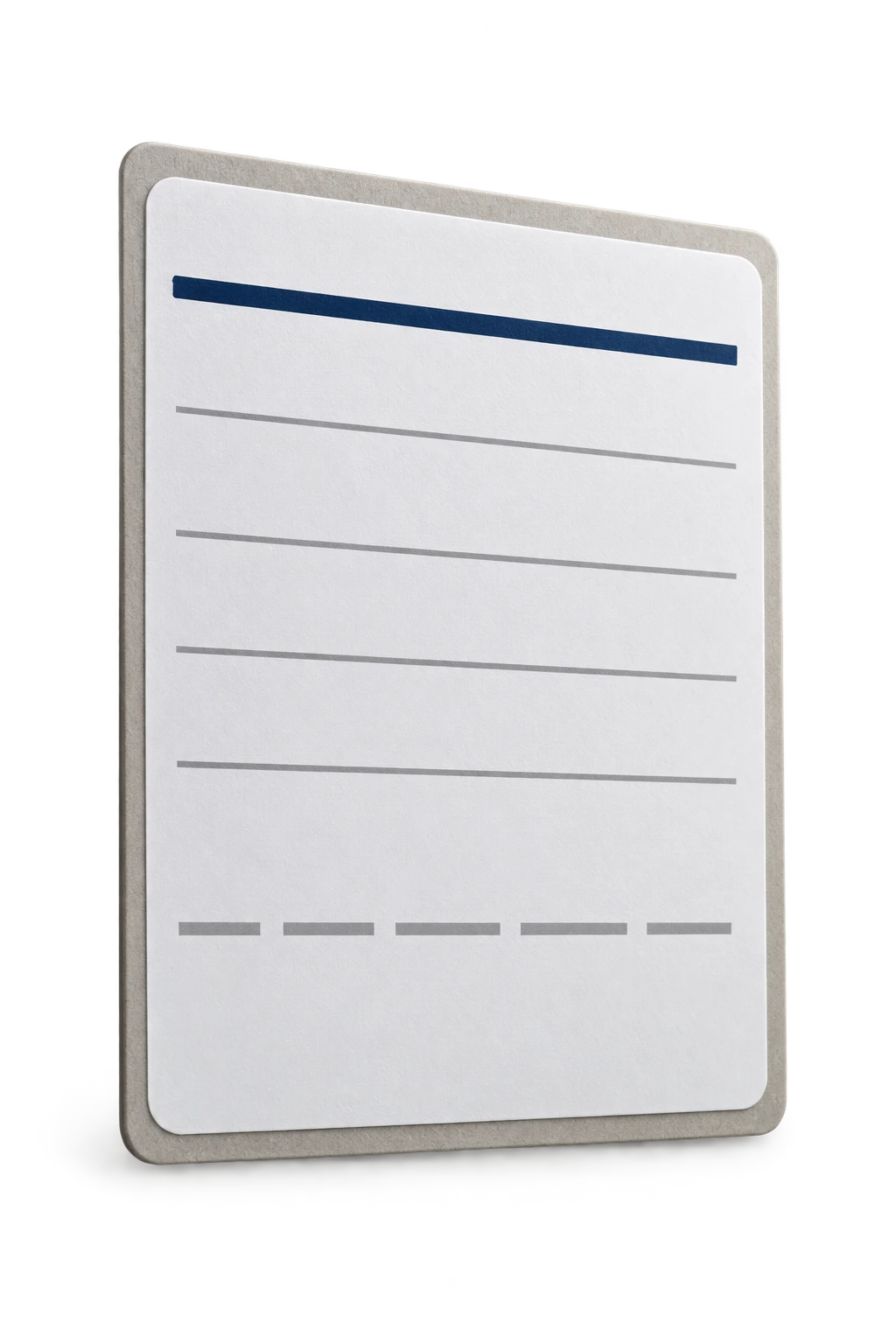
Concept product identity record card
Product identity tagTrace product model and version.
Concept technical records and test instructions
Test record formRecord test results and disposition.
Record areaReview focus
Product identityModel, version and serial information.
Test stageStage where the finding was observed.
Observed findingDescription of the issue or abnormal behaviour.
Disposition and recheckAction taken and recheck result.
  1. Identify

    Review test records and product status.

  2. Hold for review

    Separate products with findings.

  3. Correct if required

    Rework or adjustment as needed.

  4. Recheck

    Verify again and update the record.

Link Each Test Record to the Product Version

Keep test records linked to product versions for traceability and release.
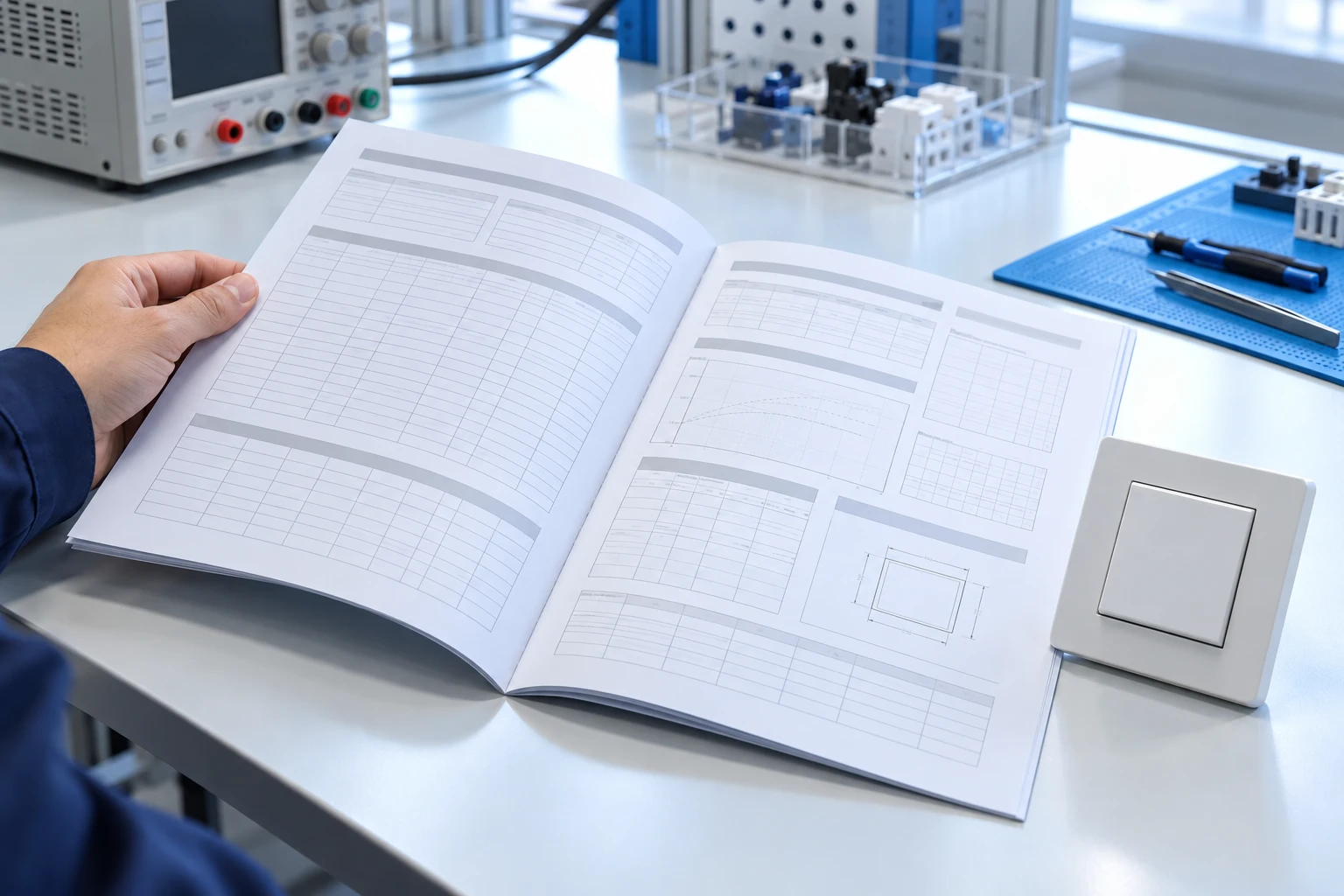
Concept production test report and product records

Product and revision

Model, version and applicable variants.

Applicable test plan

Link to the current production test plan.

Production test record

Test results and disposition records.

Release status

Record the final status for the release.

Share Your Production Test Requirements

Bring the product configuration, test priorities and record needs.

Product referenceProduct version and product features.
Test scopeKey functions and test priorities.
Operating requirementsFixture, configuration and operating conditions.
Record needsRequired fields and report format.
Discuss Your Test Requirements