
Skip to content
Hauslysmart
Zigbee architectural and control concept

Hauslysmart / Applications / Zigbee

Plan the network around the application.

Choose device roles, locations and a trial combination around the functions you need.

Lighting, Sensors and Shading Across Project Spaces.

Choose compatible devices for the functions required in each area.

Lighting illustrative concept

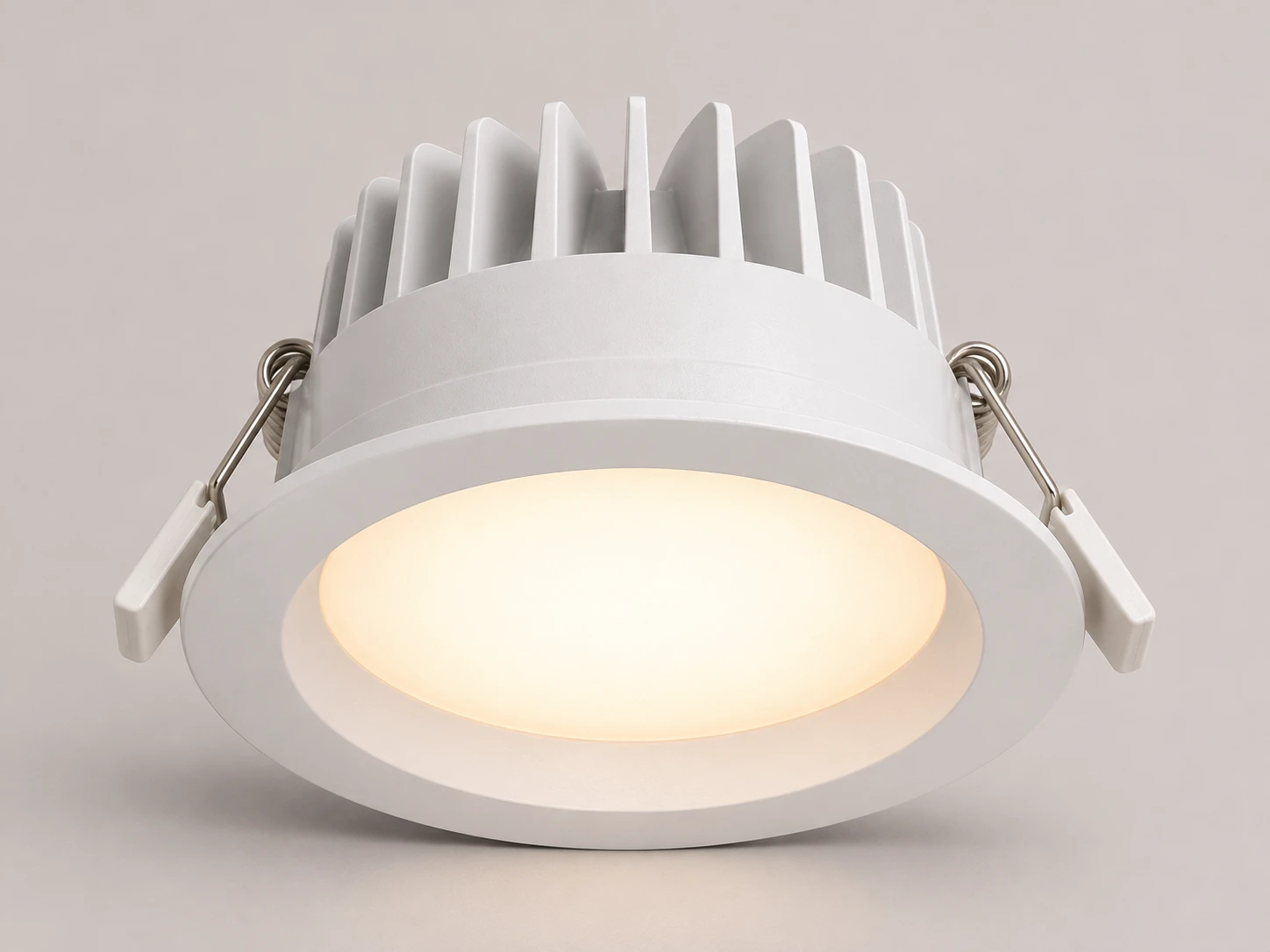
Lighting

Control selected lighting around room use and scenes.
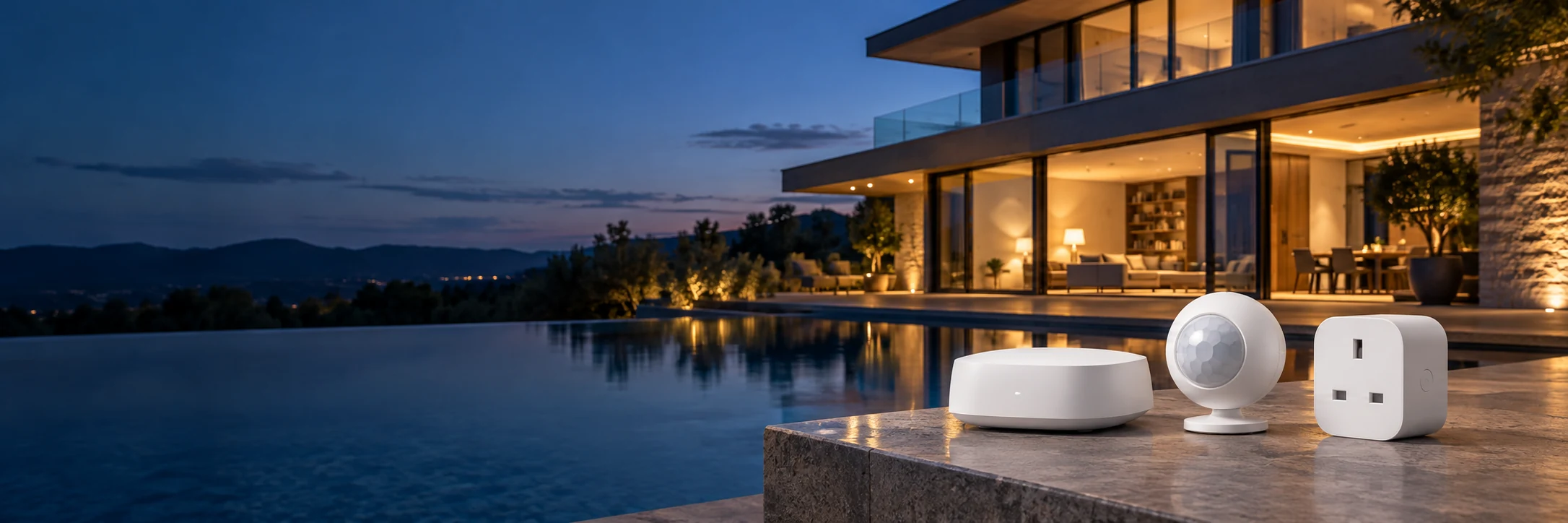
Sensors illustrative concept

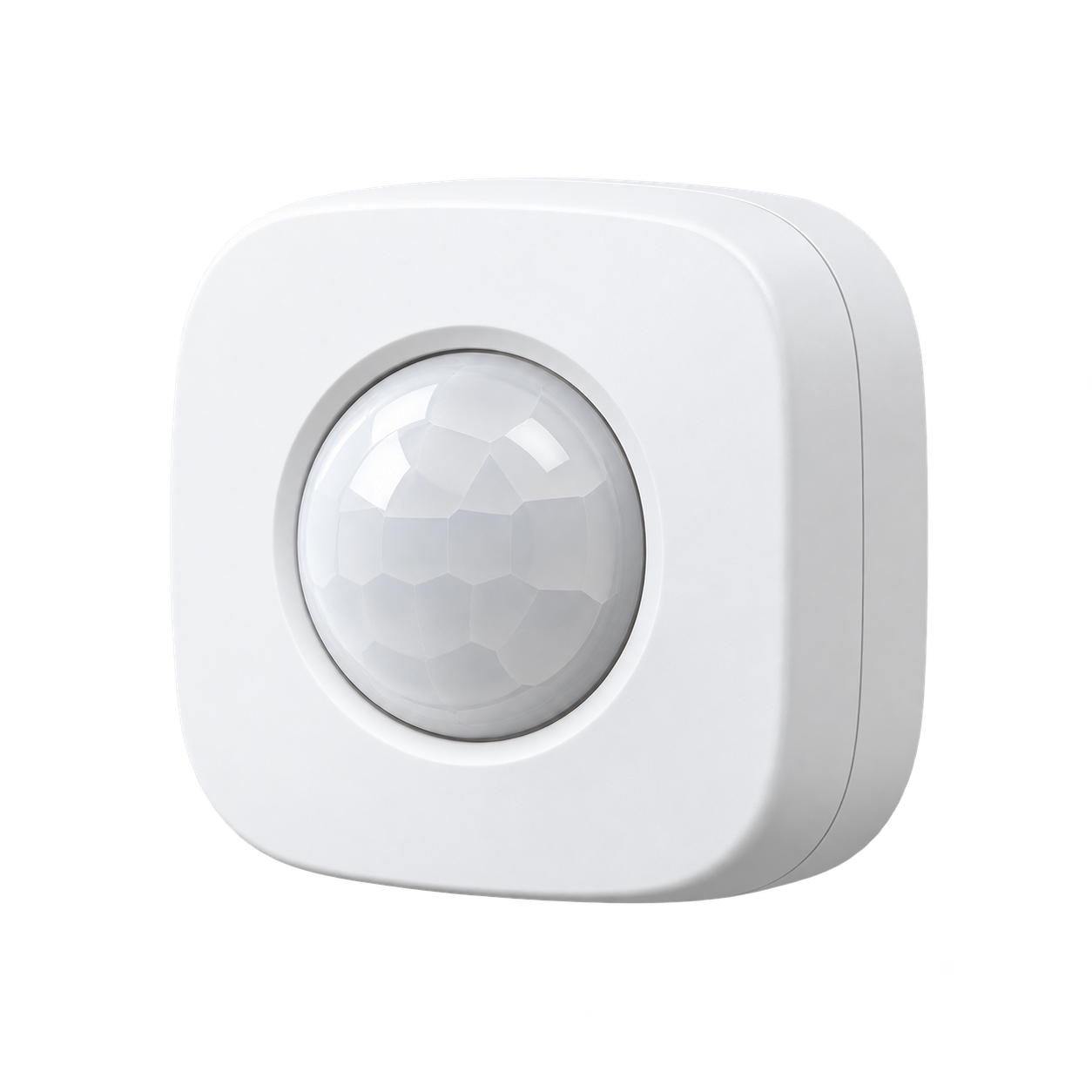
Sensors

Use supported occupancy and daylight inputs.

Shading illustrative concept

Shading

Include suitable blind and shade controls where required.

How a Zigbee Control Network Works.

An illustrative network with one coordinator, router-capable nodes and end devices.

Illustrative office background for a Zigbee network
Coordinator role appearance concept

Coordinator

One per network

Router role appearance concept

Router

Router-capable node

Router role appearance concept

Router

Router-capable node

Router role appearance concept

Router

Router-capable node

End Device role appearance concept

End Device

Light

End Device role appearance concept

End Device

Switch

End Device role appearance concept

End Device

Sensor

End Device role appearance concept

End Device

Light

End Device role appearance concept

End Device

Shade

Coordinator illustrative concept

Coordinator

Forms the network and provides the coordinating role.

Router illustrative concept

Router

A router-capable node relays messages for the network.

End Device illustrative concept

End Device

Communicates through its parent and does not relay messages.

Plan Coverage for the Actual Site.

Walls, materials, device placement and the selected equipment affect communication. Confirm coverage and response on site.

Access and Control Options.

Local functions and optional remote access depend on the selected system.
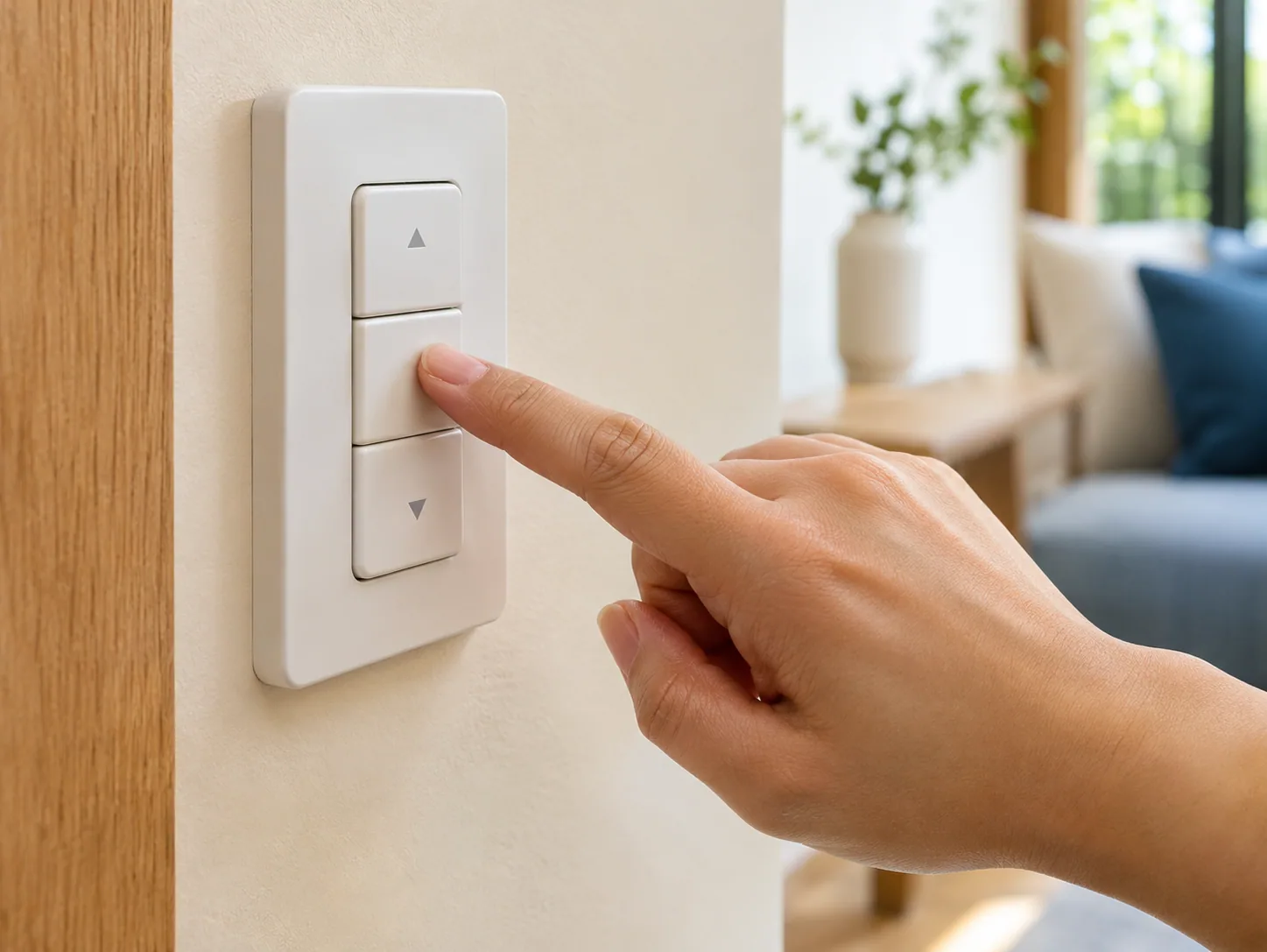
Local Control illustrative concept

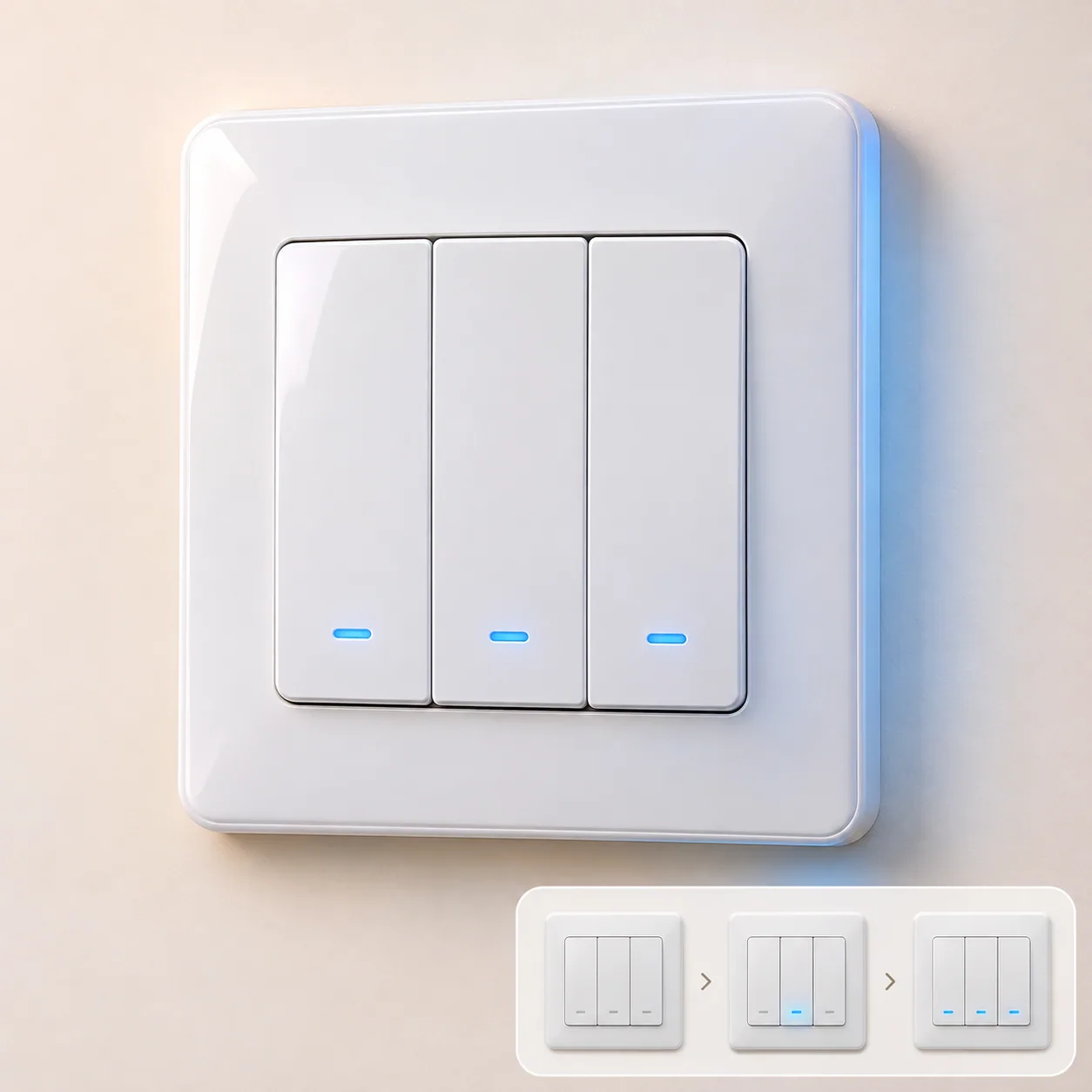
Local Control

Operate supported functions on site with the selected controls.
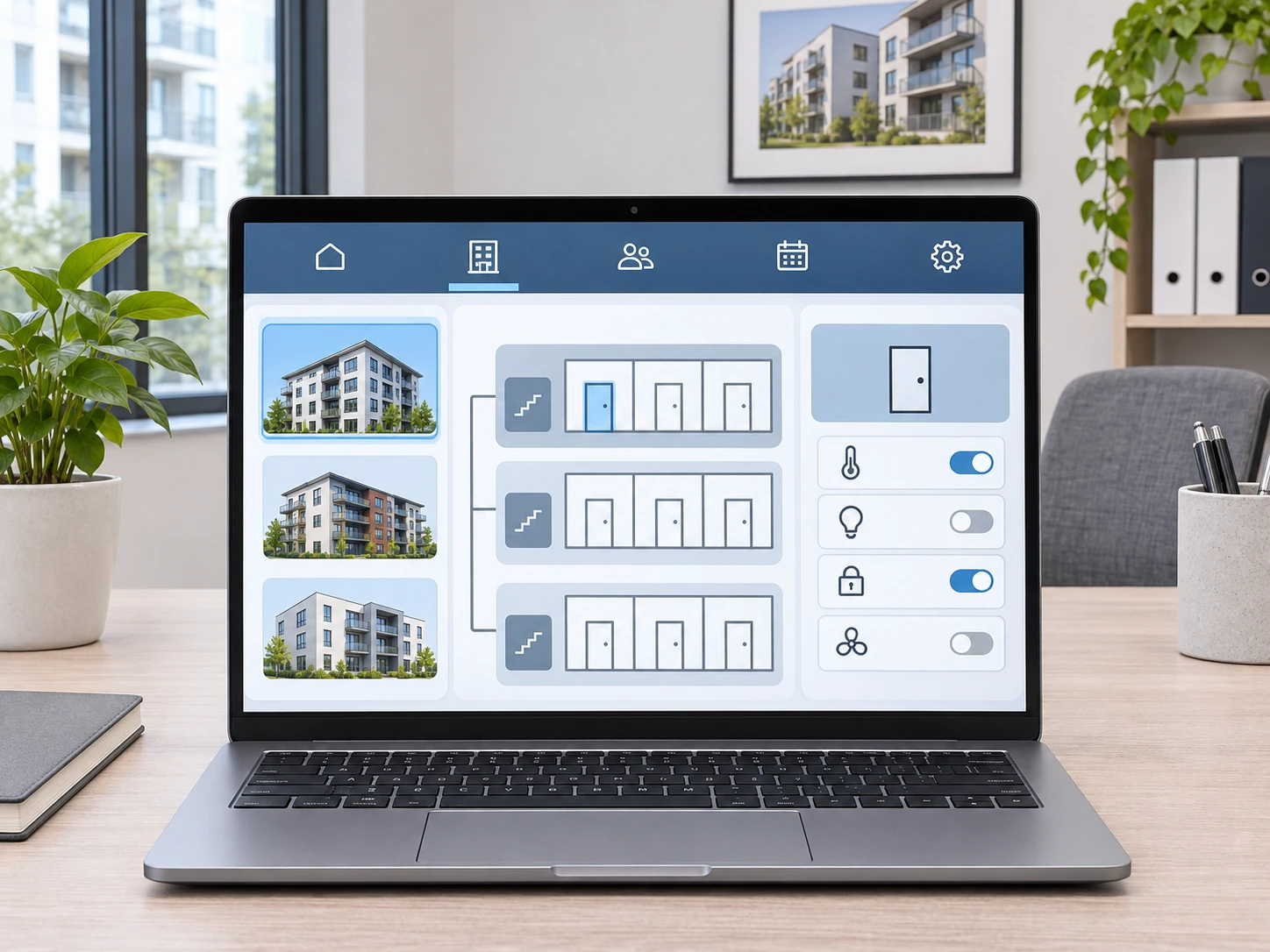
Remote Access — Optional illustrative concept

Remote Access — Optional

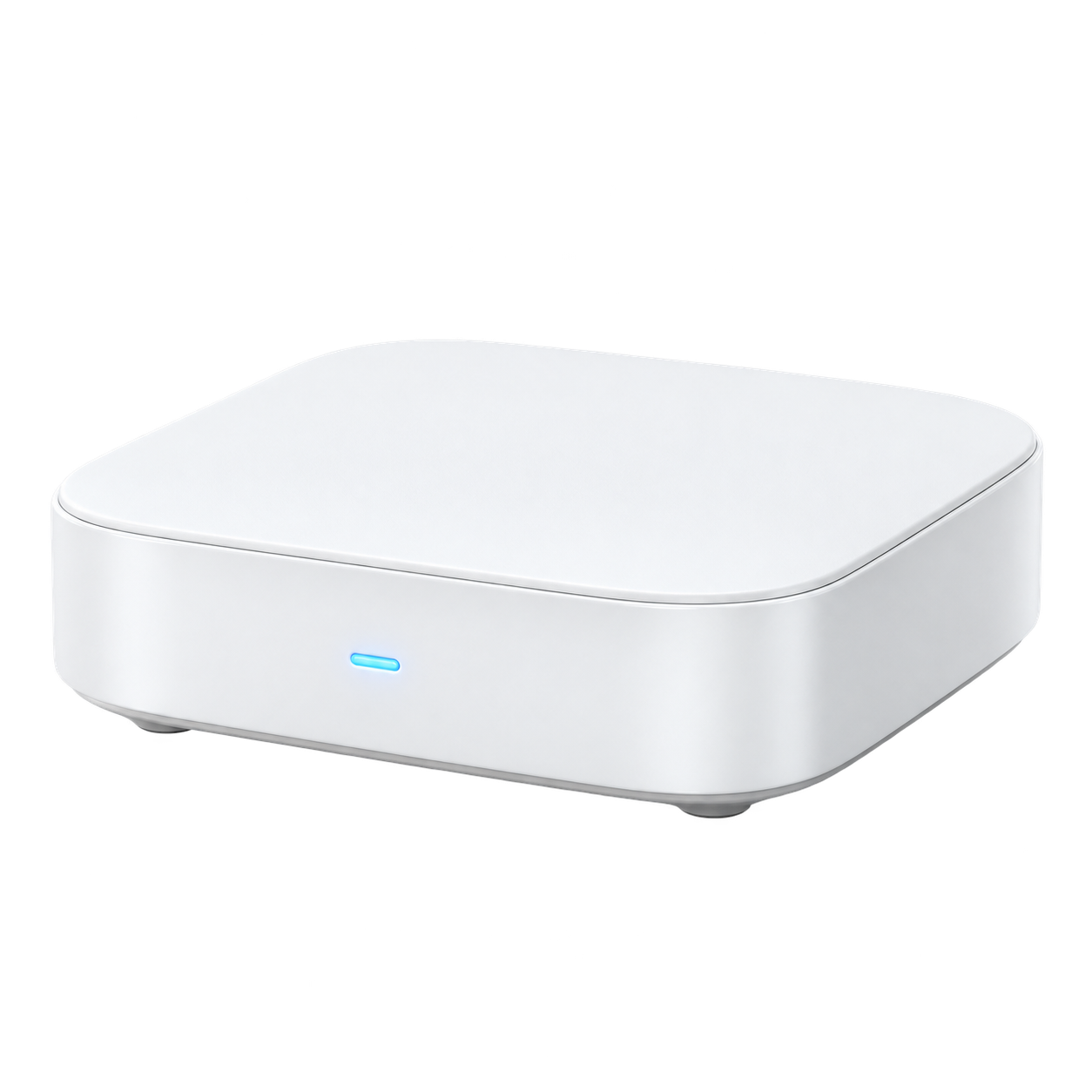
Use a supported gateway and remote service where configured.

Plan for a Successful Deployment.

Select equipment and a network arrangement around the project.
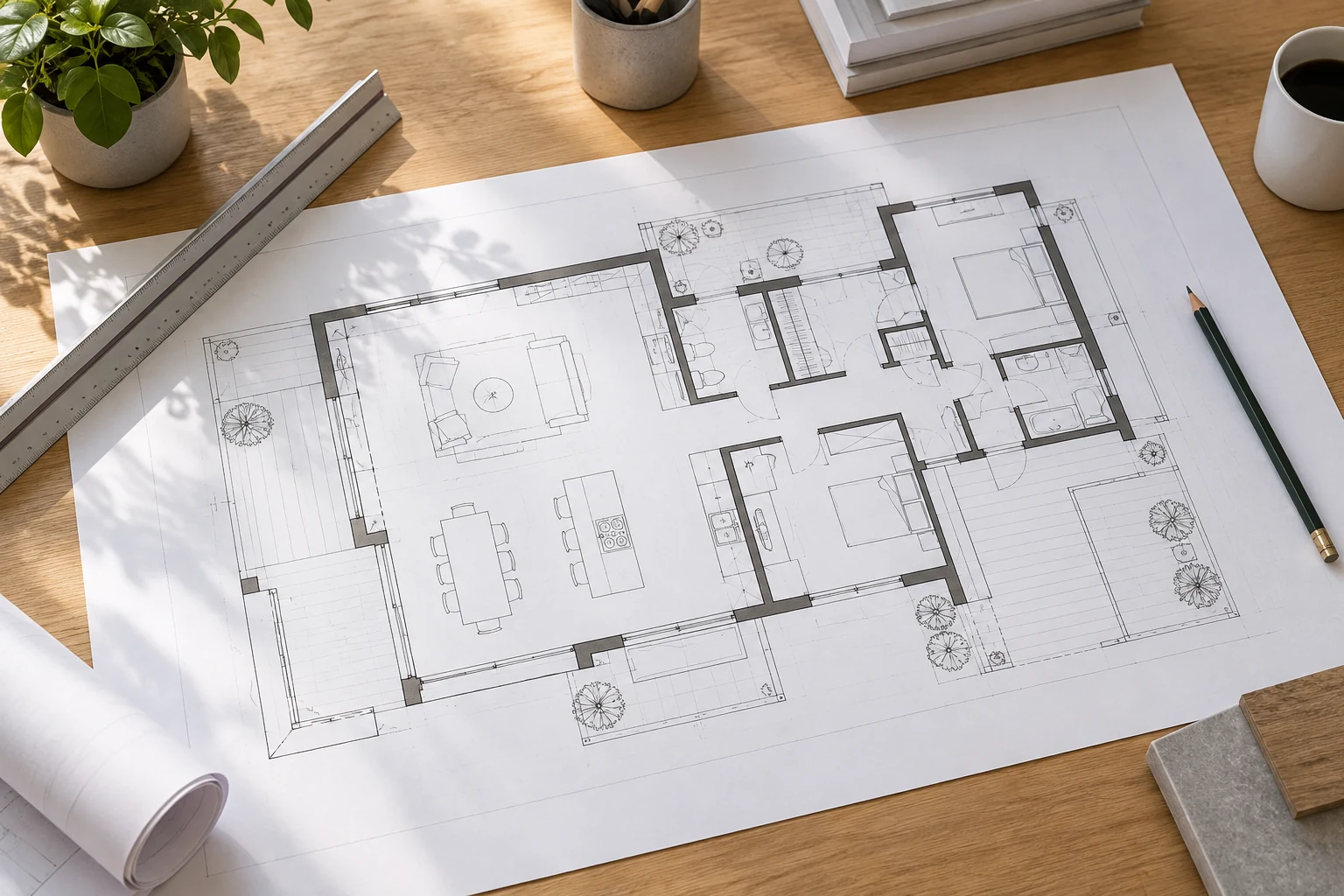
Project Inputs illustrative concept

Project Inputs

Space, operating tasks and site conditions.
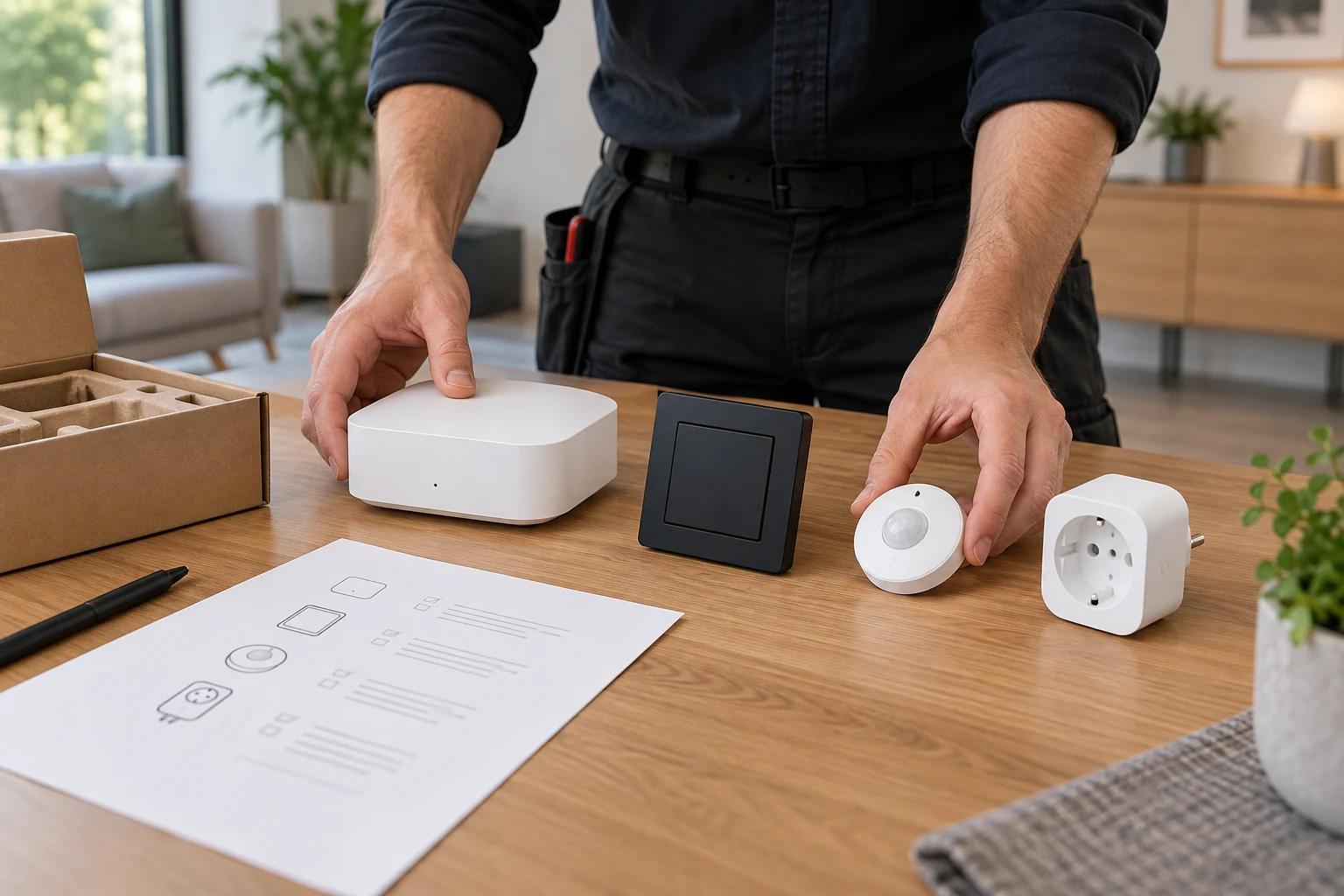
Device Selection illustrative concept

Device Selection

Compatible lighting, sensors and shading devices.
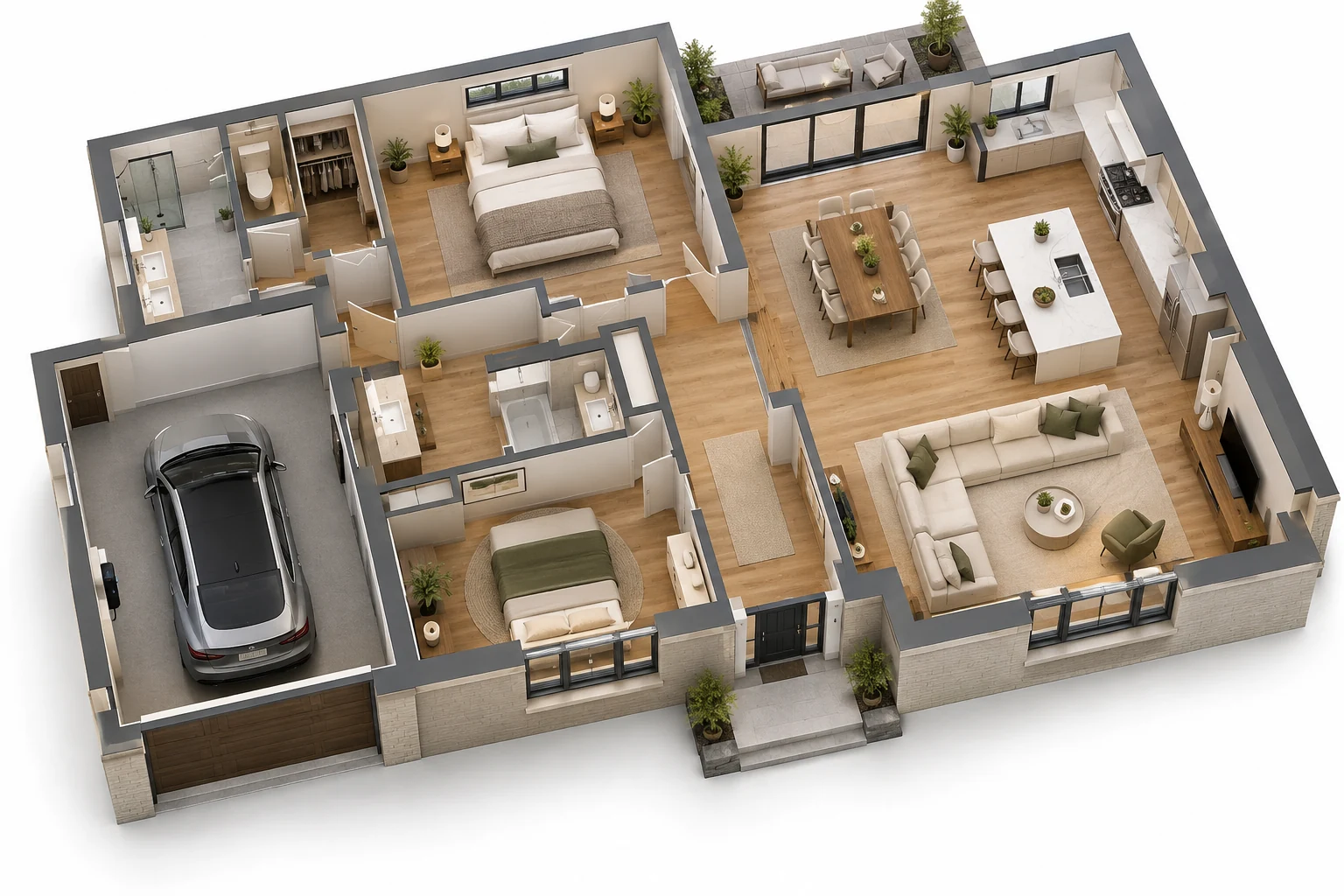
Network Design illustrative concept

Network Design

Coordinator, router-capable nodes and end-device placement.
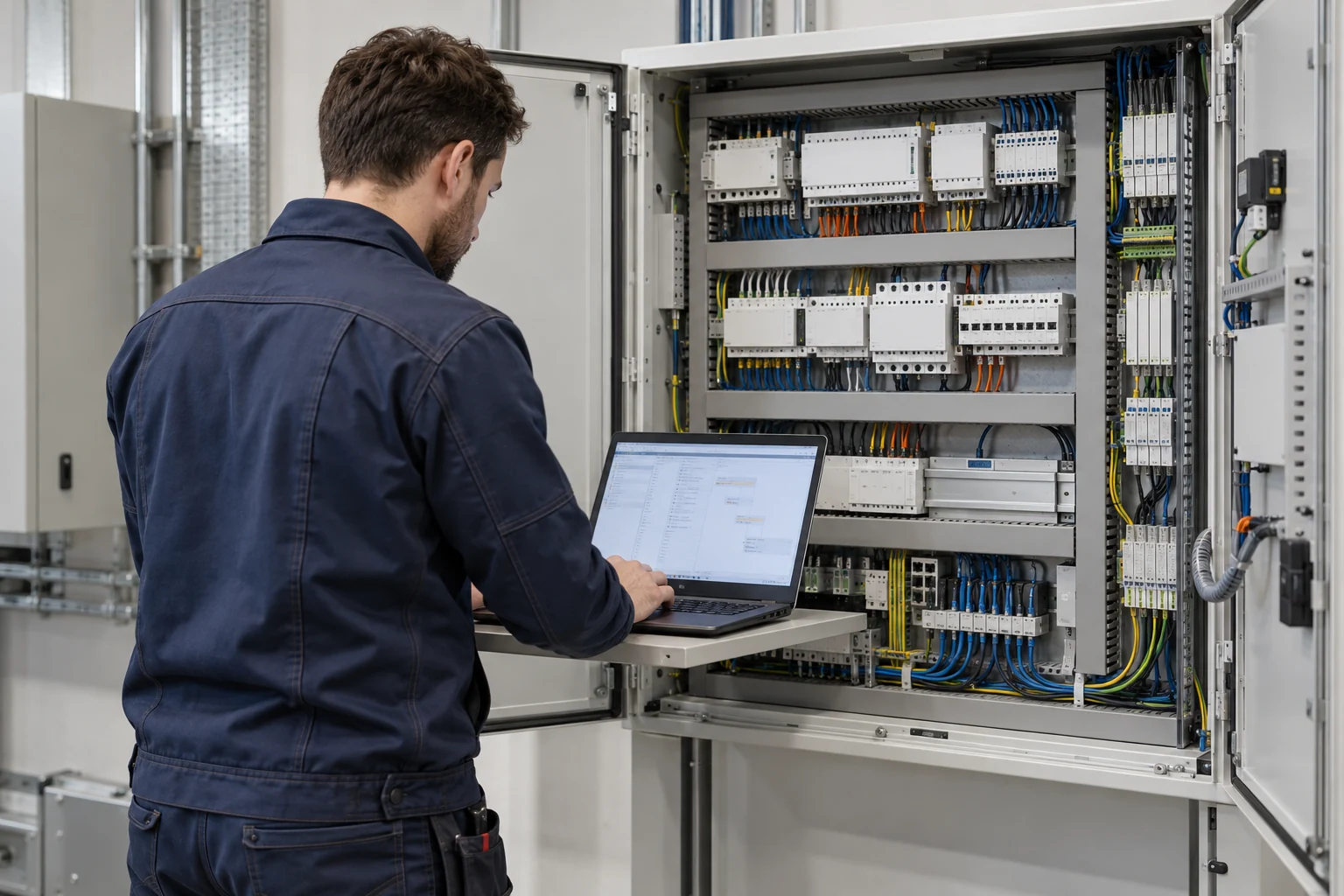
System Integration illustrative concept

System Integration

Interfaces with other systems, where supported.

Protocol Ecosystem and Compatibility.

Bring compatible device roles together around the application.

Office concept illustrating device roles in a Zigbee application
Zigbee
Device Ecosystem
Wall Controls appearance concept

Wall Controls

Lighting appearance concept

Lighting

Sensors appearance concept

Sensors

Shading appearance concept

Shading

Gateways appearance concept

Gateways

Protocol support alone does not confirm every device combination. Check the actual gateway, models and required functions together.

Building control project concept

Discuss Your Zigbee Control Project.

Share your spaces, required functions and installation conditions.

Discuss Your Project