

IQC — Incoming inspection
Check incoming materials and components against specifications before production.

Build in quality control at key points from incoming materials to product delivery.
Check incoming materials and components against specifications before production.

Monitor key processes during production for consistent manufacturing.
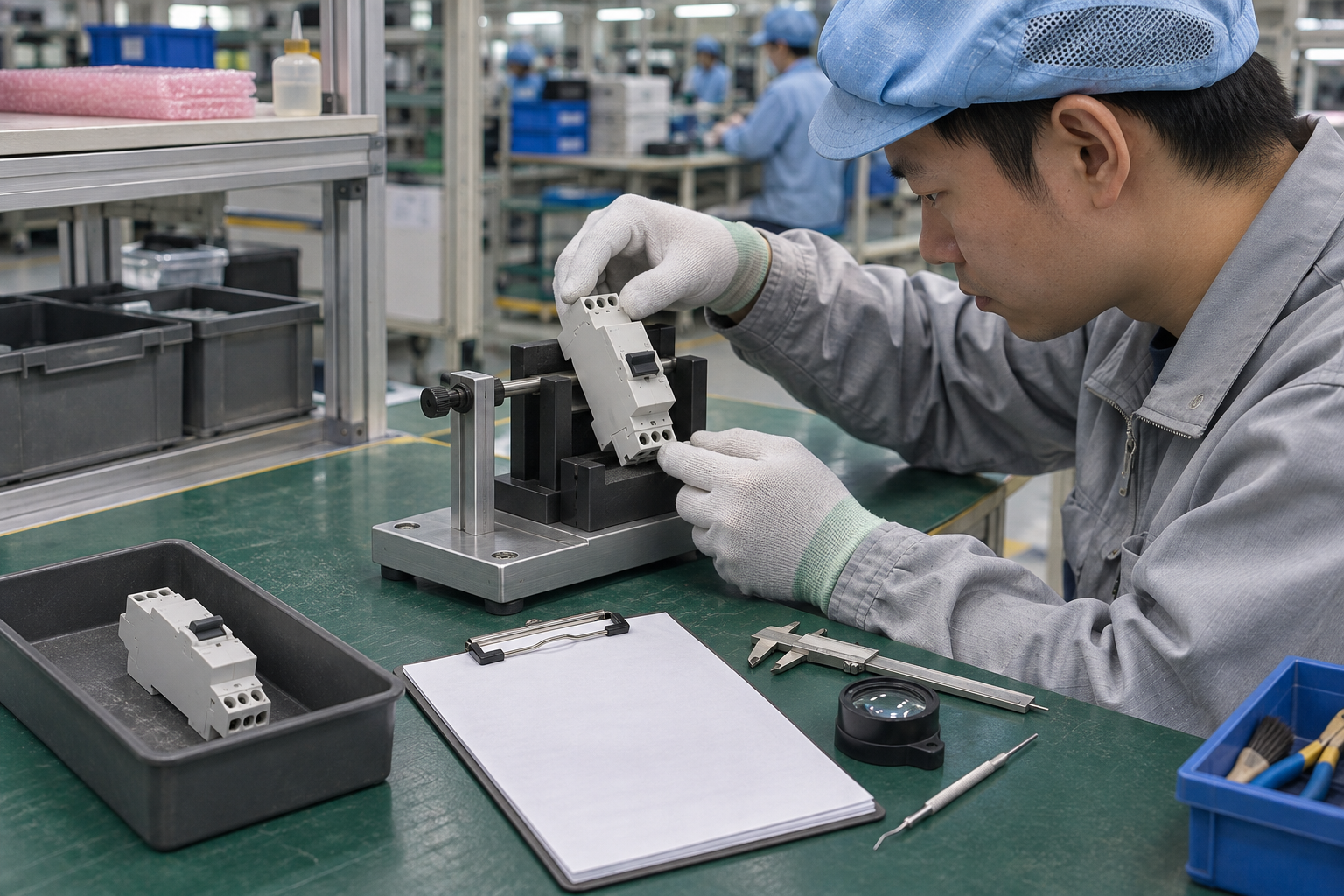
Verify product function, appearance and assembly before packaging.

Check packed products and documentation before shipment.
Set clear inspection plans based on product design, process and project requirements.
| Stage | Check focus | Record |
|---|---|---|
| IQC | Material and component checks | Incoming inspection record |
| IPQC | Key process and assembly checks | In-process inspection record |
| FQC | Product function and appearance | Finished-product record |
| OQC | Packing, accessories and labeling | Outgoing inspection record |
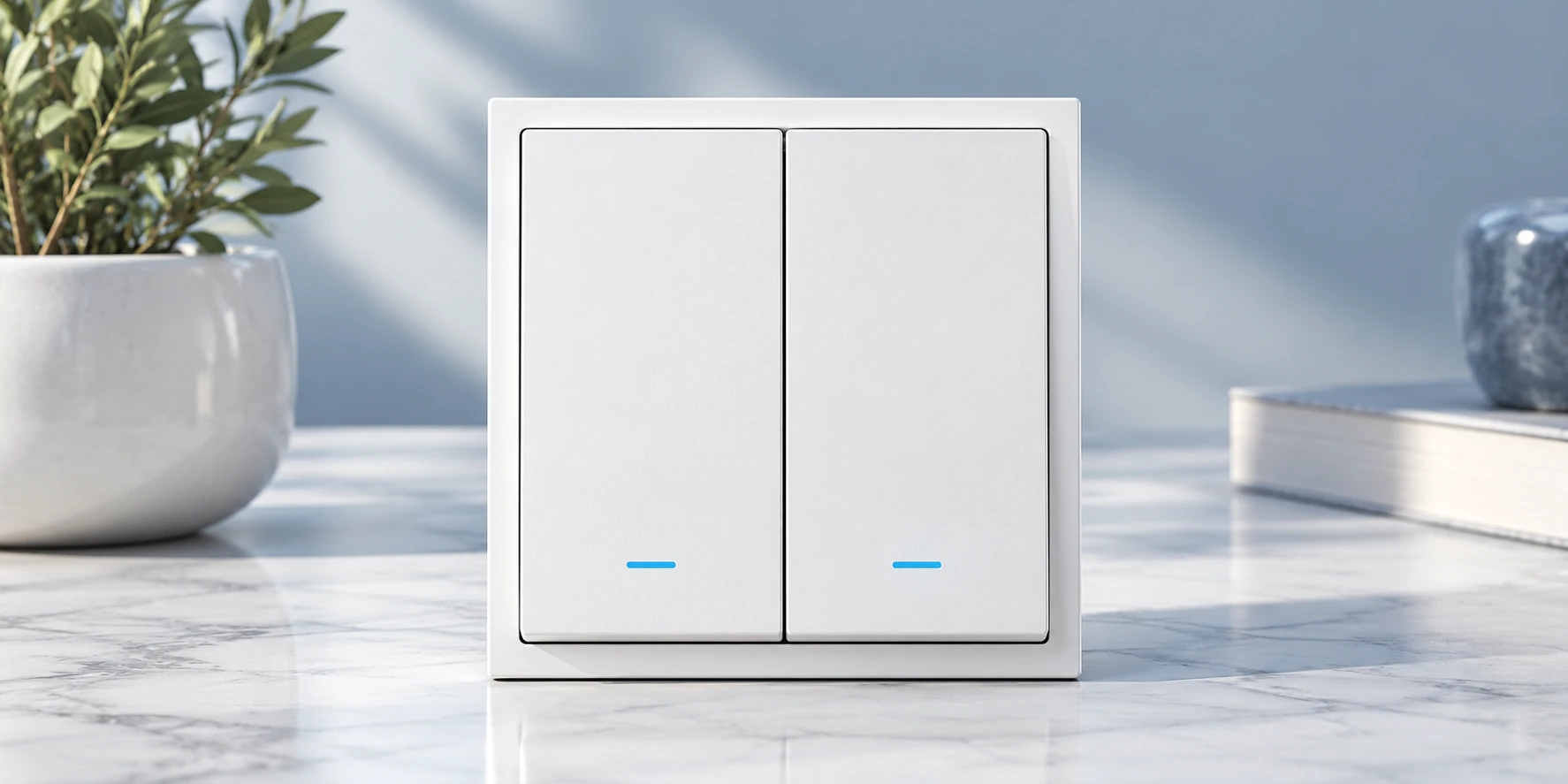
Function, appearance, structure and applicable documents.
Visual, dimensional, functional and other appropriate methods.
Defined for the product design and project requirements.
Role responsible for inspection, recording and decision.
Link inspection records to product identity throughout the production flow.
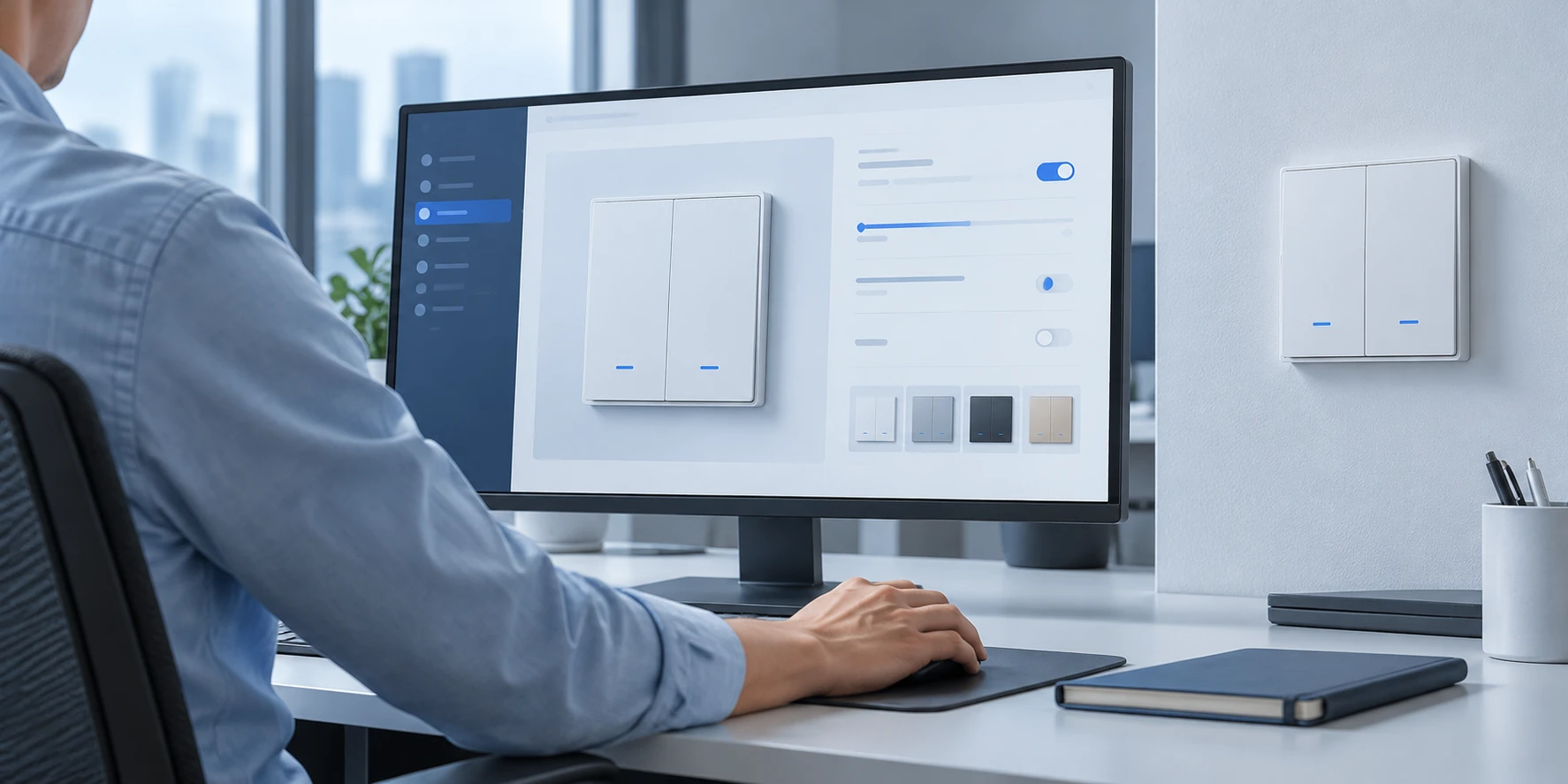
Link records to product model, revision and applicable drawings.
Record key material, component or production batch information.
Document actual findings with photos, notes or measurement data.
Record inspection result and the responsible decision.
Model and revision
Check results and evidence
Evaluation and decision
Next process control
Use a structured process to handle nonconforming items and prevent repeated issues.
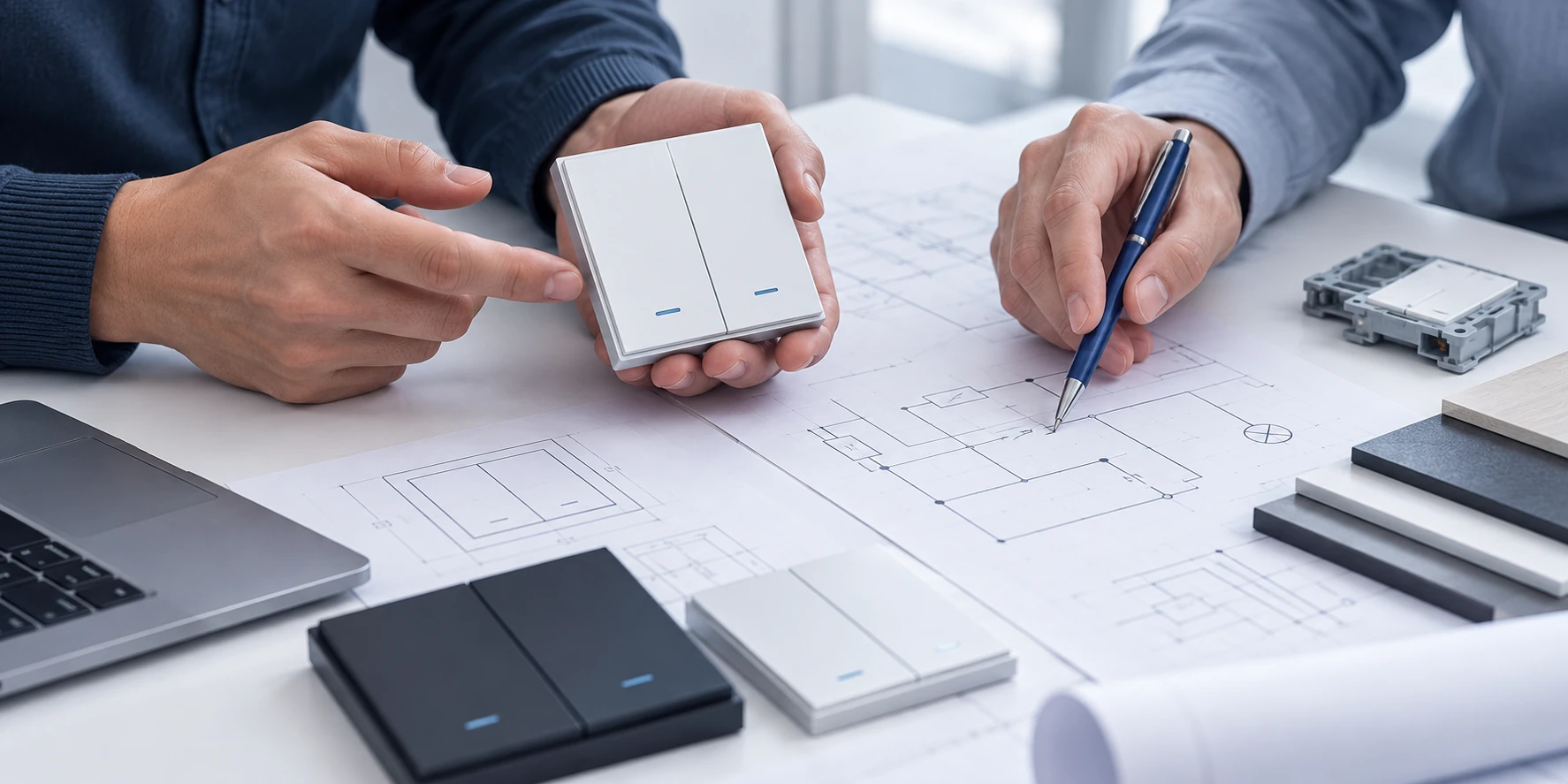
Log the issue with a clear description and evidence.
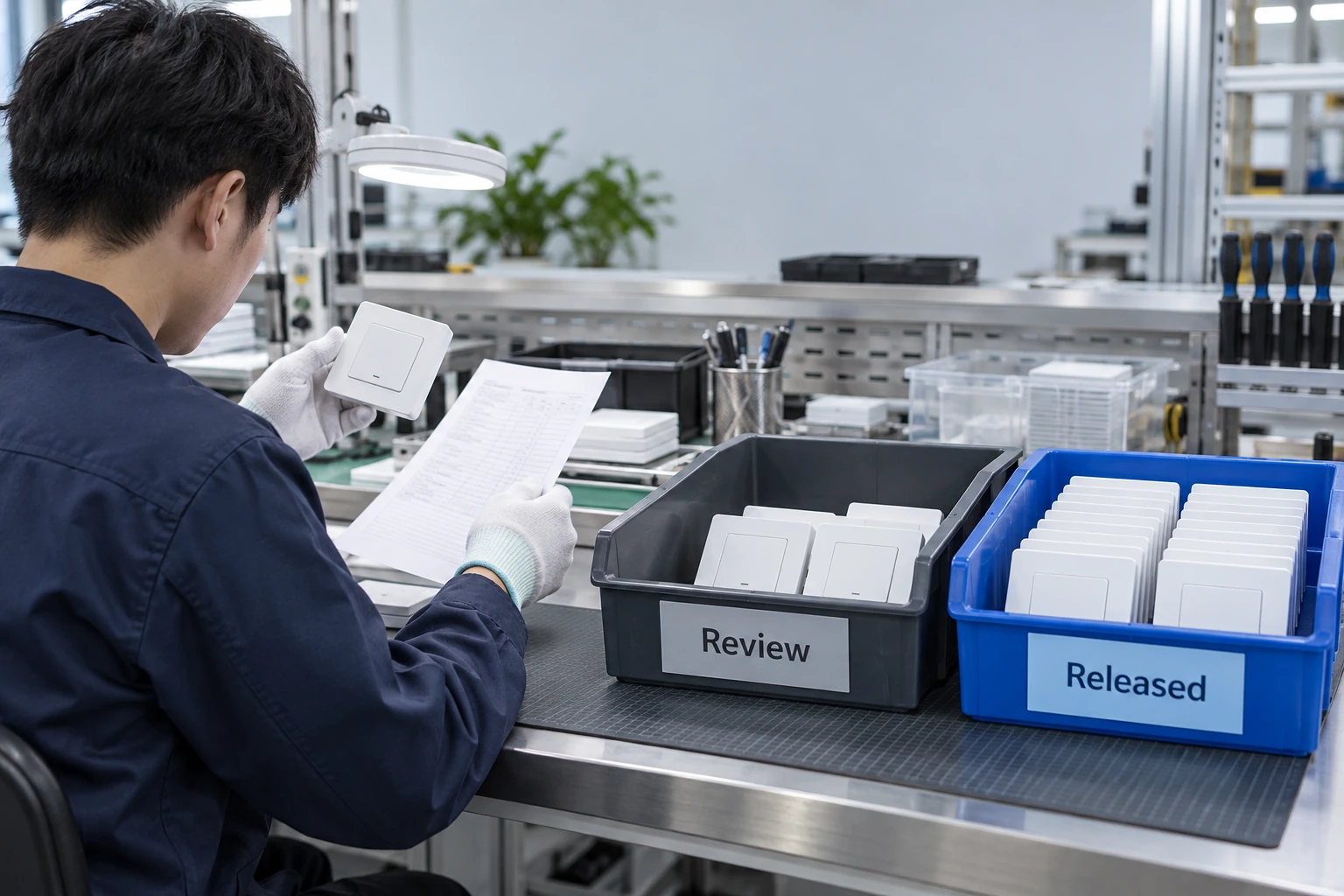
Keep nonconforming items in a controlled area for evaluation.

Evaluate the cause and decide the appropriate action.
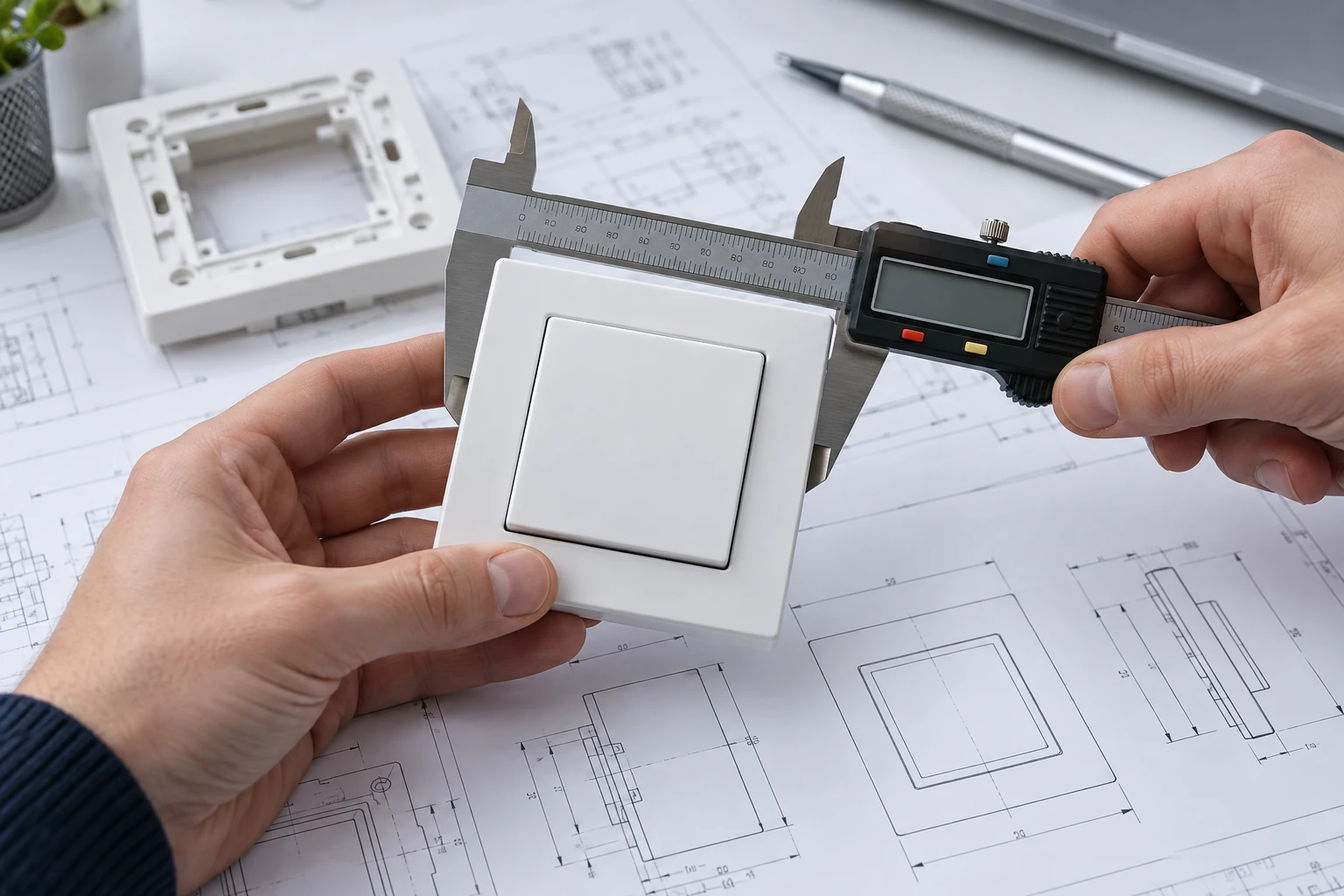
Confirm the action is effective before returning to normal flow.
Analyze causes, take effective actions and prevent similar issues from happening again.

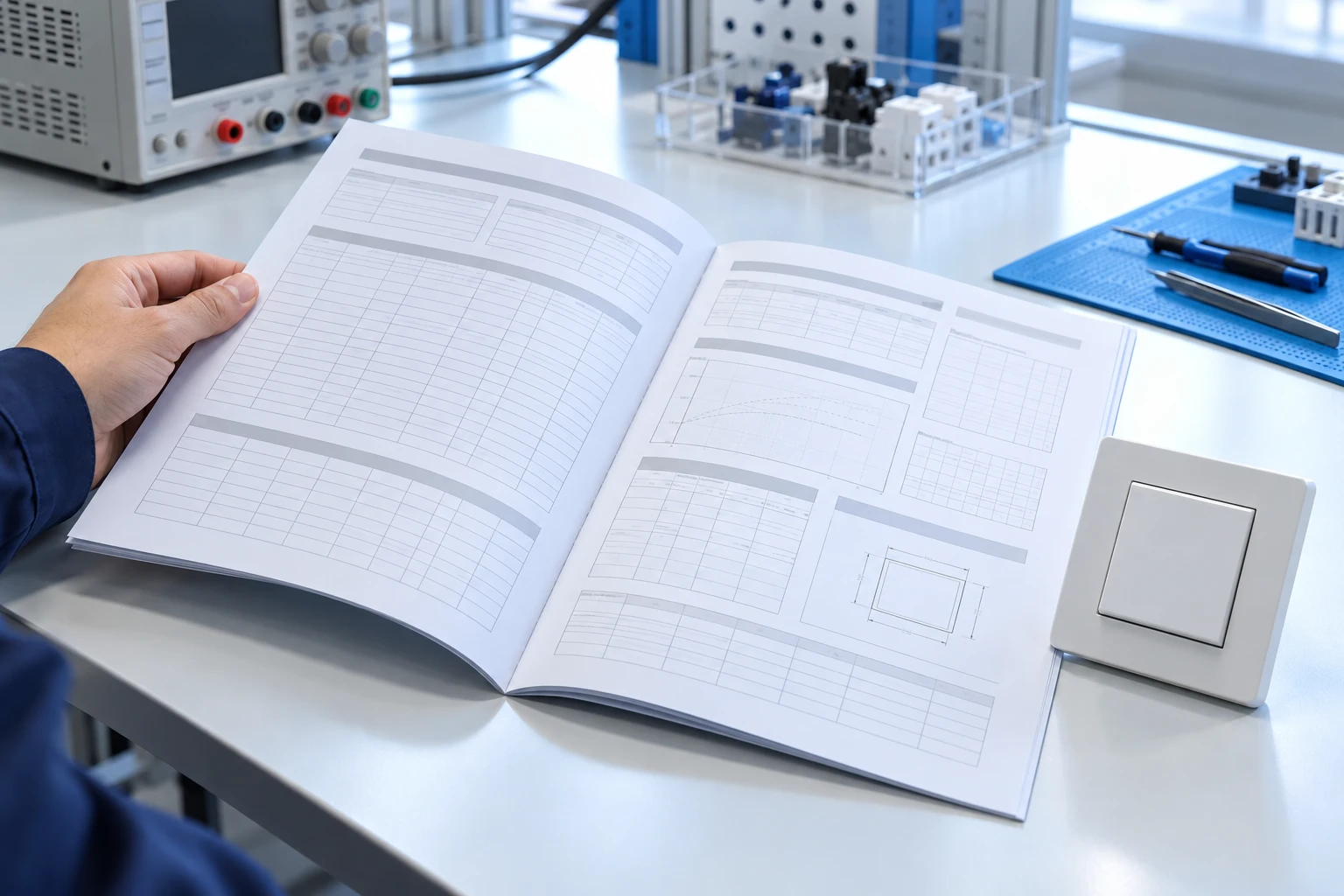
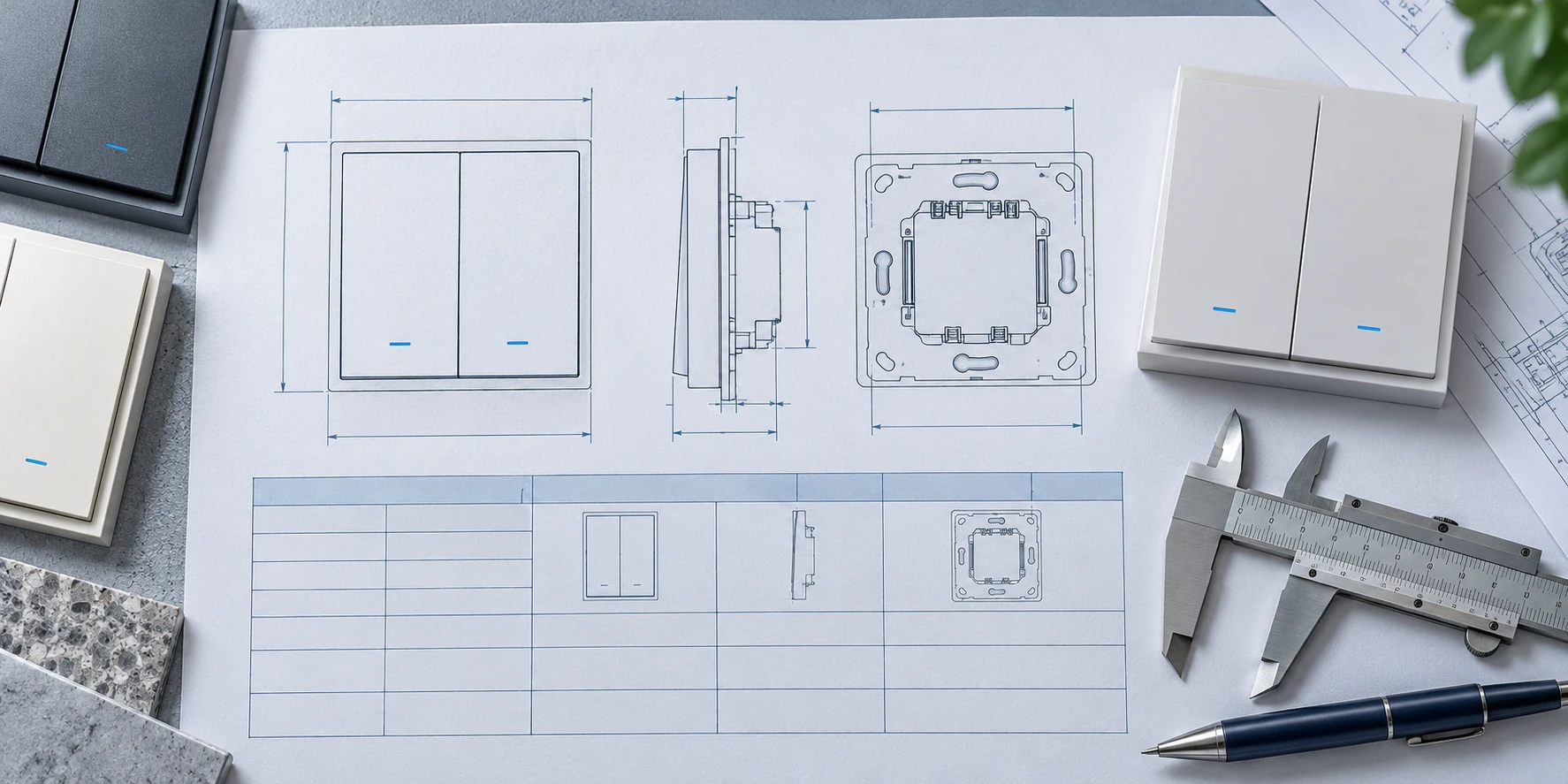
| Review topic | Evidence focus |
|---|---|
| Observed issue | Inspection records, photos and related data. |
| Cause evaluation | Process, material, design or handling factors. |
| Action taken | Process improvement, specification update or training. |
| Effectiveness check | Follow-up inspection records and actual results. |
Identify and record the issue.
Check the cause.
Implement and verify changes.
Check if the issue is resolved.
Update records and standards.
Keep inspection records, change history and related documents well organized.
Quality management records and product certification documents serve different purposes.
Check items, methods and responsibilities.
Incoming, in-process, finished and outgoing records.
Issue records, root cause and corrective actions.
Product revision, document changes and release records.
Bring the product criteria, inspection priorities and document needs.