
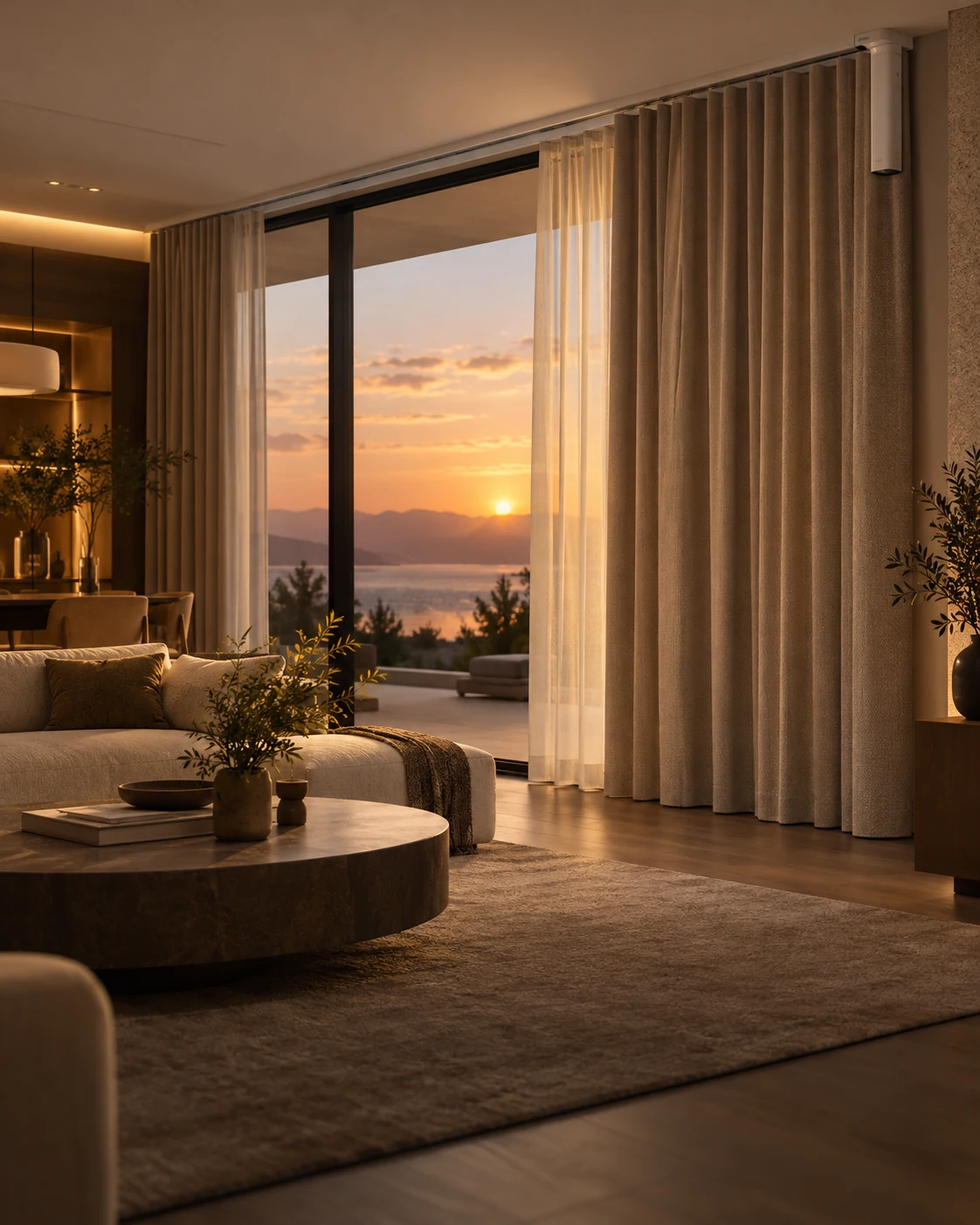
Curtains
Motorized curtains for flexible light and privacy control.
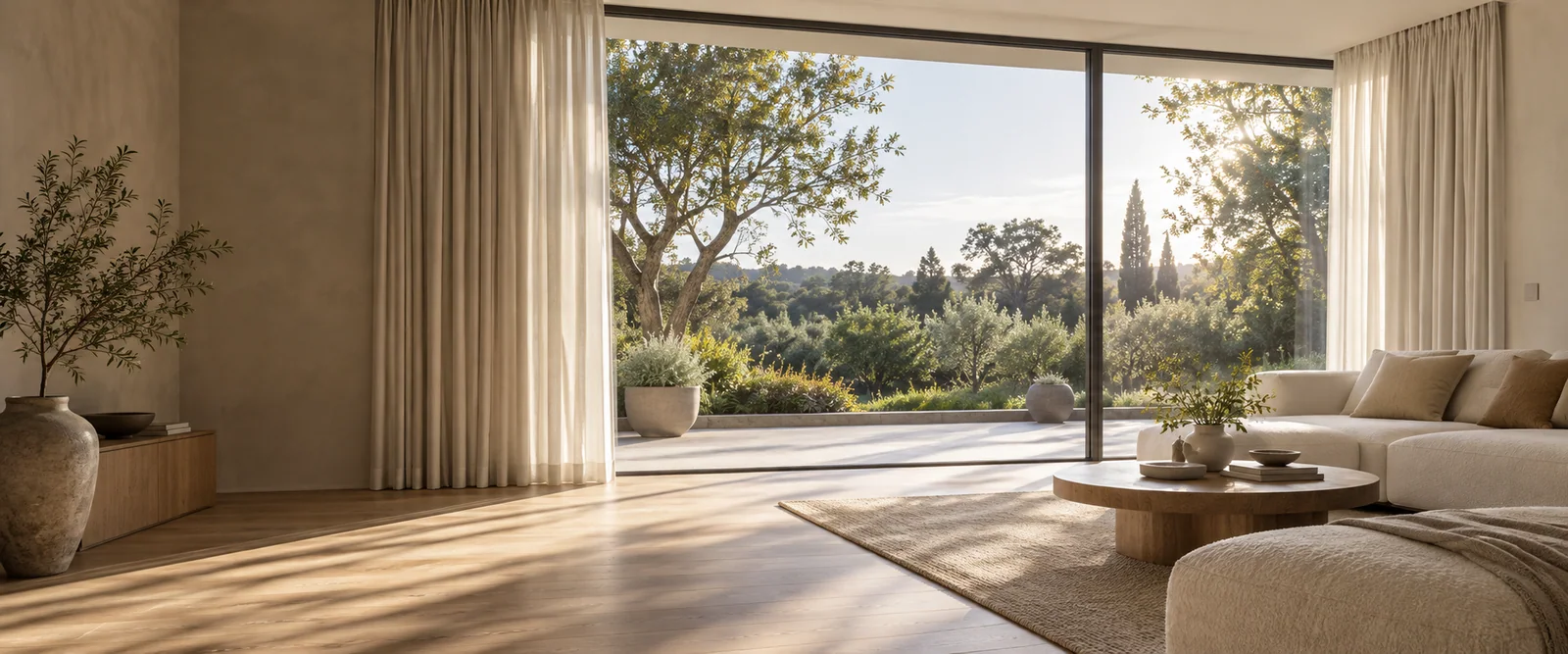
Choose shading around the building spaces and the intended use.
Motorized curtains for flexible light and privacy control.
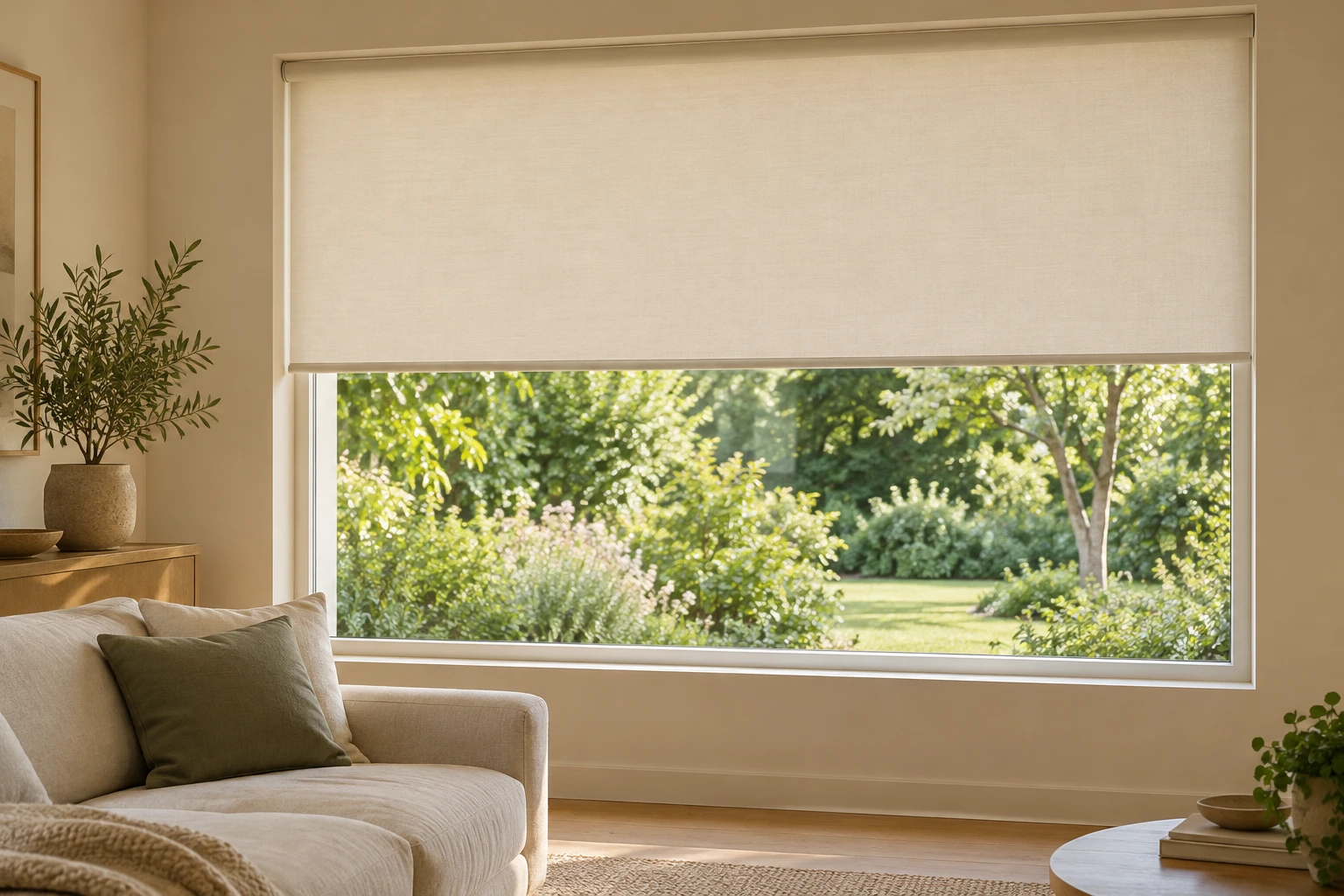
Clean, space-saving shading for interior windows.
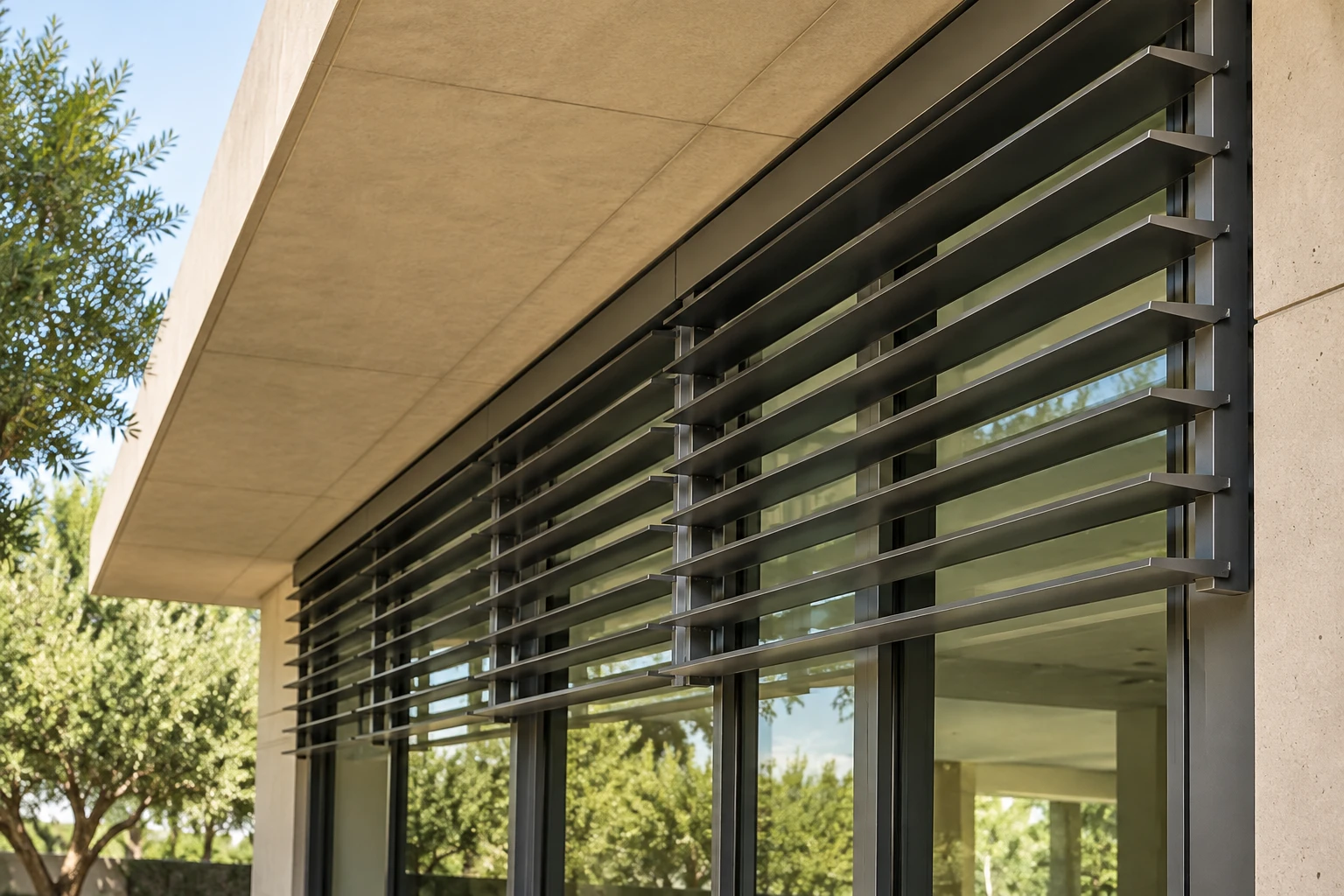
Project-specific external solar and glare control.
Consider individual rooms and shared areas within the same project.
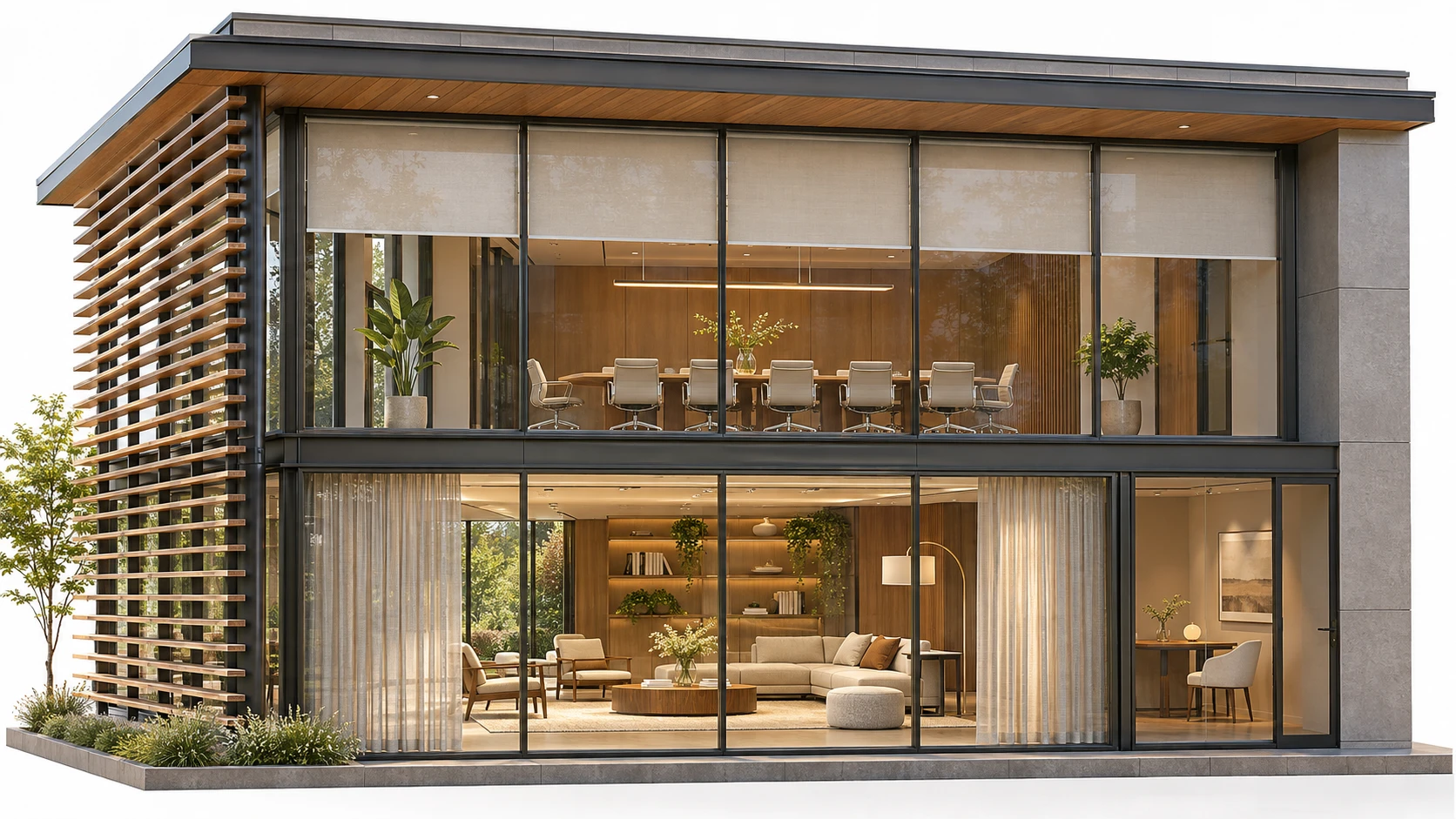
Typical requests for motorized shading. Position control is available only where the selected system supports it.
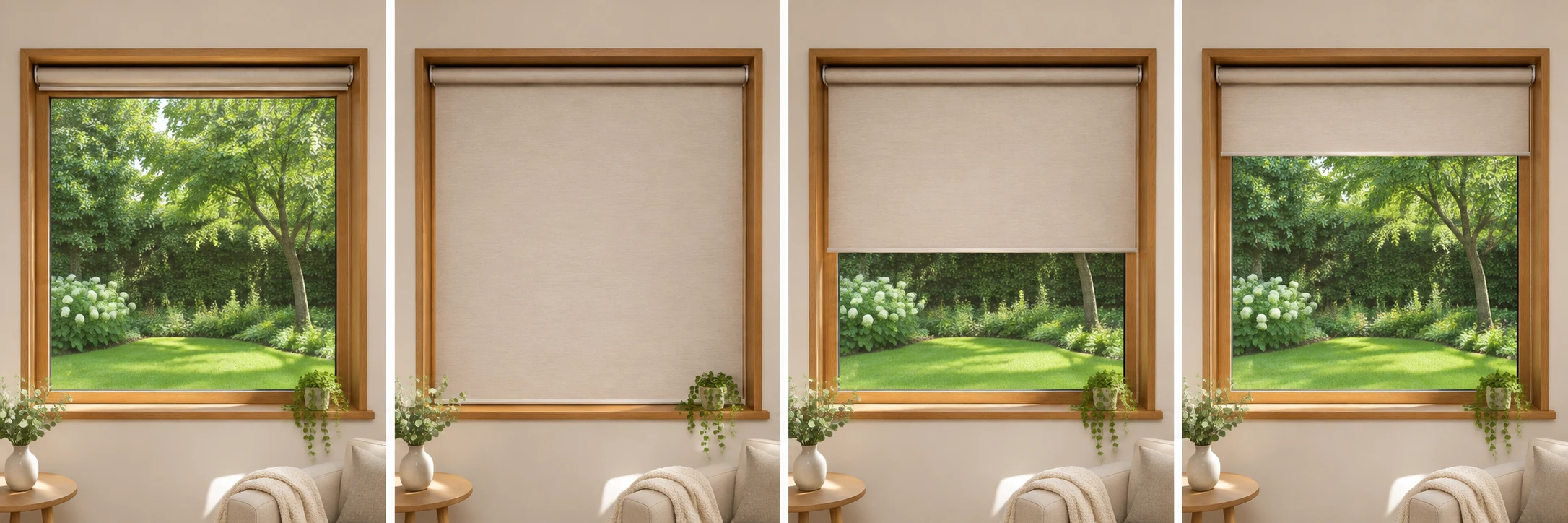
Raise to fully open.
Lower to fully close.
Halt at the current position.
Move to a supported preset position.
These are component roles for project planning, rather than a fixed equipment package.
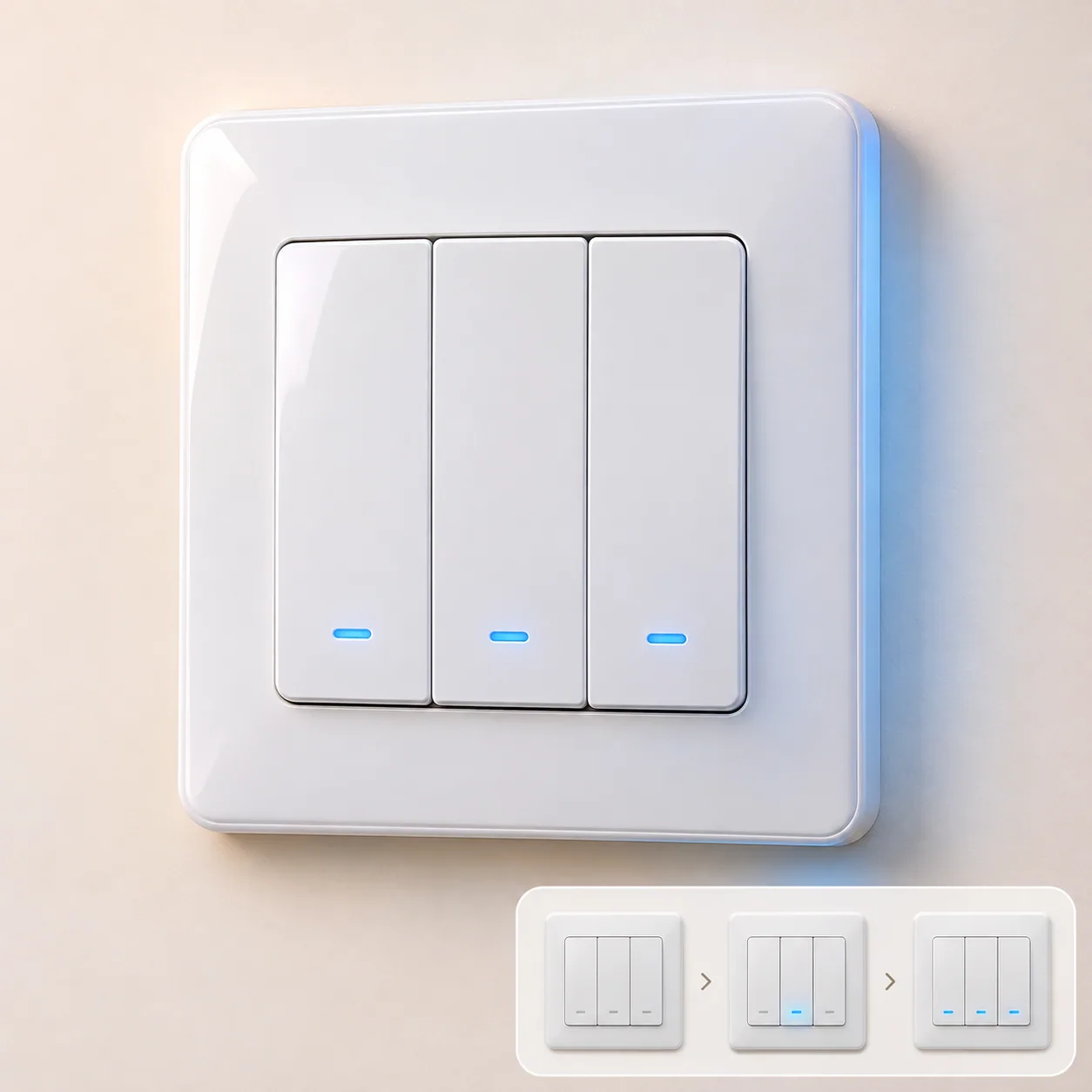
Local open, close, stop and supported position requests.
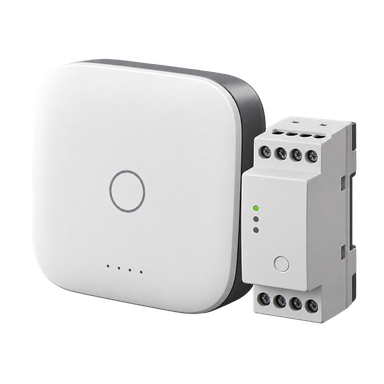
A suitable interface for the selected motor.
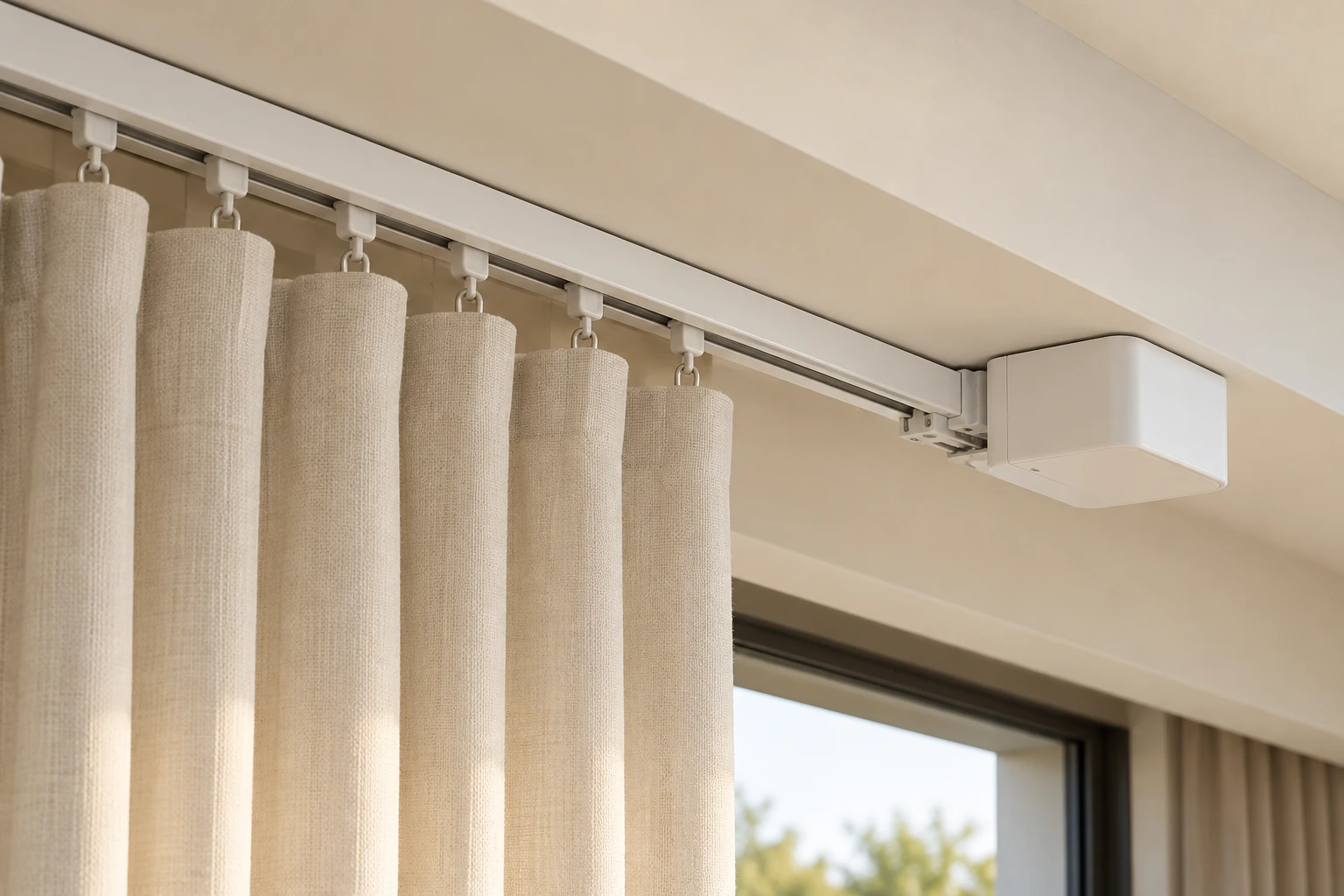
Drives the selected shading mechanism.
The curtain, blind or external shading being moved.
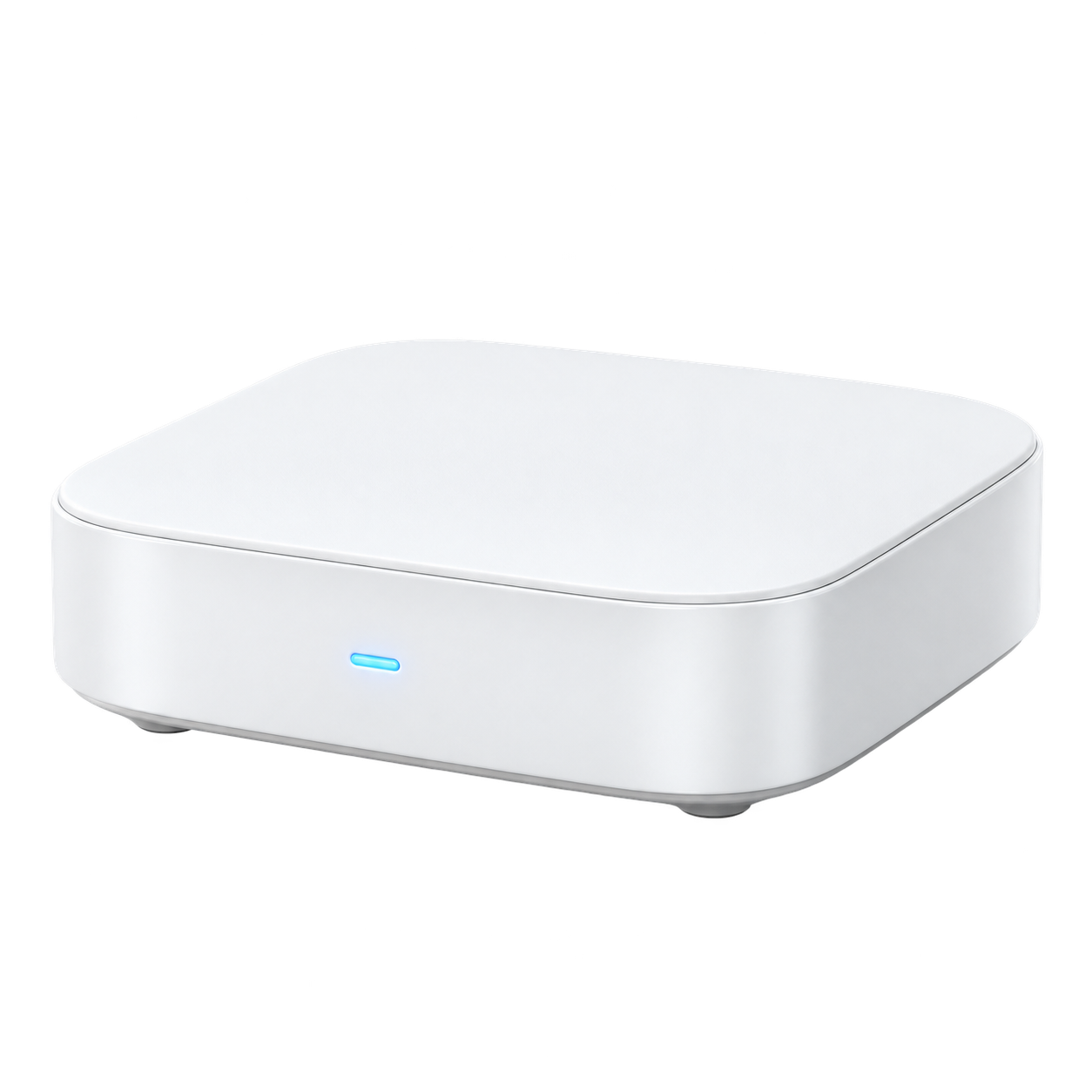
System integration or remote access where required.
Match the motor and controller to the intended local and system controls.
Daily room operation.
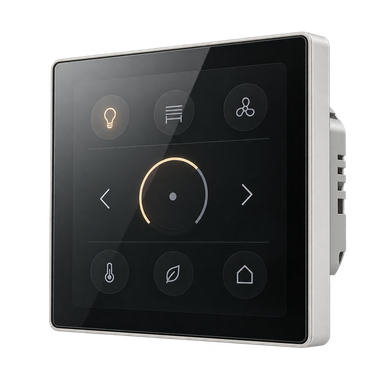
Selected scenes and functions.
Interfaces required by the project.
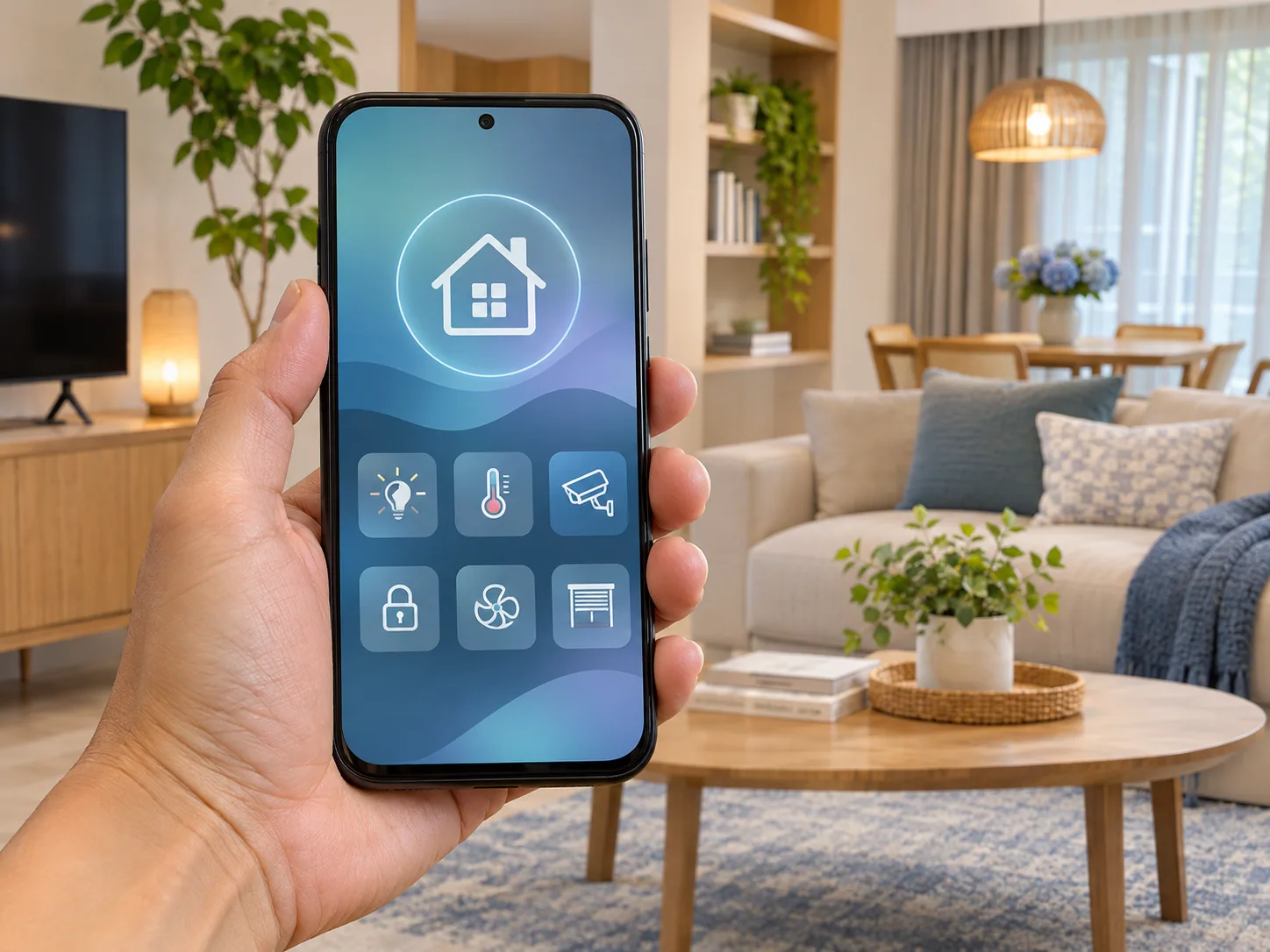
Schedules or scenes where supported.
Review movement, coordination and site conditions with the responsible professional.
Agree how shading coordinates with other selected systems.
Consider movement areas and site-specific risks.
Account for wind and external exposure where relevant.
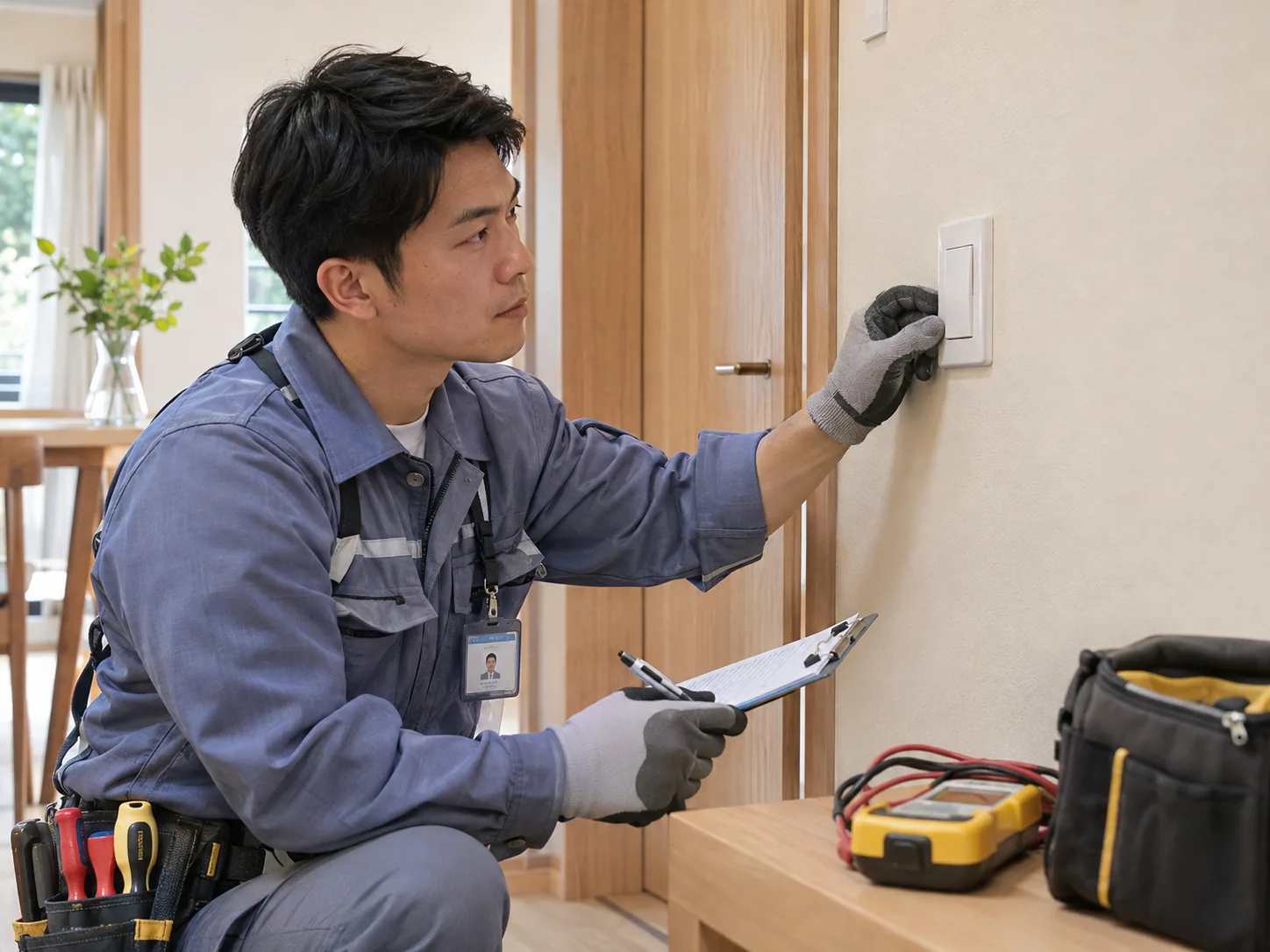
Confirm the final arrangement before installation.
Plan the supply and cable route around the selected motor and controller.
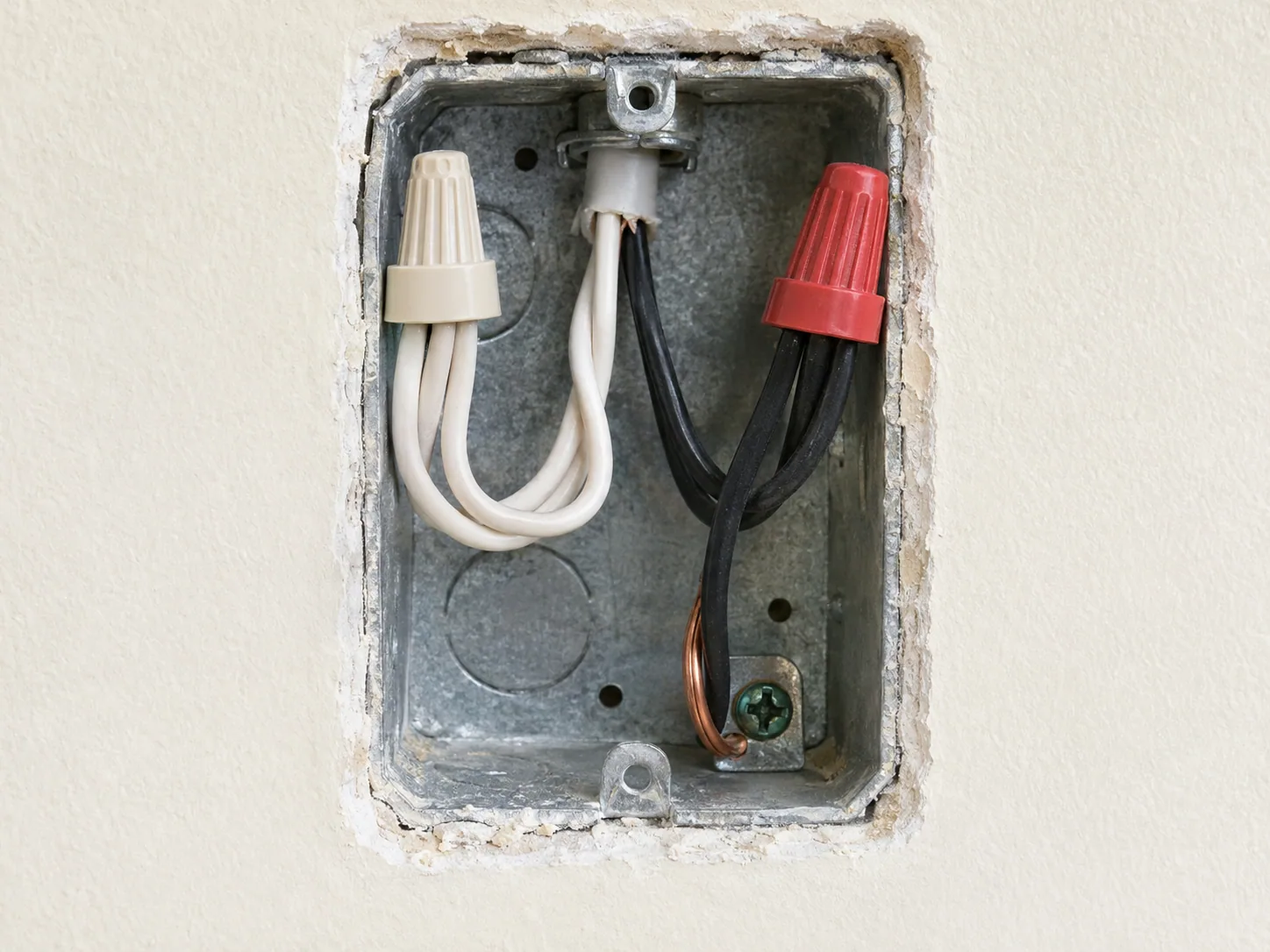
Use the supply required by the selected devices.
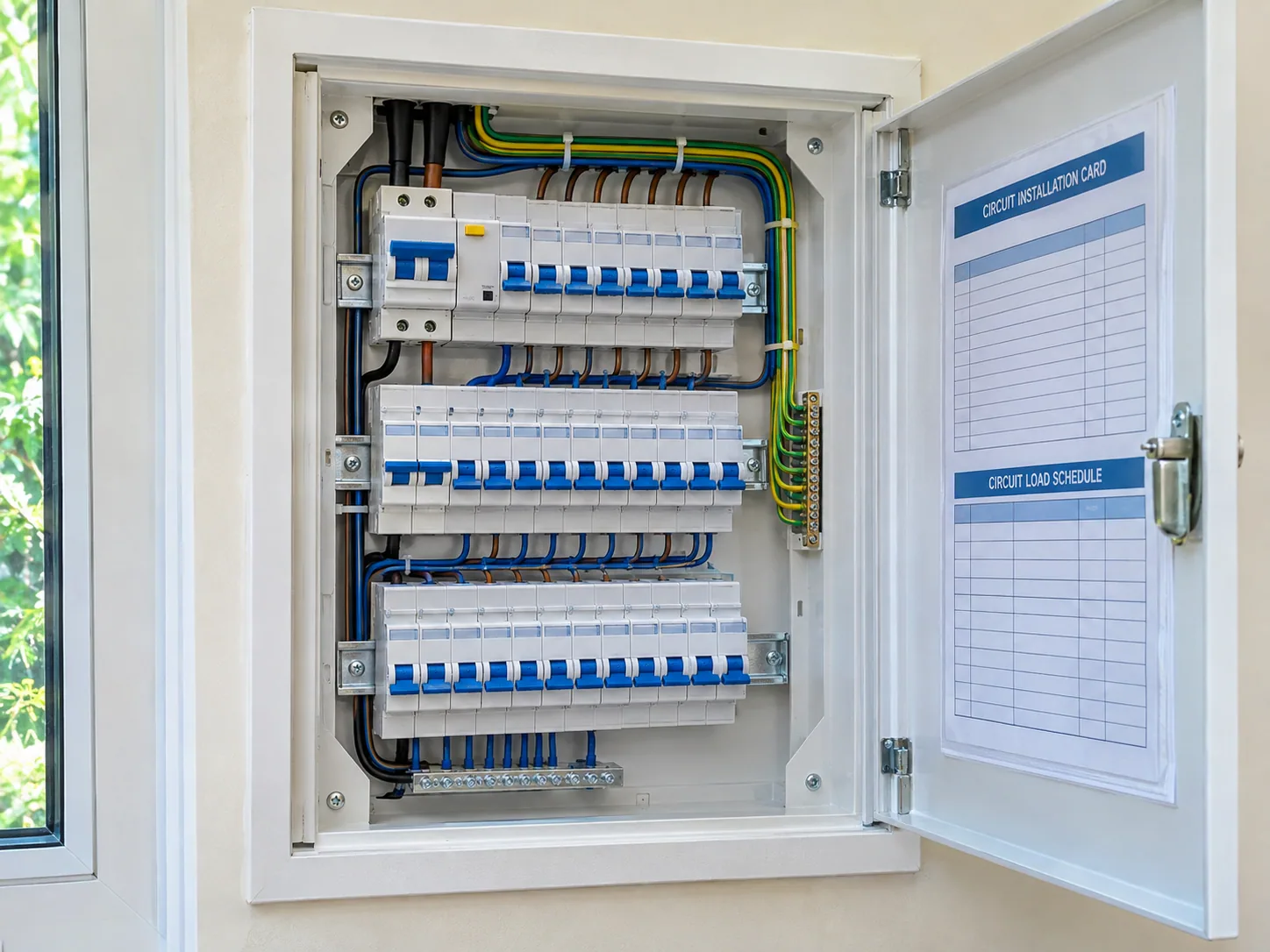
Review the route, cable and installation conditions.
Allow suitable space, depth and mounting for the chosen control interface.
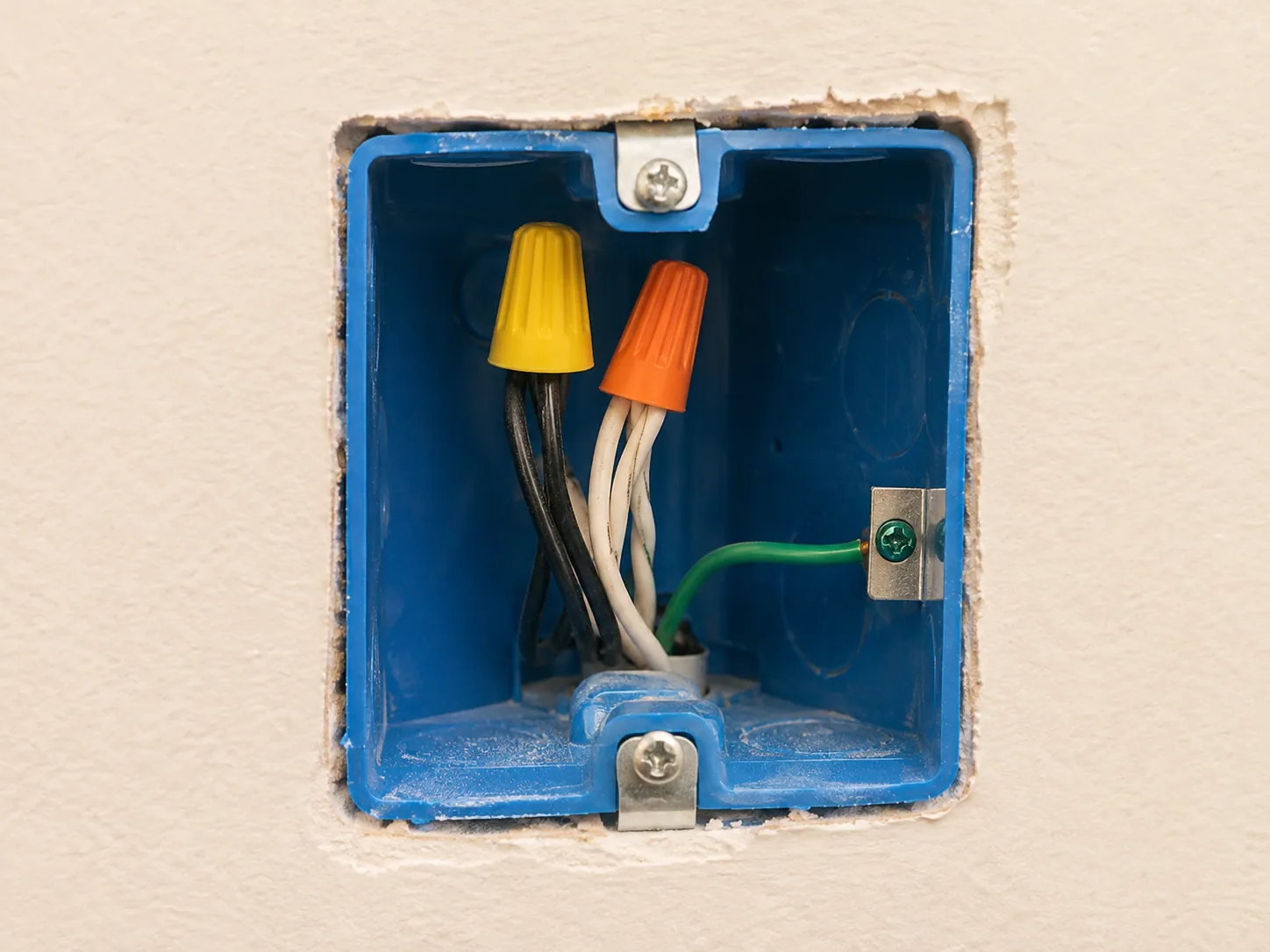
Confirm type and available depth.
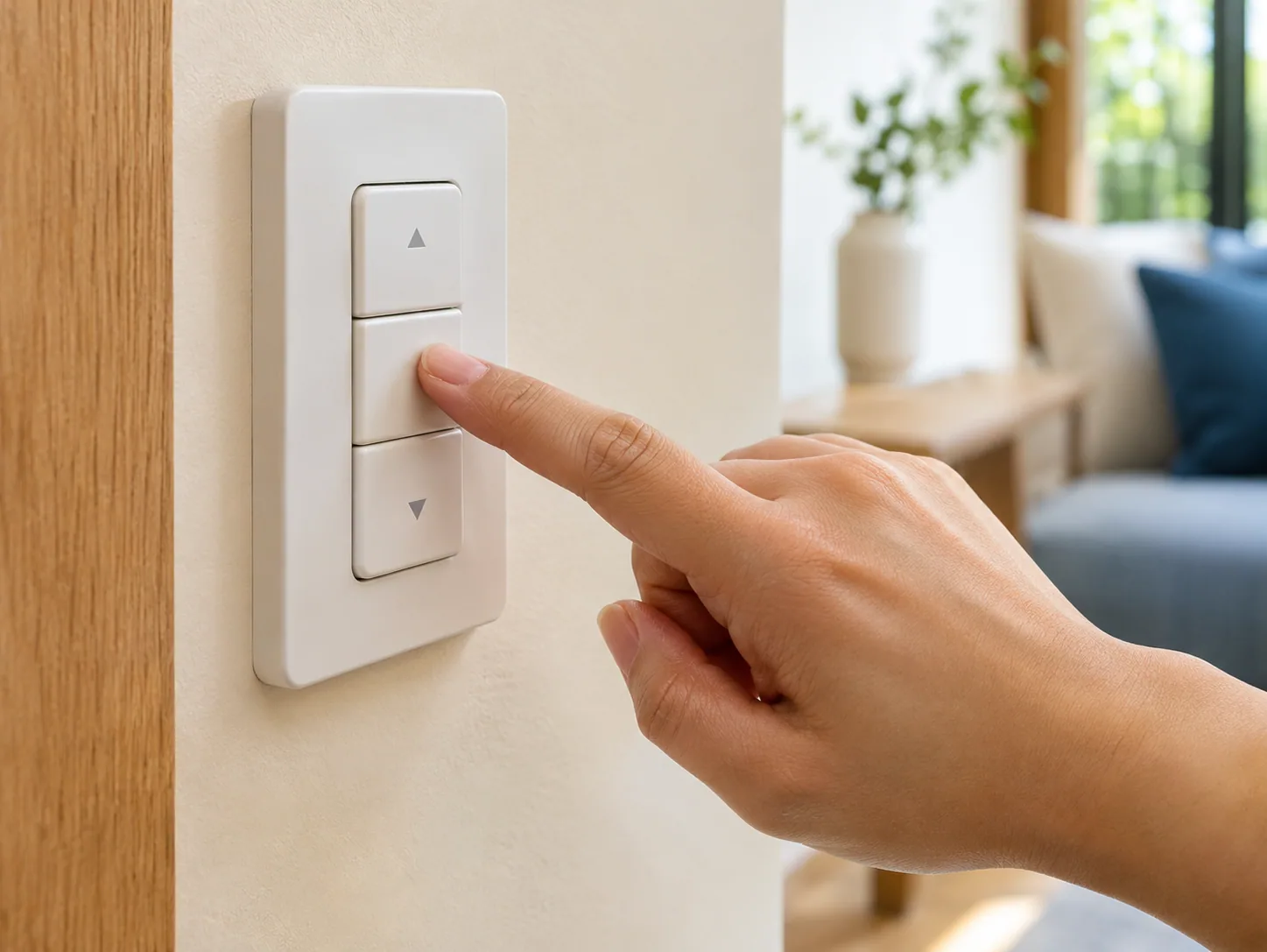
Plan the position, fixing and finish.
Provide clear daily operation and include remote access where the project requires it.
On-site operation with the selected wall or room interface.
App, network or building-system access where supported.
Share the space, shading mechanisms and functions you need.
Area, shading type and control needs.
Local controls, scenes and integration.
Motor type and supported controller.
Supply, cable route and installation.
Box type, space and mounting.
Site-specific safety and coordination.
Integration or remote-control needs.
Discuss your spaces, control needs and integration requirements.
Discuss Your Project