
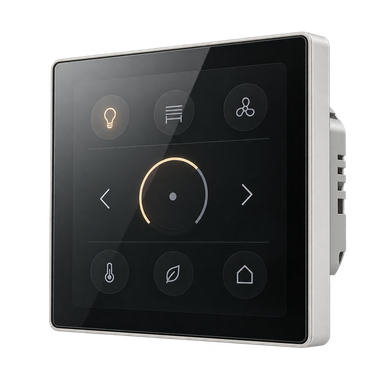
Scene Wall Control
Call a selected lighting scene.
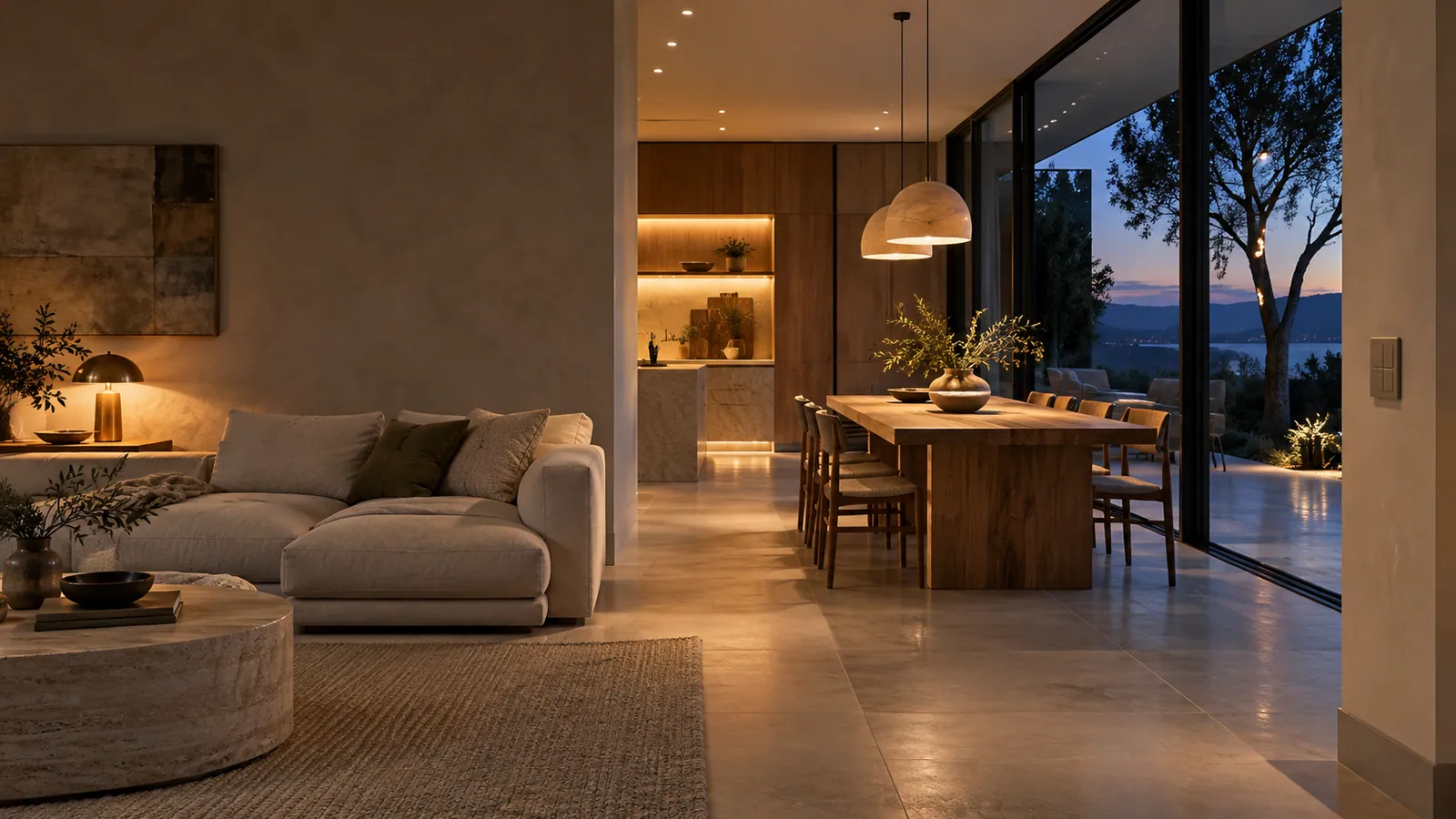
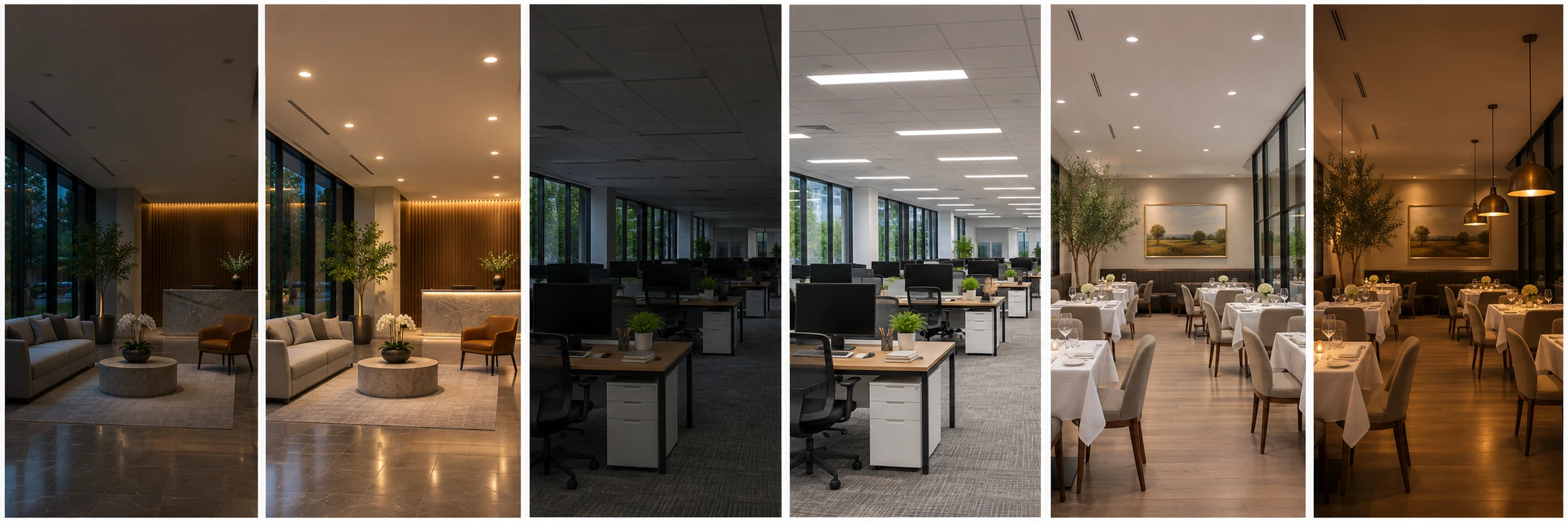
Select lighting scenes around the activities and spaces in your project.
Assign lights to the spaces they serve, then select the scenes and controls you need.
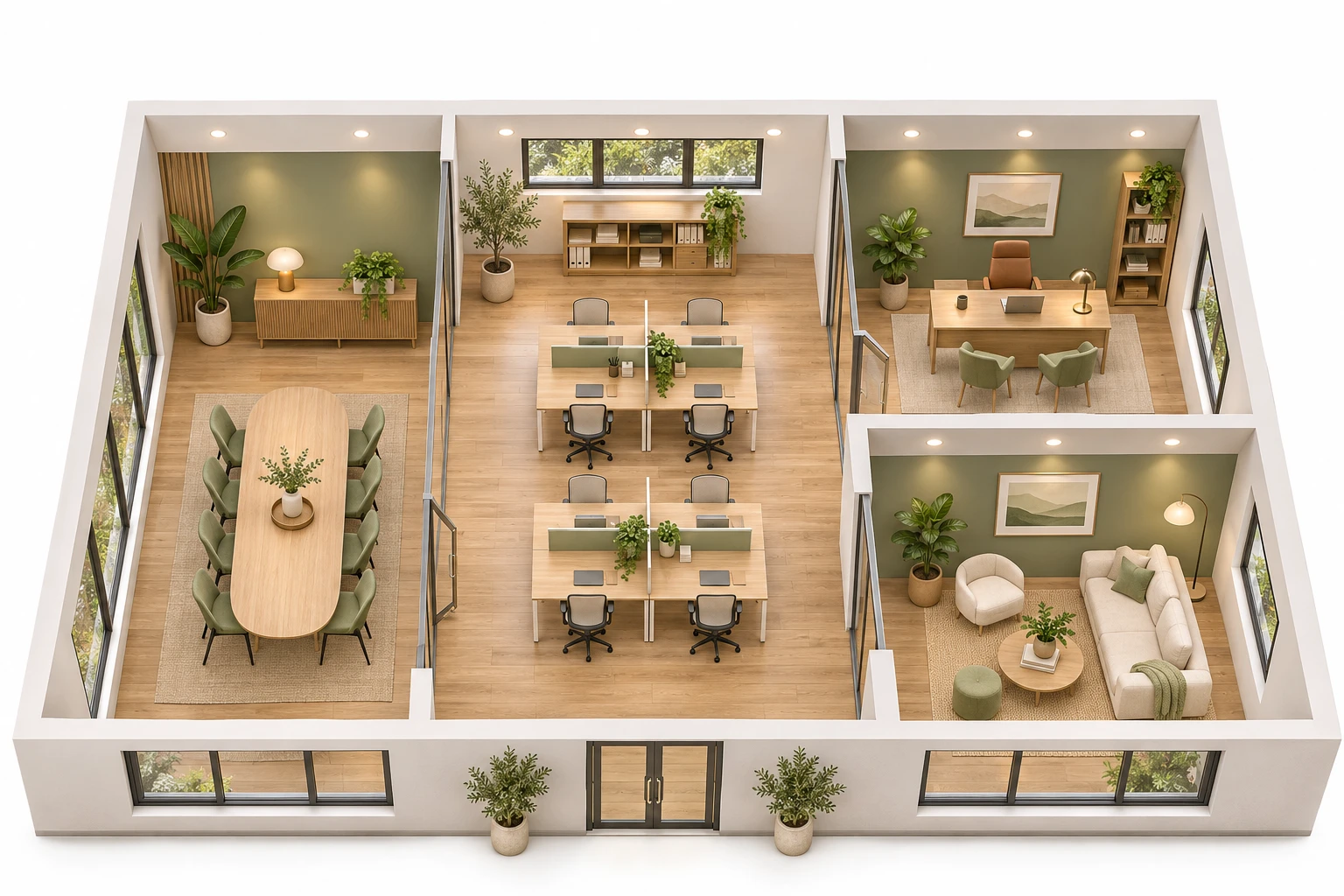 Zone AMeetingZone BWork AreaZone CManagerZone DLounge
Call a selected lighting scene.
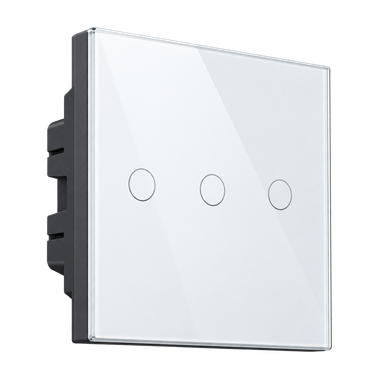
Operate the selected lighting zone.
Combine suitable component roles around the lighting and functions required.
Select scenes or control lighting locally.
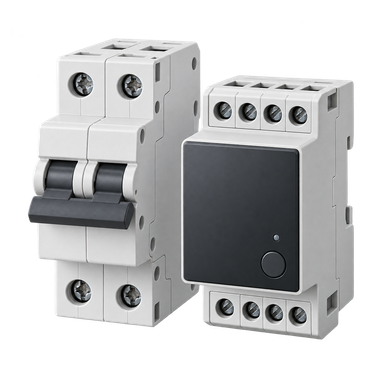
Controls compatible lighting loads, according to the model.
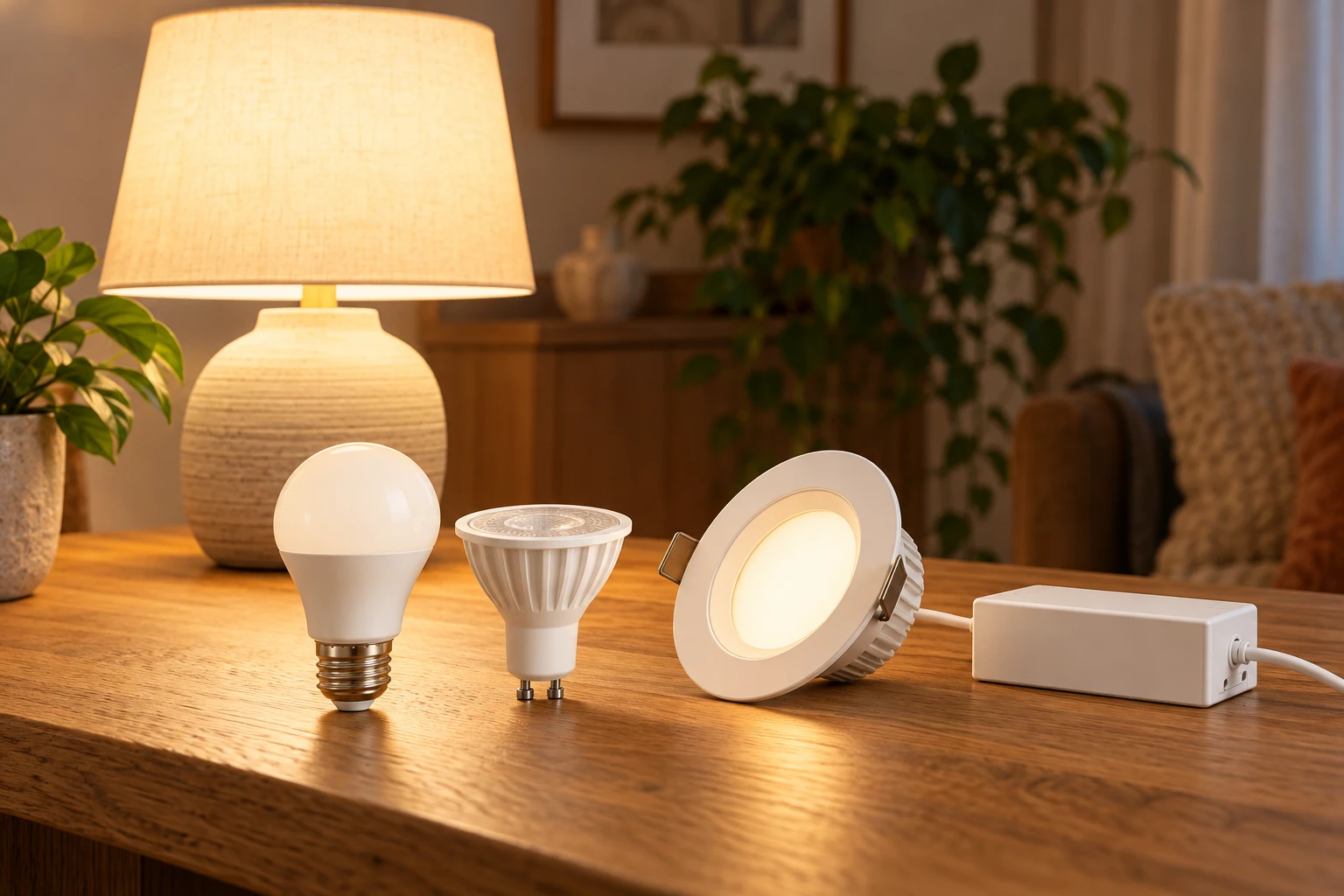
Choose suitable lamps and drivers for the required control.
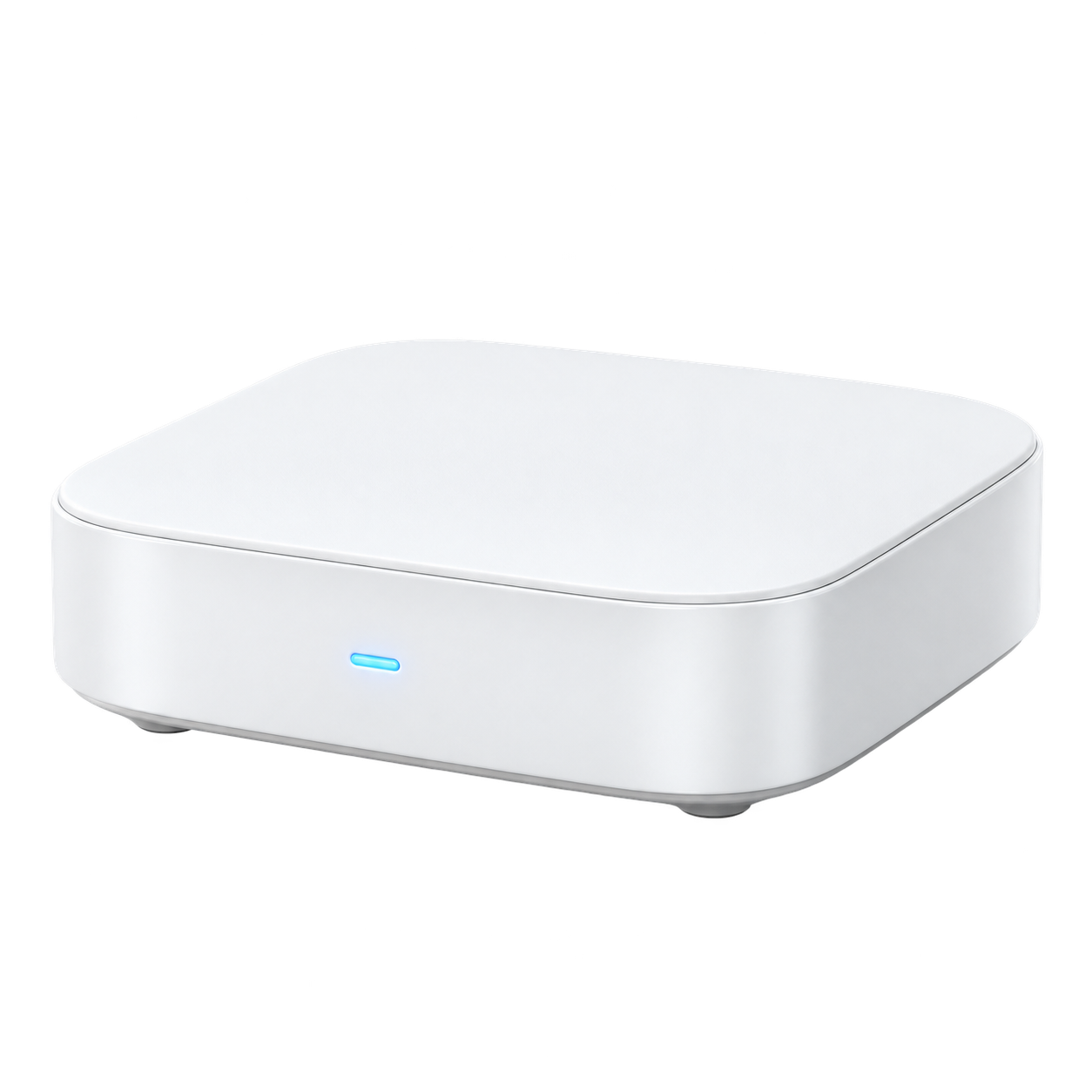
Remote access where the selected system supports it.
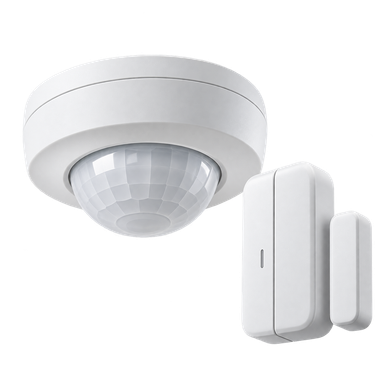
Occupancy or ambient-light input where required.
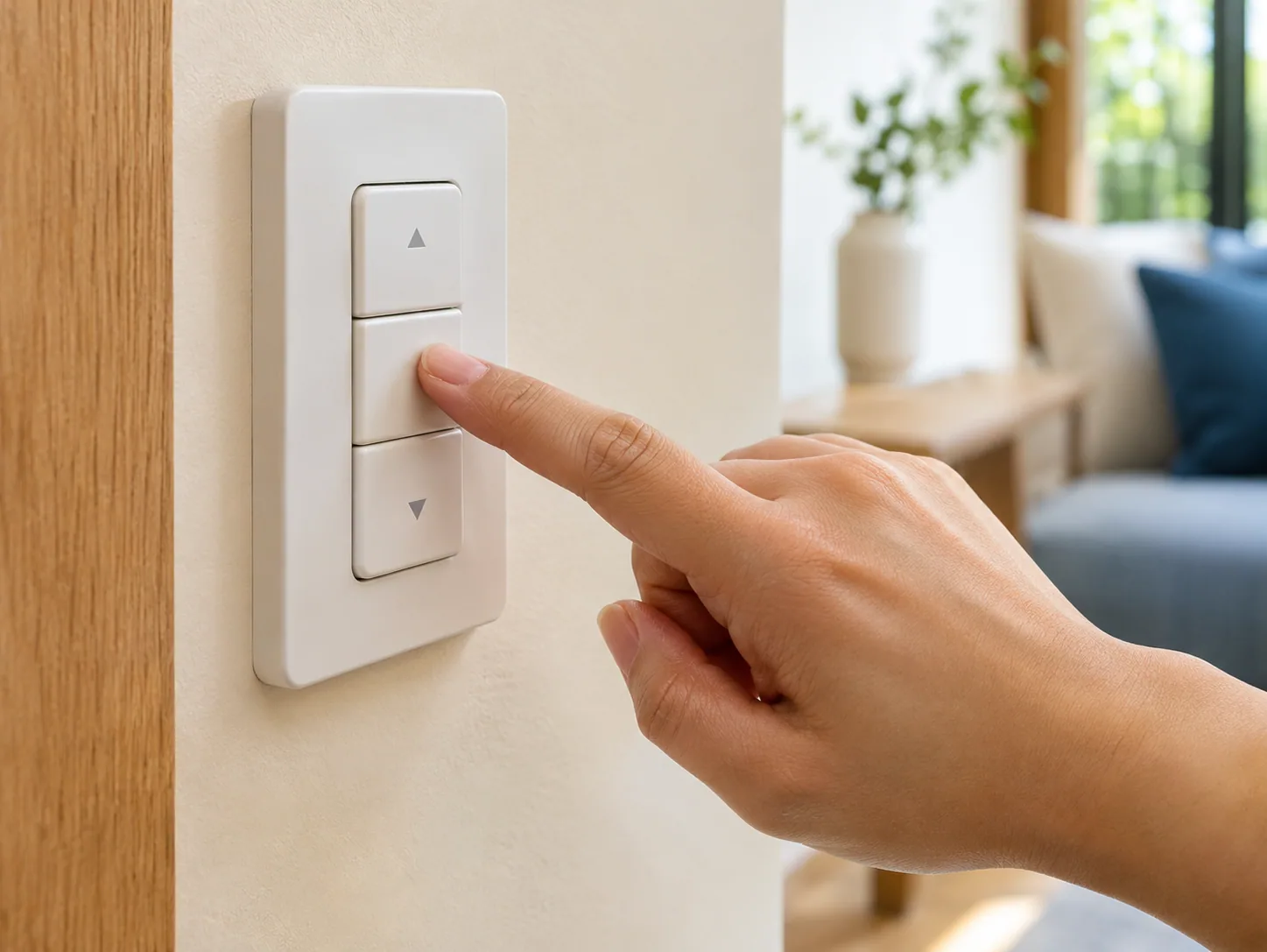
Use a wall control to select the configured scenes and lighting zones.
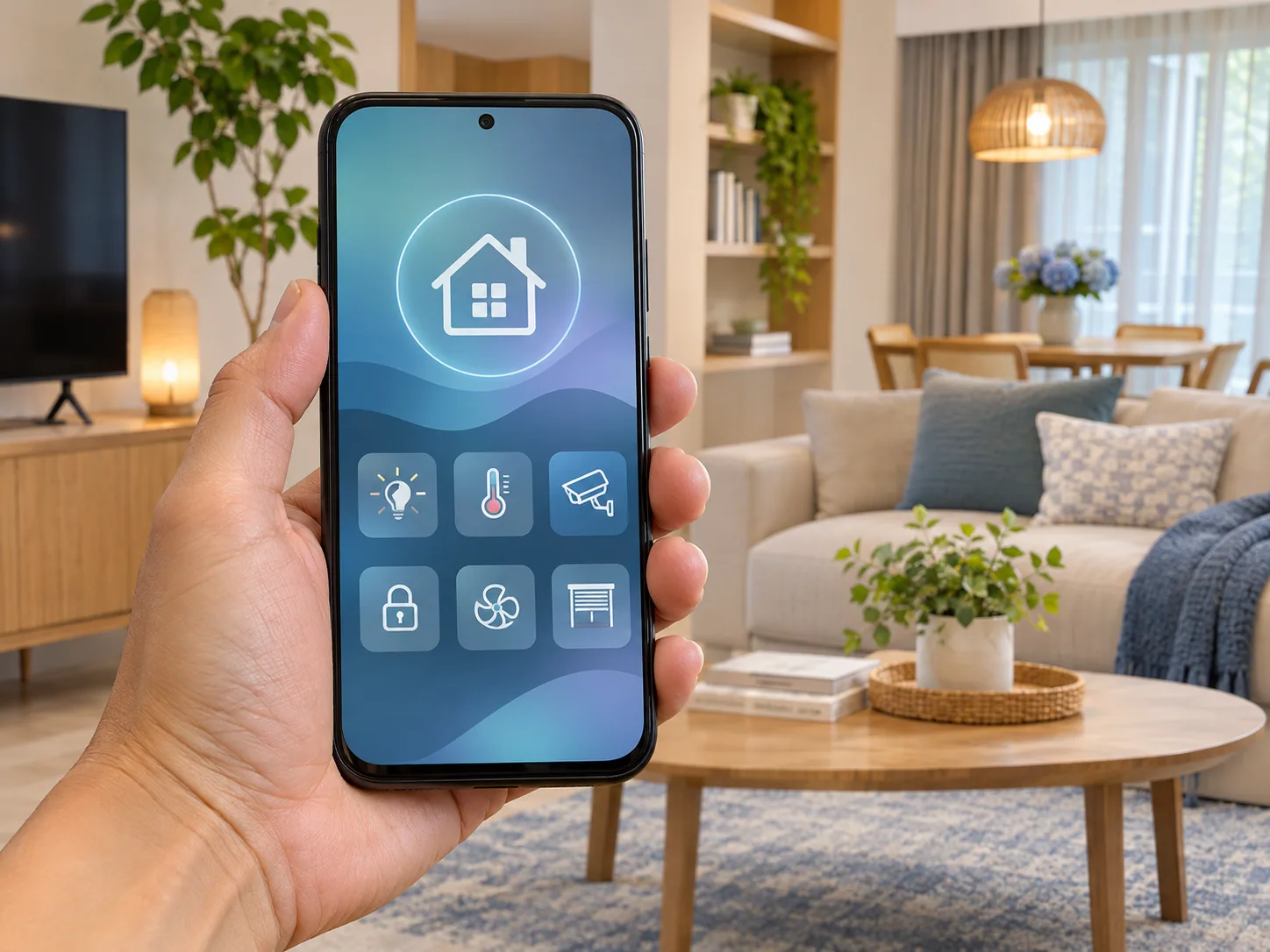
Access selected lighting functions through the supported app or control platform.
Review the site, lighting loads and selected control devices together.
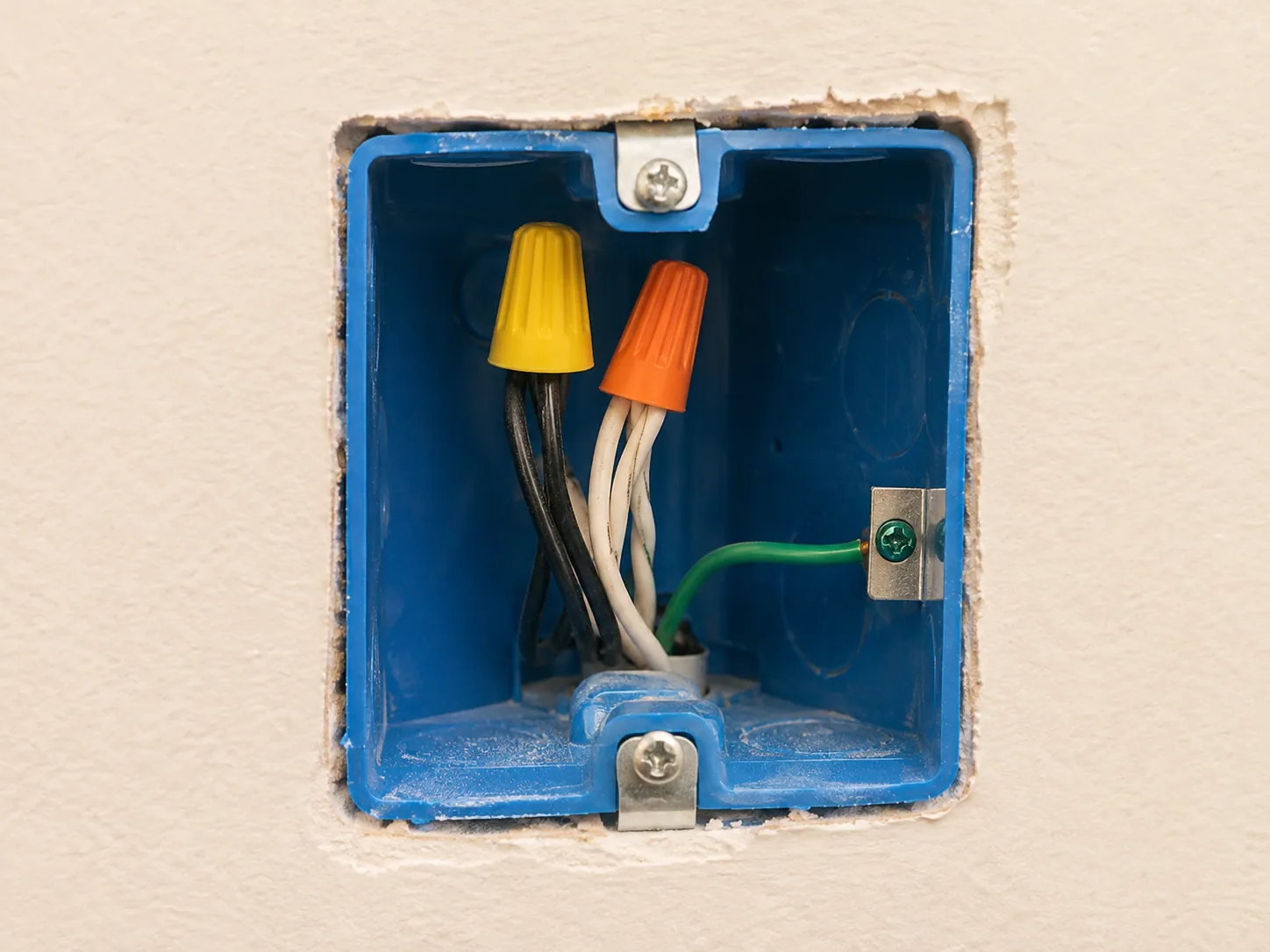
Confirm box type, depth and space.
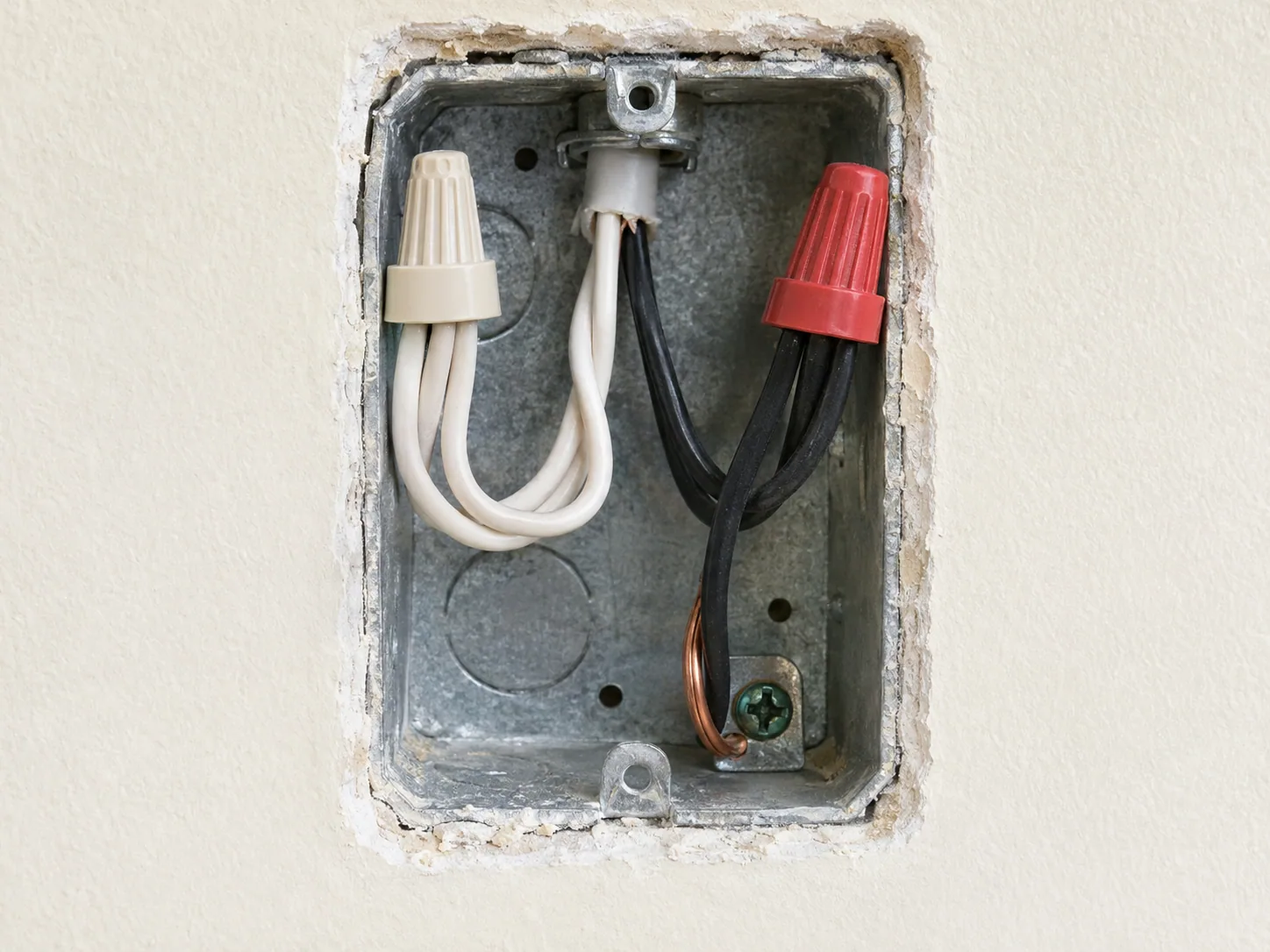
Check whether the selected device needs a neutral.
Match the lamp and driver to the selected control.
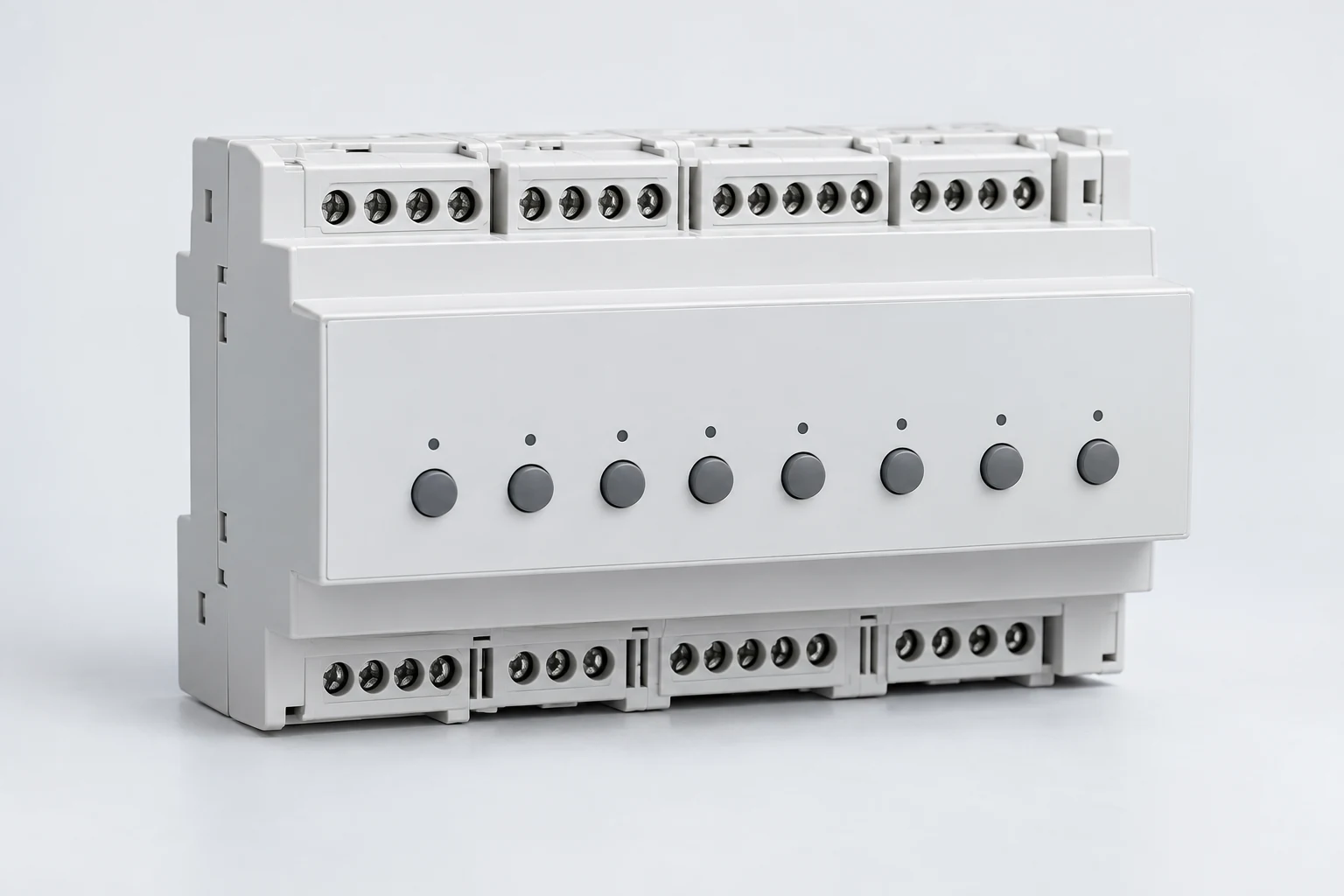
Confirm the dimmer and lighting combination.
Communication options and supported integrations depend on the actual devices and control platform. Share the existing system and required functions when discussing your project.
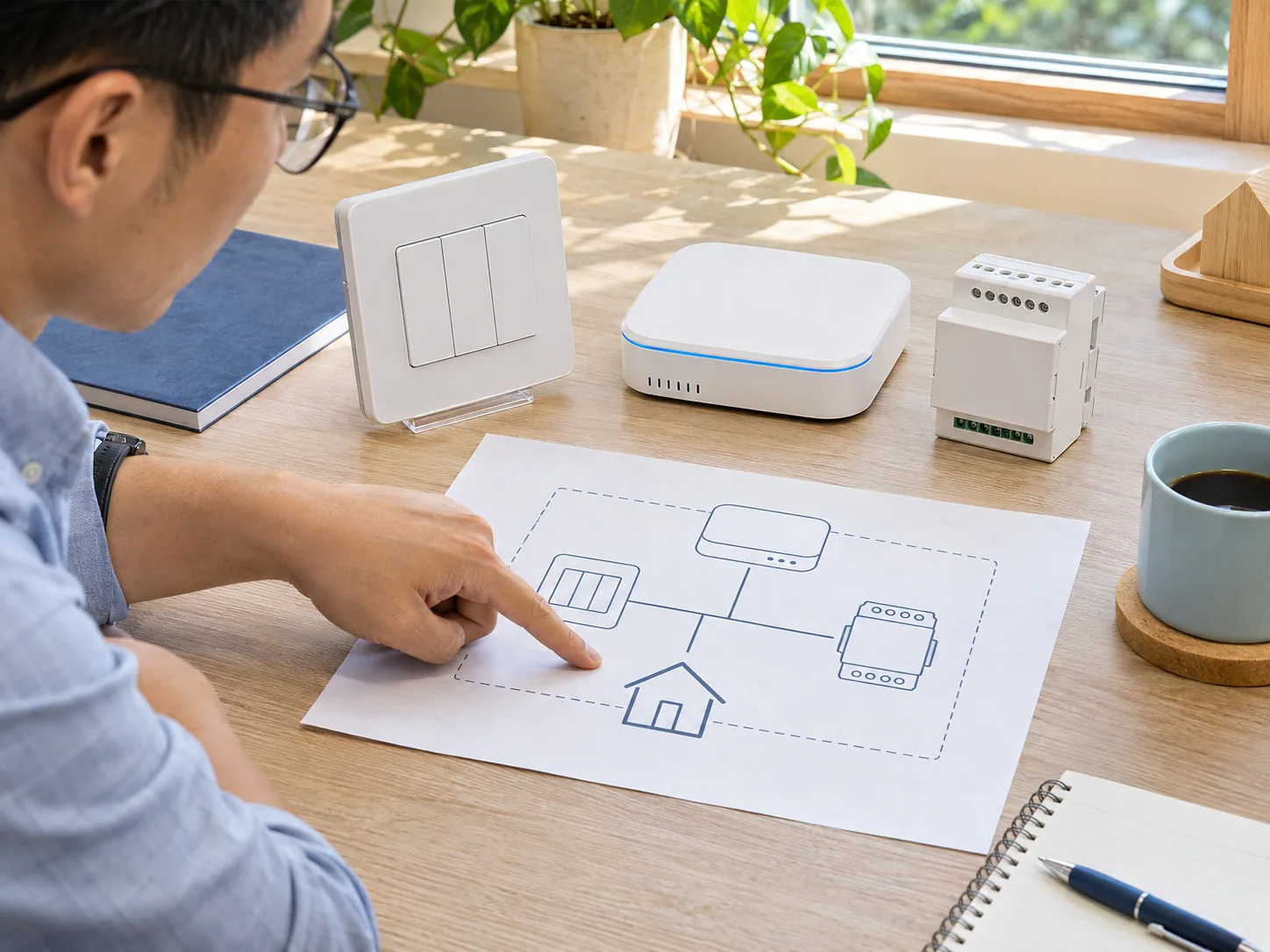
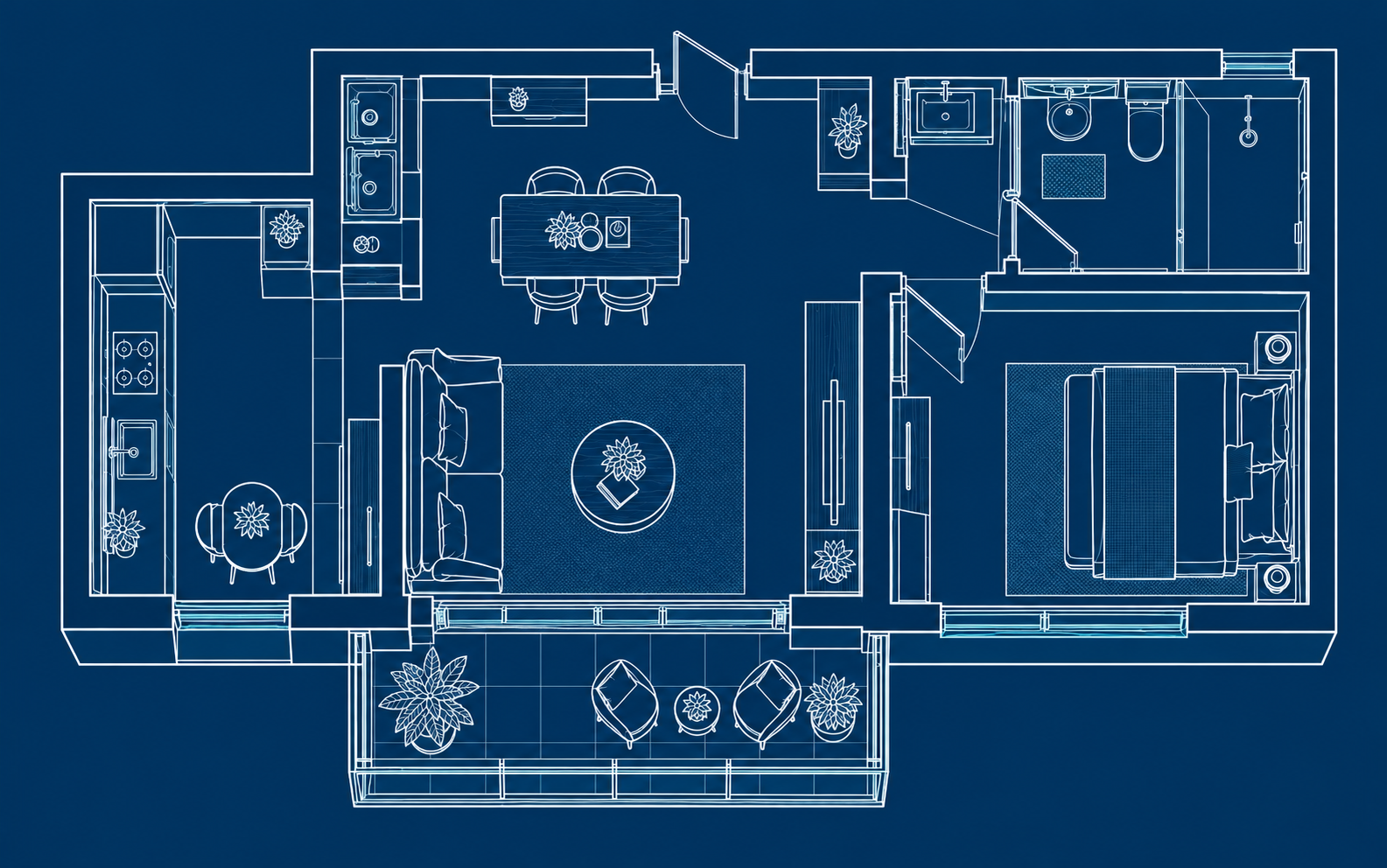
Share your spaces, lighting needs and control goals.
Discuss Your Project