
Room routines
Start with familiar moments such as arrival, reading or leaving the room.
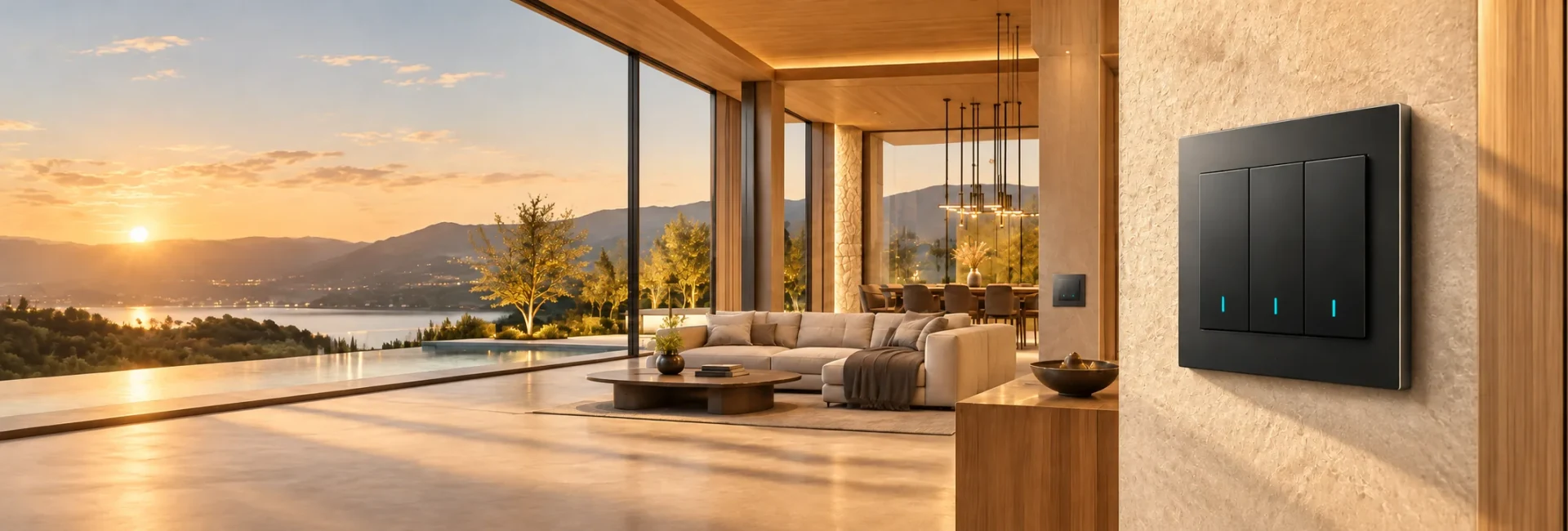
Catalogue appearance reference. Scene images illustrate possible settings.
Scene Switches & Controllers
Catalogue reference: ZR-SR-R01-GY
Bring related room actions together through a dedicated scene control.
Use & installation
Start with familiar moments such as arrival, reading or leaving the room.
Choose clear button labels and the devices each action will address.
Review the controller, setup method and scene functions for the selected version.
Product information
Supply, load, dimensions and system requirements depend on the selected version. Discuss the equipment and installation with your product enquiry.
Next step
Share the room use, equipment, quantity and installation needs. Include this product reference so the discussion starts with the right family.
Questions
Include the product reference, intended use, target market and expected quantity, together with the equipment and installation conditions.
Use documents that match the exact model and configuration. Similar panel designs can have different installation and system requirements.